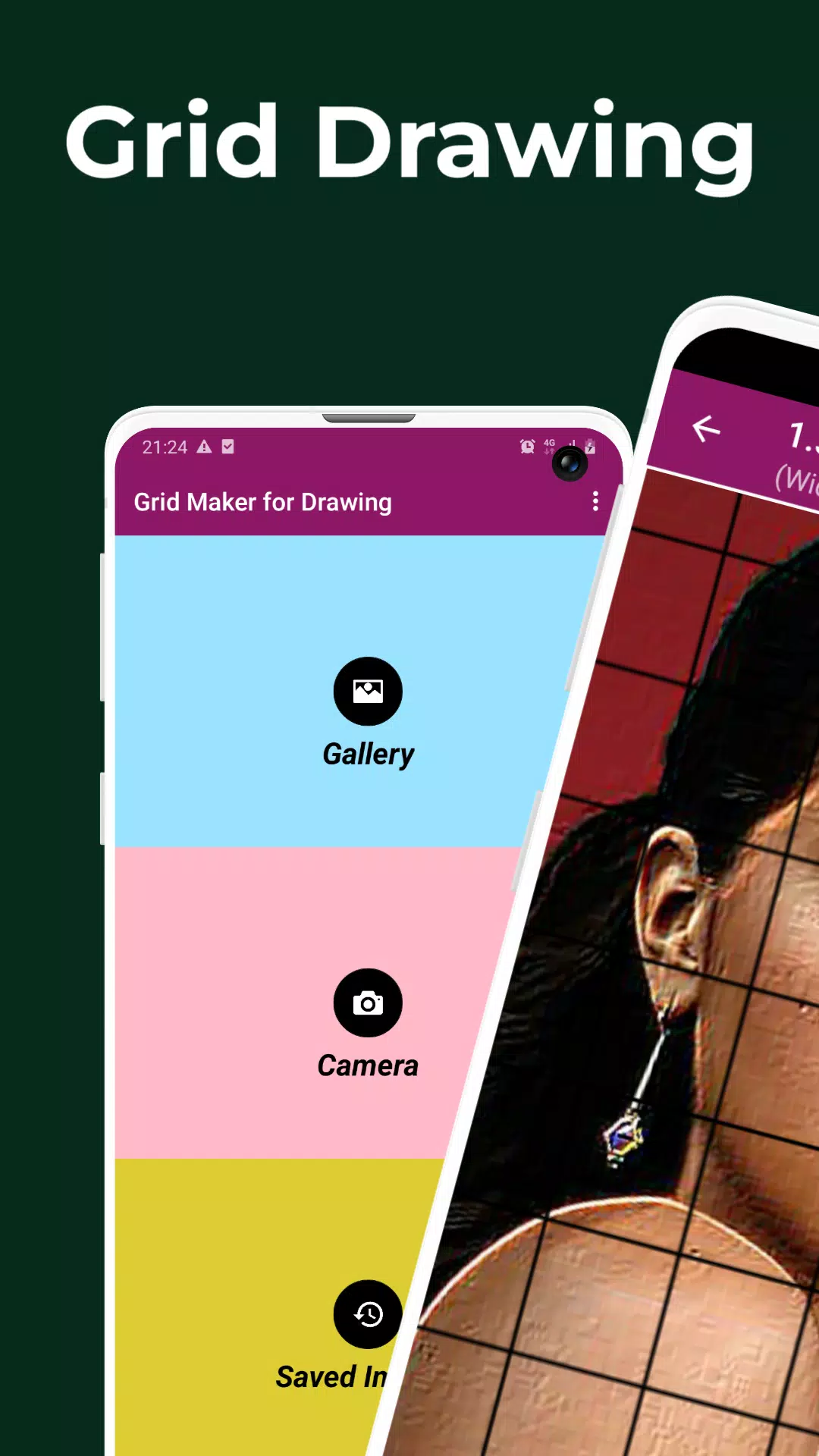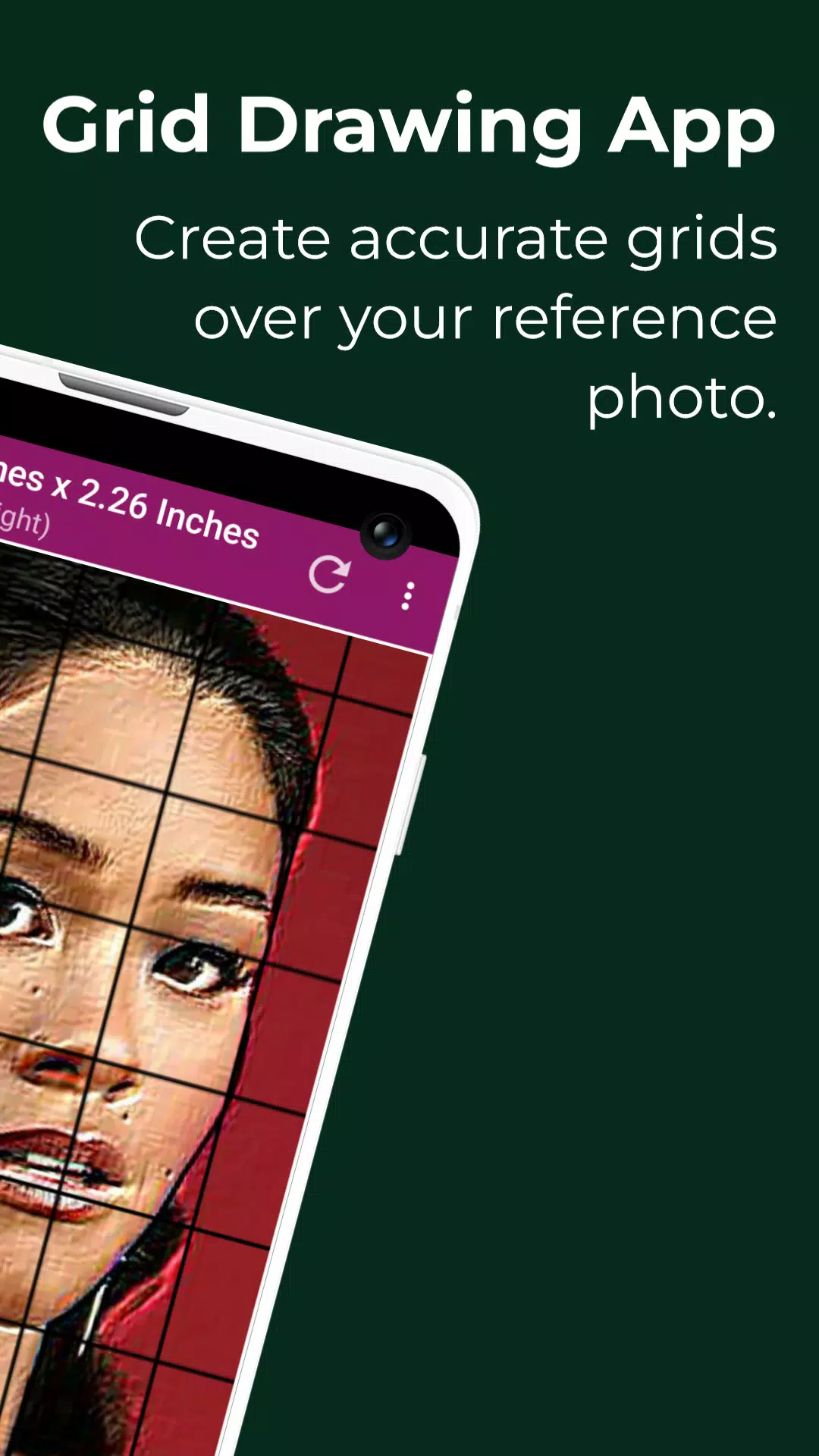
Grid Drawing | Grid Maker for Drawing - Apply a grid overlay to any image.
Grid Drawing is an artistic technique that involves overlaying a grid on your reference photo and then recreating a grid with the same proportions on your drawing surface, such as wood, paper, or canvas. The artist then reproduces the image section by section, concentrating on one square at a time until the entire composition is accurately transferred.
The Grid Drawing method offers a structured and efficient way to enhance drawing skills and artistic capabilities, ensuring the reproduced image maintains correct proportions and accuracy. This technique is an essential learning resource for any artist.
Key advantages of the Grid Drawing technique include improved proportional accuracy, easy scaling and resizing, simplified complexity, better observational skills, enhanced hand-eye coordination, and increased confidence in drawing.
The Grid Maker For Drawing Android app divides your reference image into smaller grid squares (rows and columns), with each square representing a portion of the overall picture. Artists then recreate each square on a larger scale, one by one, with high precision.
The Grid Maker app also helps sharpen your drawing abilities by preserving proportions and fine image details.
In addition, the Grid Drawing app comes equipped with a variety of tools and customization options that support accurate and timely reproduction of your reference photo onto your work surface with excellent detail and precision.
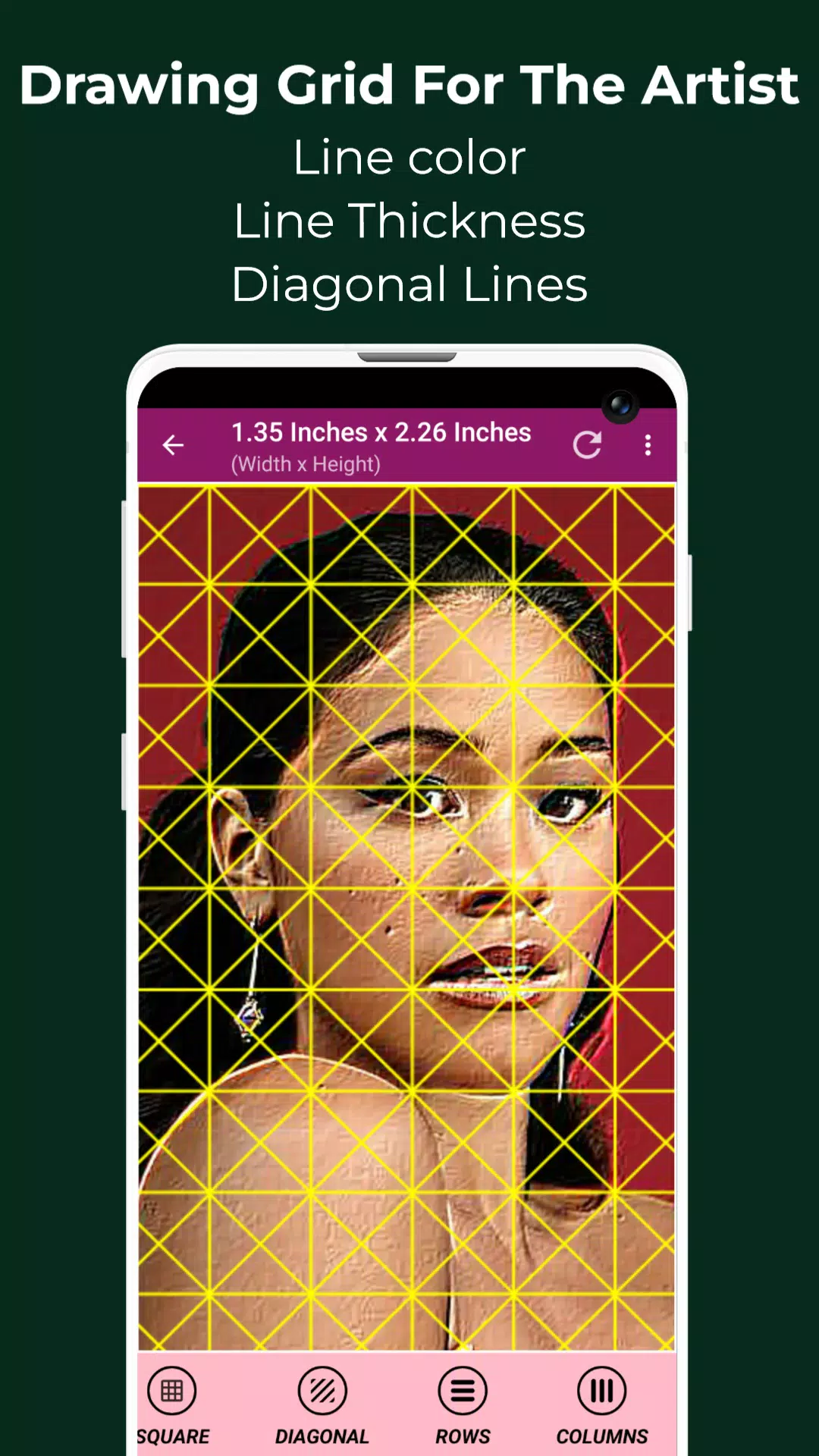
Drawing Grid For The Artist is suitable for both beginners and experienced artists seeking to improve their observational and drawing skills.
Key features of Grid Maker For Drawing With Measurements -
- Capture a new photo using your camera. Supports JPEG, PNG, and WEBP formats.
- Choose an existing image from your Gallery. Supports JPEG, PNG, and WEBP formats.
- Select or share an image from your preferred file manager or apps. Supports JPEG, PNG, and WEBP formats.
- Square grids
- Rectangular grids
- Enable or disable grid overlay on the image.
- Draw diagonal grids
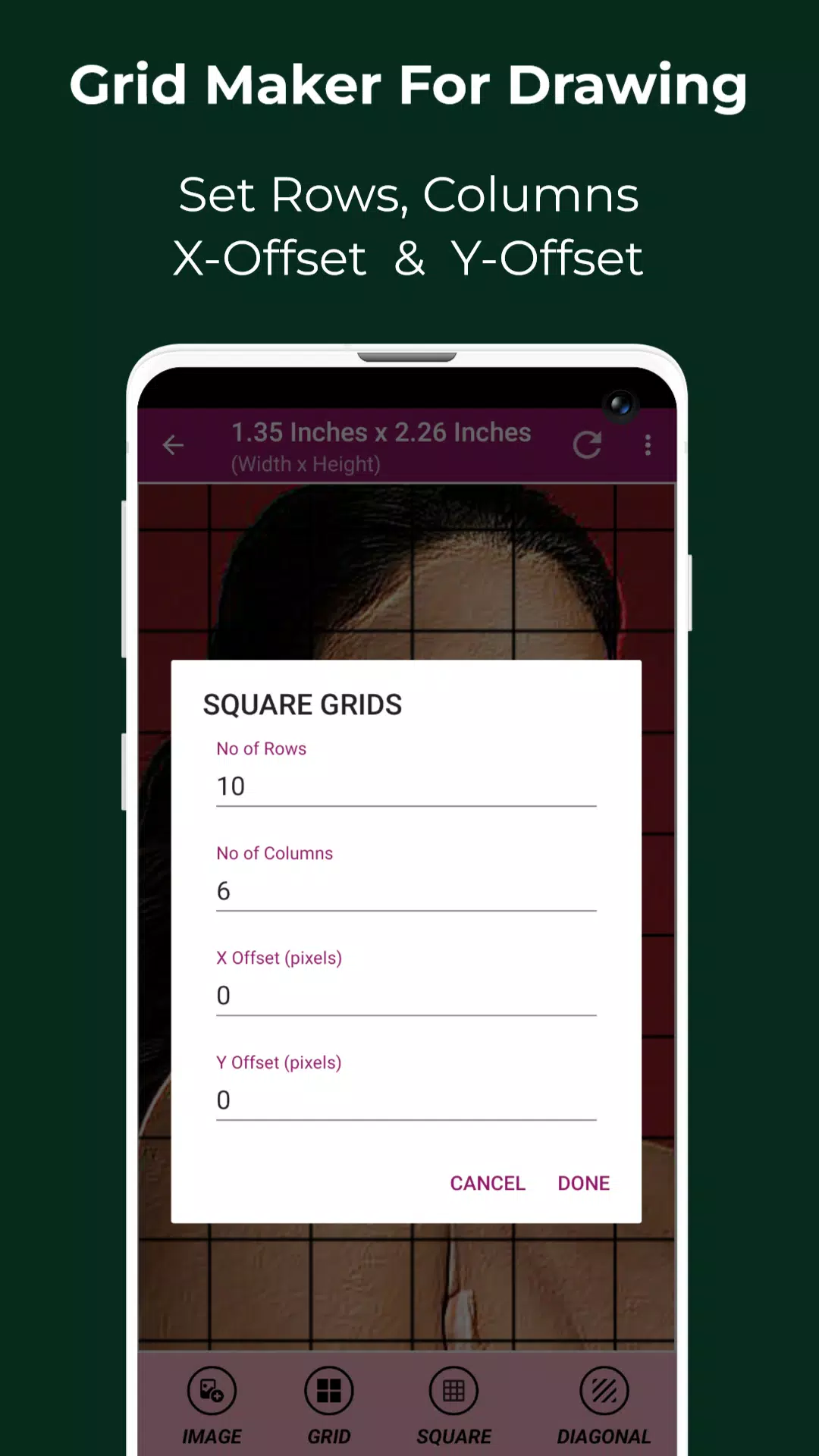
- Set the number of rows and Y-axis offset.
- Set the number of columns and X-axis offset.
- Select grid color
- Enable or disable grid labeling
- Adjust label size and alignment (Top, bottom, left, and right)
- Increase or decrease grid line thickness
- Image Measurements – view exact image dimensions in Pixels (px), Inches (in), Millimeters (mm), Points (pt), Picas (pc), Centimeters (cm), Meters (m), Feet (ft), and Yards (yd)
- Cell Measurements – view exact cell dimensions in Pixels (px), Inches (in), Millimeters (mm), Points (pt), Picas (pc), Centimeters (cm), Meters (m), Feet (ft), and Yards (yd)
- Full screen mode
- Compare Drawing – real-time comparison between your drawing and the reference image
- Lock Screen
- Pixel – Get HEXCODE, RGB, and CMYK values of any selected pixel in the reference photo
- Zoom in or zoom out of the image (up to 50x)
- Enable or disable zooming
- Effects – Black and white, Bloom, Cartoon, Crystal, Emboss, Glow, Grayscale, HDR, Invert, Lomo, Neon, Old School, Pixel, Polaroid, Sharpen, and Sketch
- Crop image (Fit image, Square, 3:4, 4:3, 9:16, 16:9, 7:5, custom)
- Rotate Image (360 degrees)
- Flip image vertically or horizontally
- Adjust brightness, contrast, saturation, and hue of the image
- Save, share, and print gridded images.
- Saved Images – Access all your saved grids anytime
Grid Drawing is the ultimate app for both novice and advanced artists looking to enhance precision and accuracy in their artwork.
Please feel free to contact us with any questions or suggestions. Thank you.