Here's a polished and professional version of your original content, optimized for clarity, engagement, and use in app descriptions, marketing materials, or website copy:
Teaching Board – Inspire Learning, Unlock Creativity
Transform your classroom or study session with Teaching Board, the intuitive digital whiteboard app designed for educators, students, and creative minds alike. Whether you're explaining complex concepts, brainstorming ideas, or crafting lesson plans, Teaching Board makes every idea come to life with ease.
With smooth, responsive drawing powered by stylus or finger, you can sketch freely or use precise shape templates to create perfect circles, triangles, rectangles, and more—ideal for math, science, art, and beyond. Customize every detail: choose from a wide range of line styles, colors, and brush thicknesses to match your unique teaching style or creative vision.
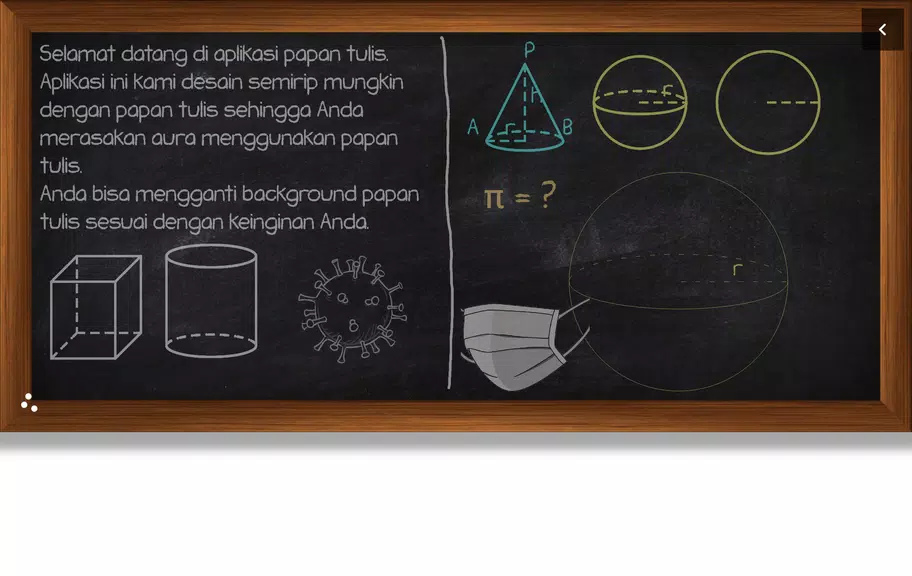
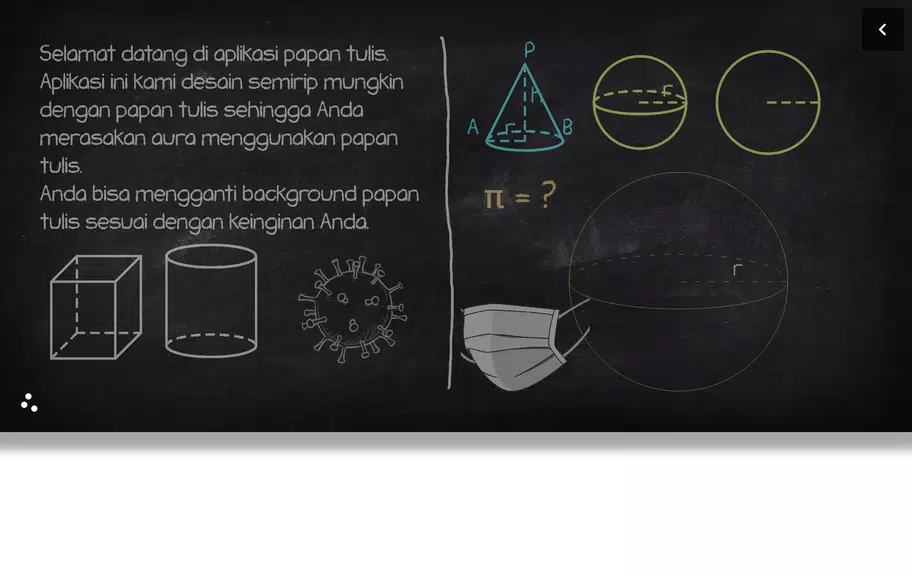
Enhance your boards with images, text annotations, and dynamic themes—switch between light, dark, and custom backgrounds to set the mood. Need to correct a mistake? Use the smart Undo/Redo function. Want to lock elements in place during a lesson? The Lock/Unlock feature keeps your layout stable and focused.
And with one tap, share your work instantly—send drawings to classmates, upload to learning platforms, or present live to inspire collaboration and engagement.
✨ Key Features
- Intuitive Design: Clean, user-friendly interface built for fast, seamless navigation.
- Precision Tools: Freehand drawing meets shape templates for accurate, professional visuals.
- Endless Customization: Mix and match colors, line styles, brush effects, and board themes.
- Smart Collaboration: Share your boards instantly via message, email, or cloud—perfect for remote learning and group projects.
- Built-in Productivity: Undo/Redo, Lock Elements, and Auto-Save keep your workflow smooth and stress-free.
🎓 Tips to Get the Most Out of Teaching Board
- Experiment with Templates: Use geometric shapes to build diagrams, models, or mind maps in seconds.
- Match the Mood: Try a themed board—like "Night Sky" for science or "Pastel Calm" for quiet reflection.
- Collaborate in Real Time: Share your screen during virtual classes or study sessions to teach and learn together.
- Save & Reuse: Store your favorite boards for future lessons—perfect for repeating topics or building a digital lesson library.
🌟 Final Thoughts
Teaching Board isn’t just an app—it’s a creative classroom companion. With its powerful tools, thoughtful design, and seamless sharing, it empowers educators to teach with confidence and students to learn with joy.
Whether you're a teacher crafting interactive lessons, a student mastering tough subjects, or an artist exploring new ideas—Teaching Board turns every sketch into a spark of inspiration.
📲 Download Teaching Board today and start drawing your path to success—anytime, anywhere.
Let me know if you'd like a shorter version for app store listings, social media, or promotional banners!