Application Description
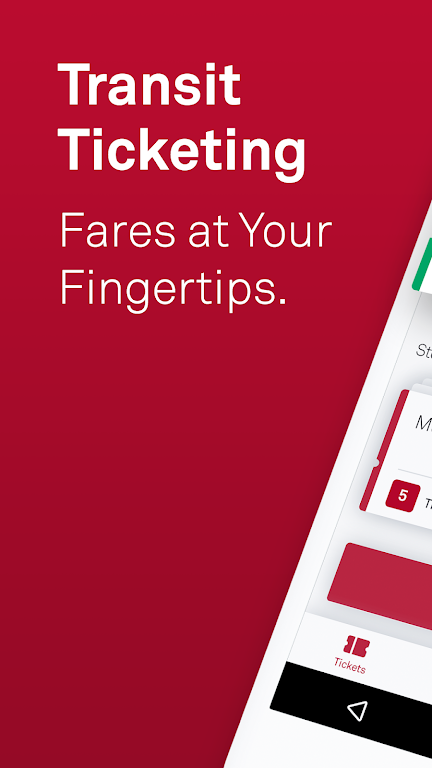
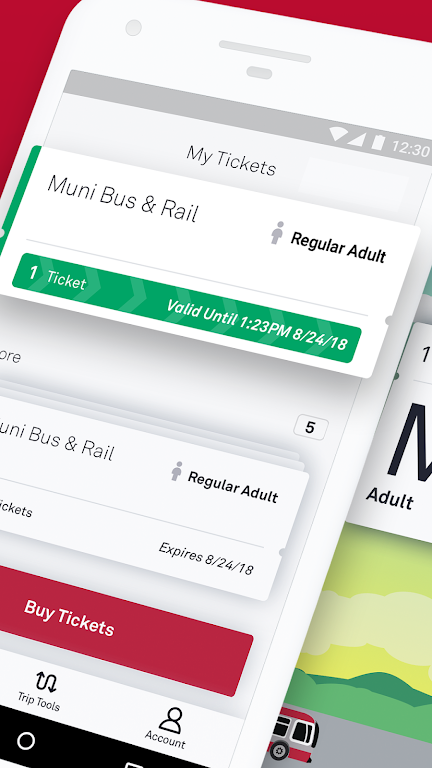
MuniMobile, the official San Francisco Municipal Transportation Agency (SFMTA) app, revolutionizes city transit. This comprehensive app offers mobile ticketing, real-time transit predictions, and streamlined trip planning, eliminating the need for cash or paper tickets. Purchase tickets conveniently via debit/credit card, PayPal, or Apple Pay, and activate them effortlessly before boarding.
Key MuniMobile Features:
- Effortless Payment: Say goodbye to fumbling for change! Purchase and use fares instantly on your phone.
- Diverse Payment Options: Utilize debit/credit cards, PayPal, or Google Pay for seamless transactions.
- Multi-Ticket Management: Store and manage multiple tickets for future trips.
- Group Travel Convenience: Easily purchase fares for multiple passengers.
- Secure Transactions: Register your payment methods within a secure system for peace of mind.
Frequently Asked Questions:
- Internet Connection for Purchases?: An internet connection is needed for ticket purchases, but activated tickets work offline.
- Low Battery Concerns?: Ensure your phone is adequately charged to maintain a valid fare.
- Transferring Tickets to a New Phone?: Create an account to transfer unused tickets. Only unused tickets are transferable.
Using the MuniMobile App:
- Download: Install MuniMobile from the App Store or Google Play.
- Account Creation: Register using your email or mobile number.
- Rider Type Selection: Choose from Adult, Senior/Disabled/Medicare, Youth, or SF Access.
- Fare Selection: Select your desired fare type (Single Trip, Cable Car, or Passport).
- Ticket Purchase: Buy the required tickets and complete the transaction.
- Activation: Activate your ticket before boarding.
- Offline Use: Activated tickets are usable offline.
- Ticket Management: Manage multiple tickets within the app.
- Real-time Updates: Enable auto-refresh for real-time transit information.
- Support: Consult the MuniMobile FAQ page or in-app help section for assistance.
Screenshot