Home Apps Communication Status Saver for Whatsapp
Status Saver for Whatsapp

Status Saver for Whatsapp

4.5
Application Description

Status Saver for WhatsApp: A Simple Guide to Saving WhatsApp Statuses

This app simplifies saving WhatsApp statuses to your Android device. Follow these steps:

  1. Access the Status: Open WhatsApp, go to the "Statuses" tab, and open the status you wish to save. This is crucial; unopened statuses cannot be saved.

Advertisement
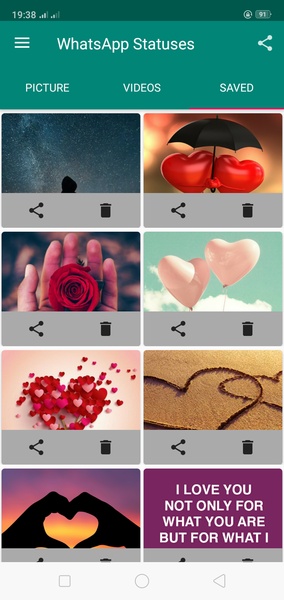
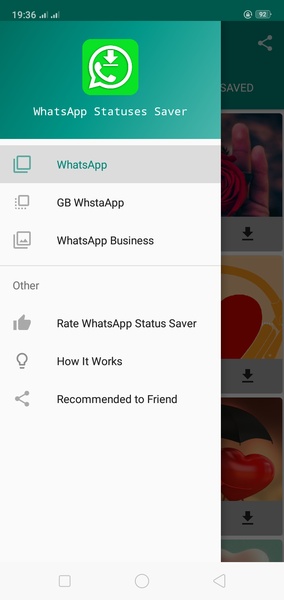
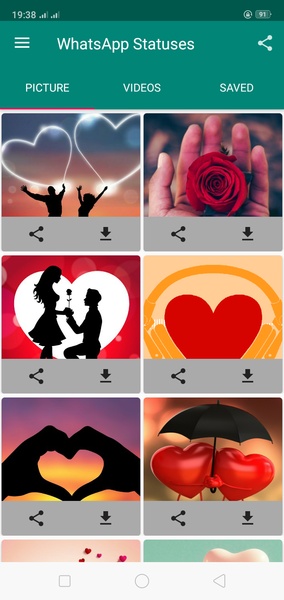
2. Use the Saver App: Open the Status Saver for WhatsApp app. All recently viewed statuses will be displayed. Simply select the status you want to save to your device.

Status Saver for WhatsApp provides a convenient way to permanently store WhatsApp statuses on your Android device.

System Requirements (Latest Version):

  • Android 5.0 or higher is required.
Screenshot
  • Status Saver for Whatsapp Screenshot 0
  • Status Saver for Whatsapp Screenshot 1
  • Status Saver for Whatsapp Screenshot 2
  • Status Saver for Whatsapp Screenshot 3
Reviews Post Comments
Latest Articles
  • PUBG Mobile World Cup begins with group draw

    ​The PUBG Mobile World Cup Group Stage matchups have been revealedTeams will battle through the initial phase for a shot at the championship finalsThe tournament kicks off on July 25thAs we approach mid-year, esports enthusiasts have their eyes set on

    by Sophia Dec 27,2025

  • SD Gundam G Generation Eternal Hits iOS, Android

    ​Collect over 500 Mobile Suits from across 70 different series titlesAll players will receive a variety of generous rewardsSuits from the newest Mobile Suit Gundam anime are also includedBandai Namco has officially launched SD Gundam G Generation Eter

    by Ethan Dec 27,2025

Latest Apps