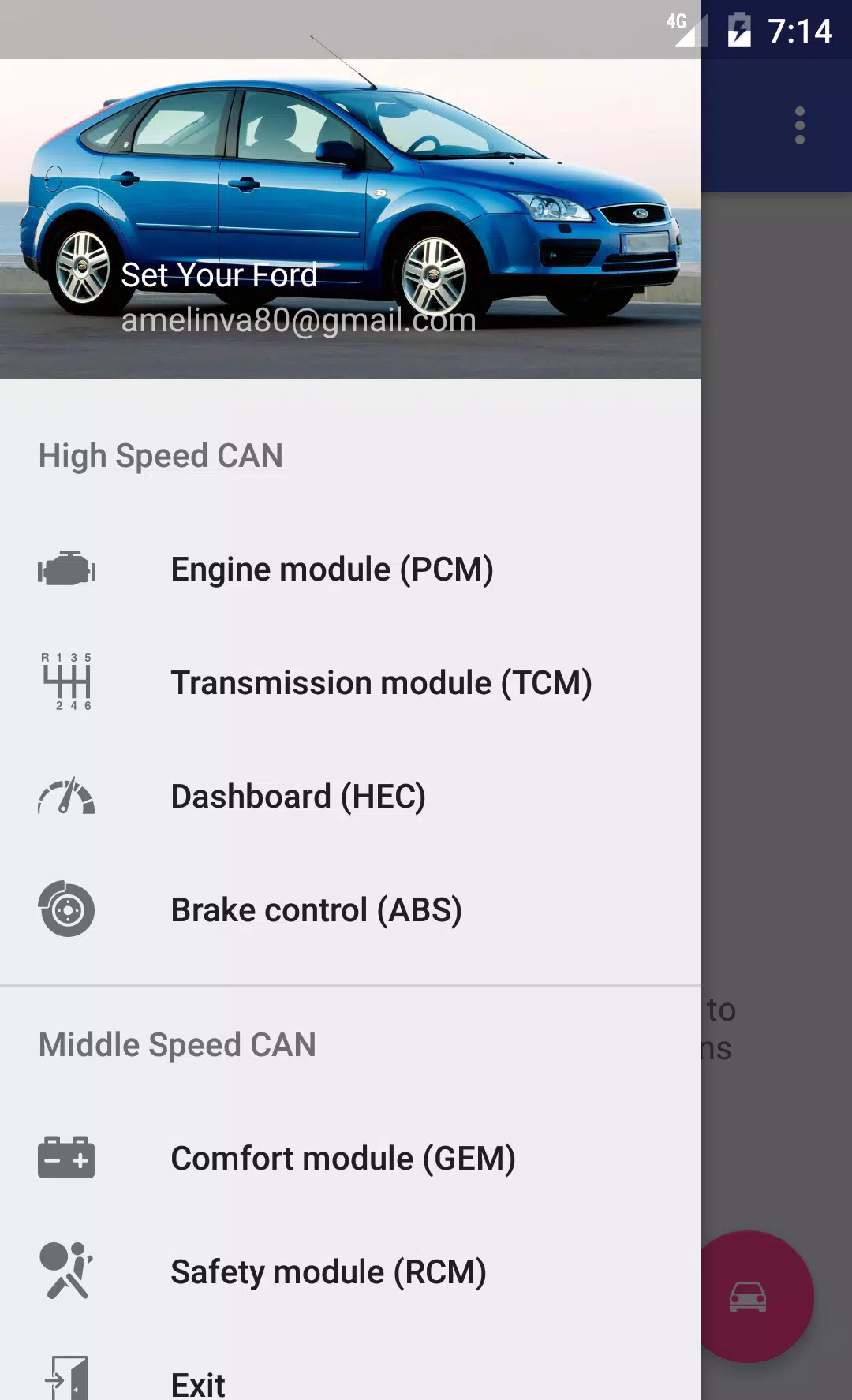
Perform diagnostics and configuration for modules in the Ford Focus 2 and C-Max I.
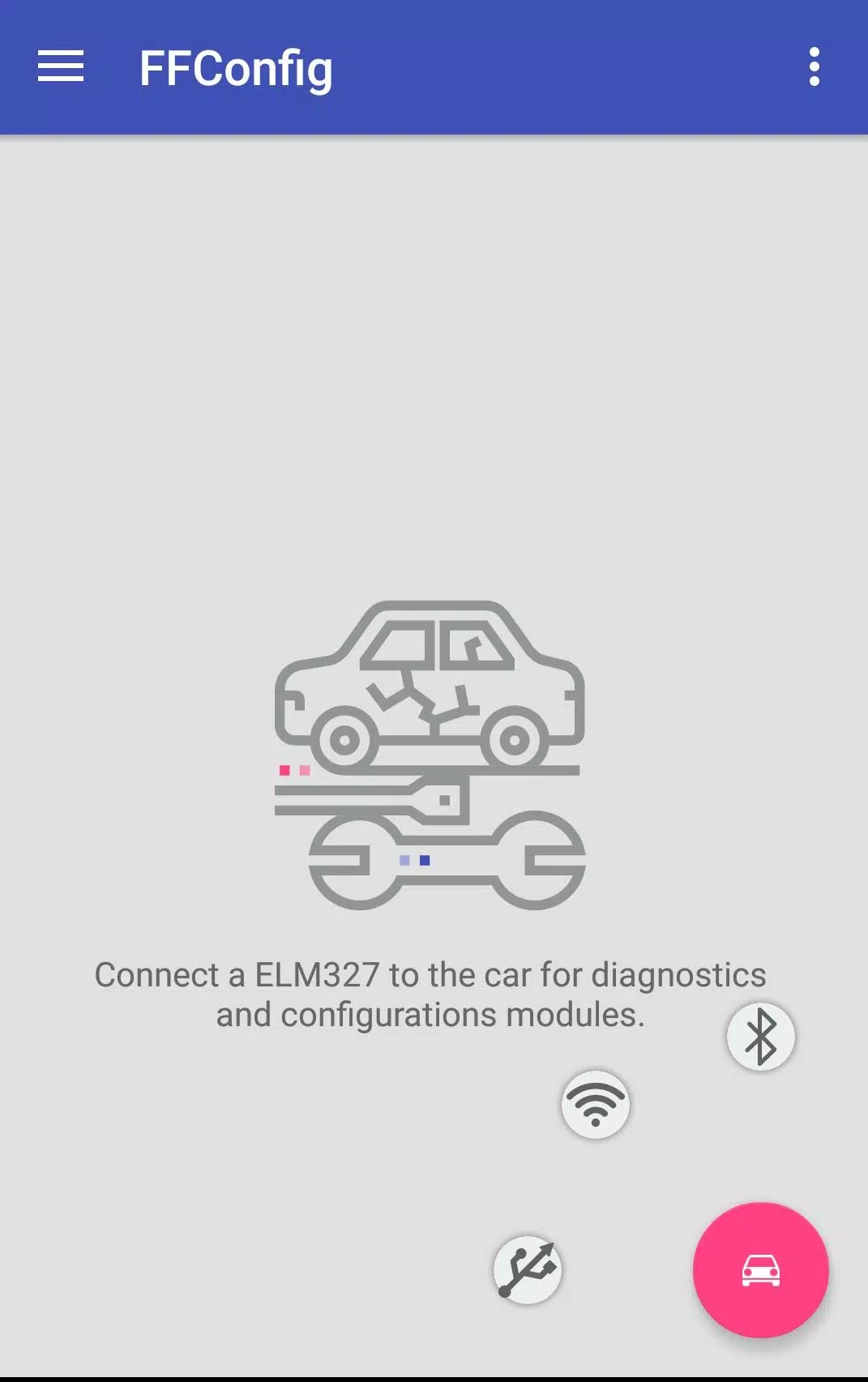
Connect to your Ford Focus 2 or C-Max using an ELM327 or ELS27 adapter to access and work with the following CAN-bus connected modules:
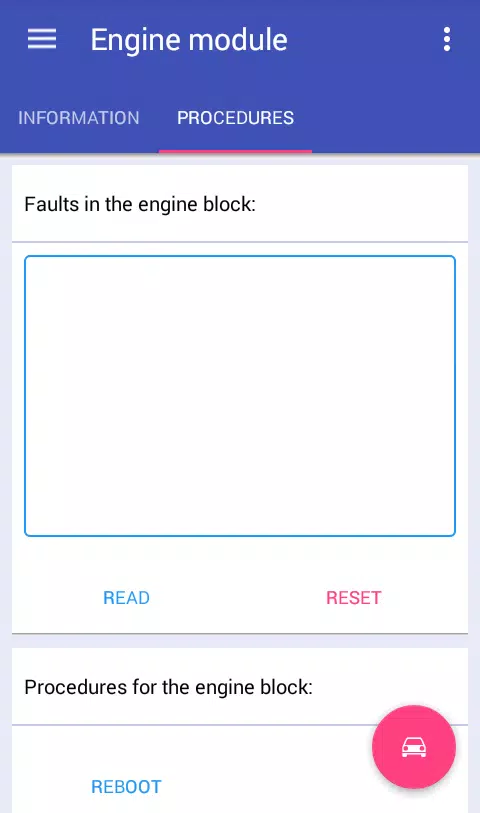
Engine Control Module: View module information, read and clear error codes, reboot the module, and reset long-term fuel adjustment (KAM)* for:
ESU-411/418 (1.8L 125HP / 2.0L 145HP)
SIM28/29 (1.4L 80HP / 1.6L 100HP/115HP)
ESU-121/131 (1.8L 120HP / 2.0L 145HP)
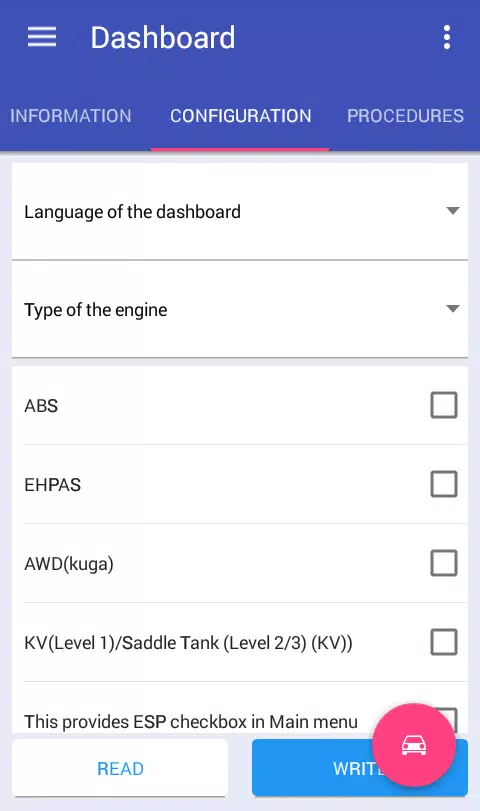
Instrument Cluster: View module information, read and clear error codes, configure module settings, reboot the module, change mileage units, and perform mileage correction*.
Brake Control Module: View module information, read and clear error codes, configure module settings, reboot the module, reset DDS calibration, and perform brake bleeding*.
Comfort Module: View module information, read and clear error codes, configure module settings*, and reboot the module.
Safety Module: View module information, read and clear error codes, configure module settings, reboot the module, and reset crash data*.
Transmission Control Module: View module information, read and clear error codes, and reset KAM*.
Climate Control Module: View module information, read and clear error codes.
Audio Module: View module information, read and clear error codes, and retrieve radio codes (for M series)*.
*-Some features are only available in the full version.
To unlock the application's full potential and access more vehicle modules, you'll need to spend some time modifying your ELM327 adapter.
Configure the switch according to these instructions:
Http://forffclub.narod.ru/index/0-2
ELS27 adapters can be purchased at: https://els27.ru/. For ELS27USB, set the speed to 38400; for ELS27BT, use 2,000,000 with the ELS27 Baudrate utility.