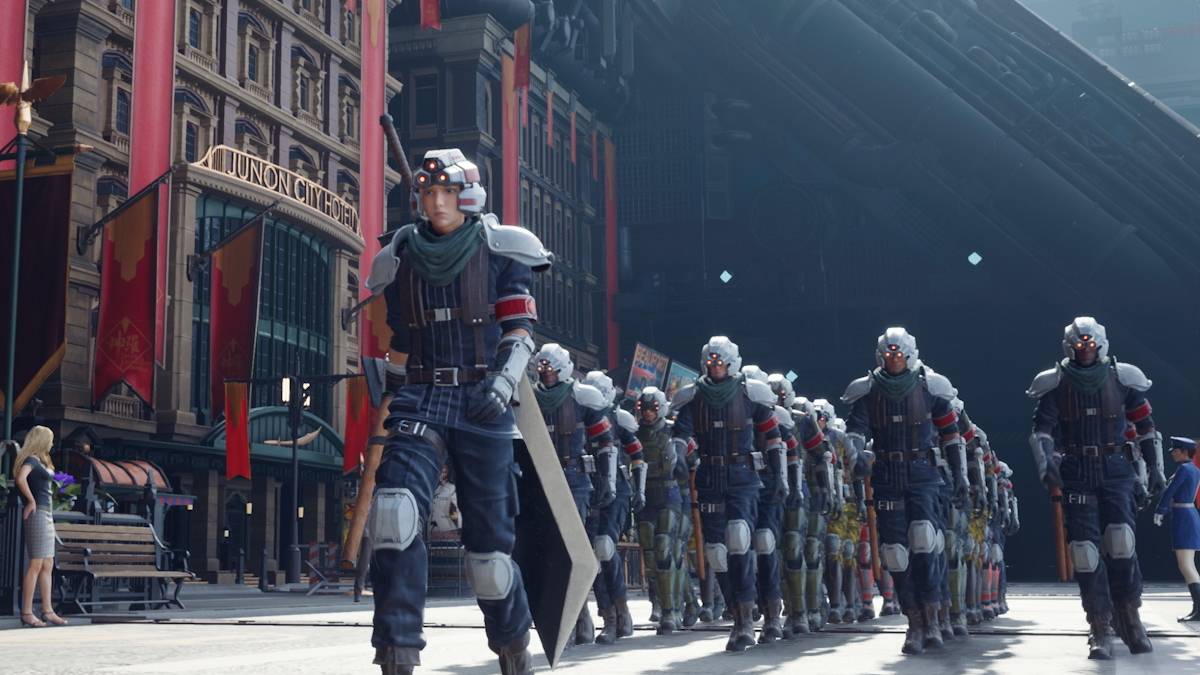
The much-anticipated release of *Final Fantasy 7 Rebirth* on PC has unfortunately been marred by reports of significant stuttering issues. However, fear not—here are several effective solutions to enhance your gaming experience and smooth out those frustrating frame drops.
Table of contents
Final Fantasy 7 Rebirth PC Stuttering Solutions
-----------------------------------------------Lower Graphics Settings
*Final Fantasy 7 Rebirth* demands a lot from your system, making it crucial to meet the recommended PC specs to avoid stuttering. If your setup just scrapes the minimum requirements, you'll need to tweak your graphics settings. Access the game's menu, navigate to the graphics options, and start with the lowest settings. Gradually increase them while keeping an eye on performance.
For an additional boost, consider switching your Display Sync Technology to VRR. Some players have found this setting reduces lag and stutter, although it might introduce minor visual fragmentation.
Update Your GPU Driver
Alongside adjusting graphics settings, ensure your GPU driver is up to date. Newer versions typically offer enhanced performance for the latest games. Nvidia users can check for updates via GeForce Experience by selecting the Drivers option. AMD users should open AMD Adrenalin Edition, where the main menu will indicate if you're running the latest version.
Related: All Minigames in FF7 Rebirth, Ranked from Worst to Best
Use Mod
Another approach to tackle stuttering in *Final Fantasy 7 Rebirth* is by using mods. I recommend trying Fantasy Optimizer and Ultimate Engine Tweaks, both of which can significantly boost game performance. Installation is straightforward: create a mod folder in the game's directory and add the mod files. For a more streamlined process, consider using Vortex Mod Manager from Nexus Mods. Keep in mind that Ultimate Engine Tweaks requires FFVIIHook to function properly.
Change Your Nvidia Settings
Nvidia users have another trick up their sleeve to combat stutter in *Final Fantasy 7 Rebirth*. Enable V-Sync and G-Sync within the Nvidia Graphics settings, but remember to disable V-Sync in the game itself. Additionally, adjust the Low Latency Mode to either 'On' or 'Ultra' for the best results.
With these solutions, you're well-equipped to enjoy *Final Fantasy 7 Rebirth* on PC without the frustration of stuttering. Dive back into the world of Midgar and beyond, with smoother gameplay and enhanced performance.
*Final Fantasy 7 Rebirth is available now on PlayStation and PC.*