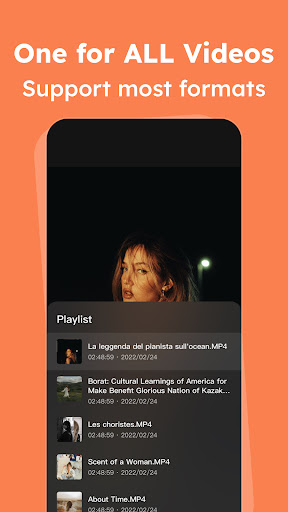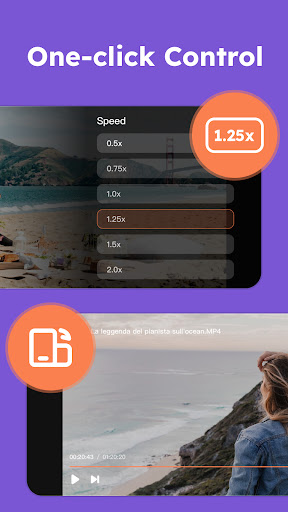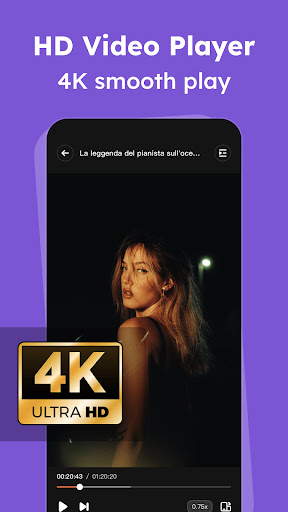
Introducing iPlayer: A versatile offline video player packed with features. This powerful application supports high-resolution 4K/UltraHD video files and a wide range of formats including MKV, MP4, WebM, and AVI. Users can easily customize their viewing experience by adjusting playback speed, brightness, and volume.
Effortless Video Playback
iPlayer simplifies video viewing by flawlessly handling diverse video formats, from standard MP4 to high-definition 4K videos. It optimizes video quality for sharp visuals, while also allowing users to manually adjust video quality settings for bandwidth management or device compatibility.
User-Friendly Design
iPlayer boasts an intuitive interface, making navigation a breeze. Simple controls allow for seamless replay, playback speed adjustment, volume control, and brightness adjustments. Enjoy uninterrupted viewing with effortless library management.
Ad-Free Option
Remove distracting ads with iPlayer Premium's subscription. Enjoy uninterrupted viewing by subscribing through your Google Play account for a seamless, ad-free experience.
Enhanced Privacy with DuckDuckGo Browser
iPlayer incorporates the DuckDuckGo browser, prioritizing user privacy. Unlike traditional browsers, DuckDuckGo protects your online activity while browsing video content, ensuring confidential browsing across various websites by avoiding tracking mechanisms.
Optimizing Your iPlayer Experience
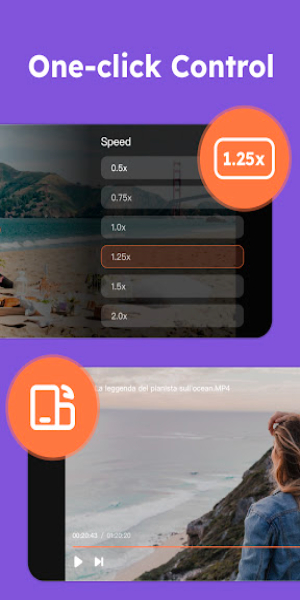
- Customizable Playback Speed: Adjust playback speed to suit your preference.
- Intuitive Gestures: Use simple swipe gestures to control volume and brightness.
- Enhanced Audio: Enjoy immersive audio with headphone support.
- Offline Viewing: Download and store videos for offline playback.
- Organized Library: Organize your video library with custom titles and folders.
Key Features
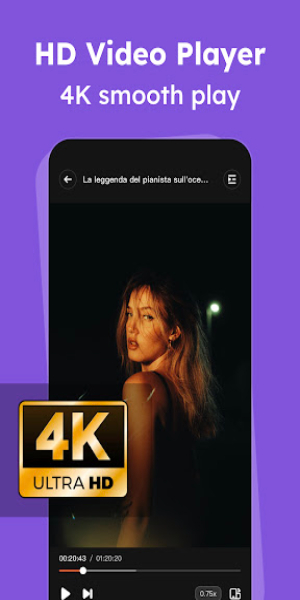
- Extensive Format Support: Plays MKV, MP4, AVI, FLV, MPG, and 4K Ultra HD videos.
- High-Definition Playback: Supports crisp 4K Ultra HD video for an immersive experience.
- Intuitive Controls: Easily adjust playback speed, brightness, and volume with simple gestures.
- Adaptive Brightness: Dynamically adjusts screen brightness based on video content.
Pros & Cons
Pros:
- Wide range of video format compatibility (MP4 to 4K).
- Privacy-focused DuckDuckGo browser integration.
- Customizable video quality, playback speed, and other settings.
- User-friendly interface and controls.
Cons:
- Ads are present unless a subscription is purchased.
- Subscription model may be a drawback for some users.
Conclusion
iPlayer offers versatile video playback with a focus on user privacy. While ads are present in the free version, the subscription option provides an enhanced, ad-free viewing experience. Download iPlayer Mod APK for Android and enjoy a smooth, comfortable video-watching experience.