Key Features of Microsoft Authenticator:
-
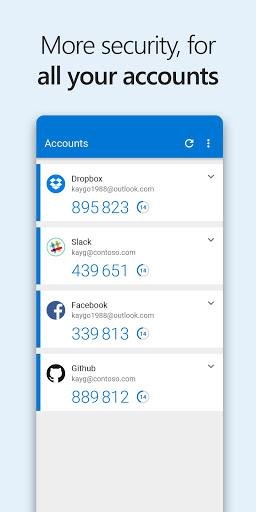
Two-Step Verification: Boost account security by requiring a second verification step (notification approval or code entry) after password input.
-
Phone Sign-In: Access your Microsoft account conveniently by simply approving a notification on your phone—password entry is unnecessary.
-
Device Registration: Easily register your trusted devices for secure access to organizational resources, as required by some companies.
-
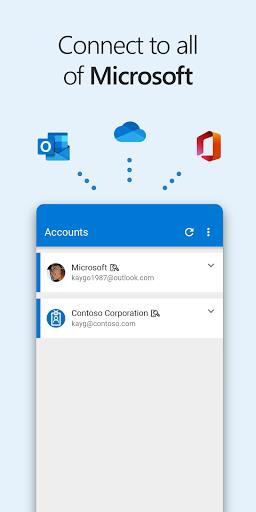
App Consolidation: Replaces multiple authentication apps (including Azure Authenticator, Microsoft account, and Multi-Factor Authentication apps), providing a unified solution.
User Tips:
-
Enable Two-Step Verification: Protect all your accounts by activating this feature, preventing unauthorized access even if your password is compromised.
-
Utilize Phone Sign-In: Streamline logins to your personal Microsoft account for faster, more convenient access.
-
Register Your Devices: If your organization mandates device registration, use this app for quick and easy completion, ensuring smooth and secure sign-ins.
Summary:
Microsoft Authenticator offers robust security and simplified authentication for personal and organizational accounts. Its combination of two-step verification, phone sign-in, and device registration provides a seamless and secure login experience. Consolidating multiple authentication apps into one, this app simplifies security management. Activate these features and follow the tips above to fully leverage Microsoft Authenticator's security and convenience. Join the beta program for access to the latest updates!