
Create vector graphics online with intelligent design tools.
Searching for the top vector graphic design app for Android? Your search ends here.
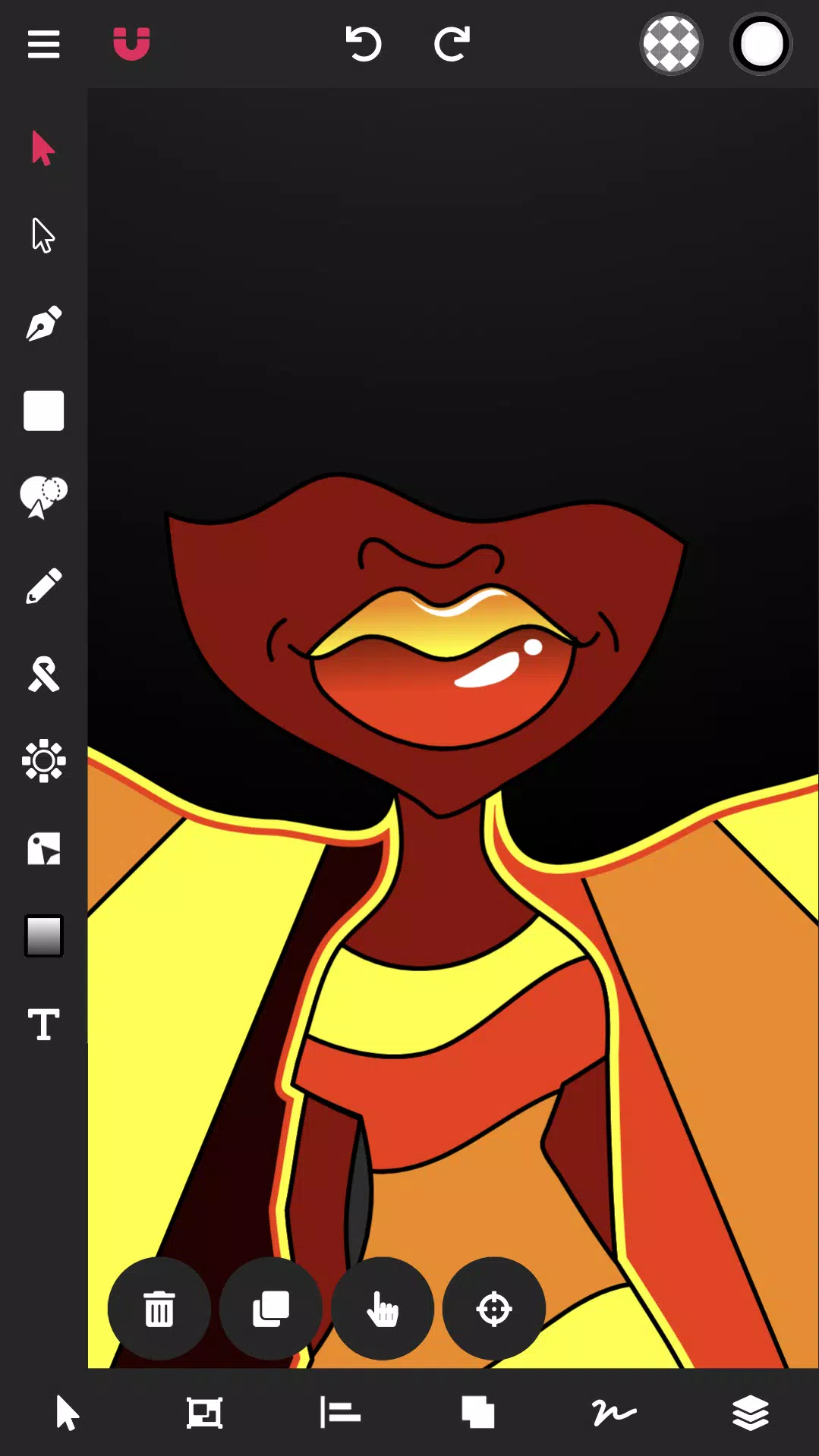
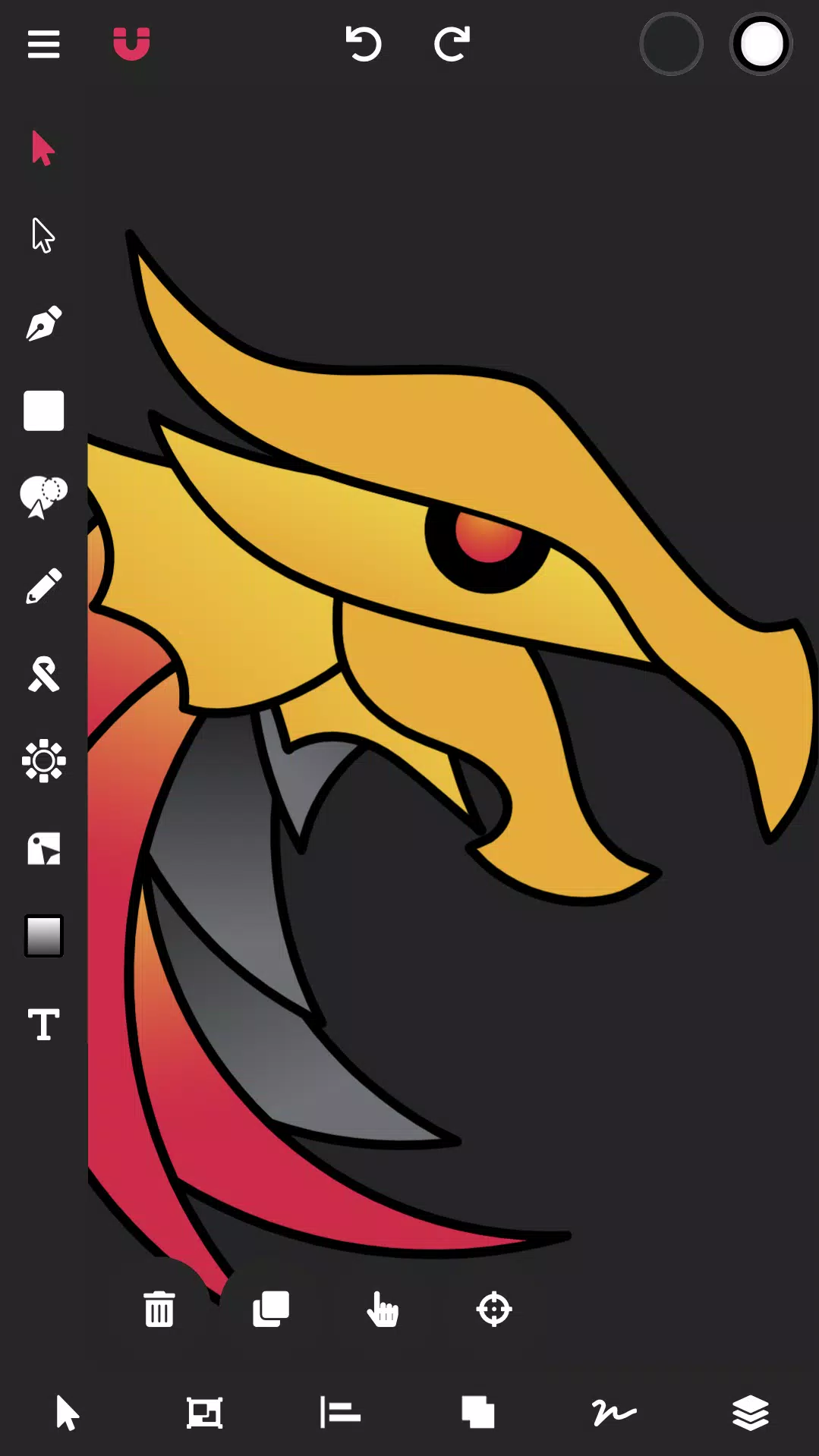
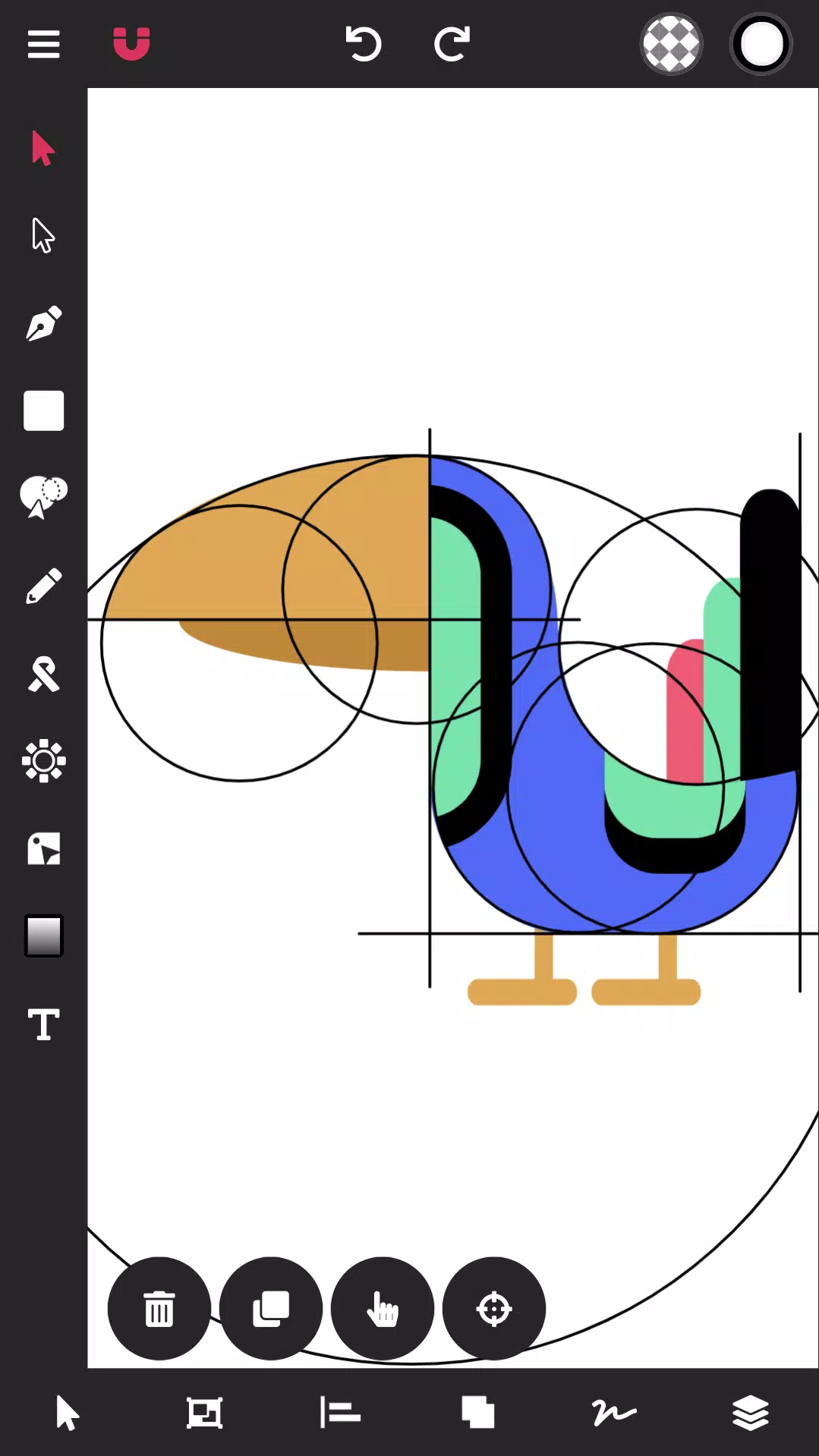
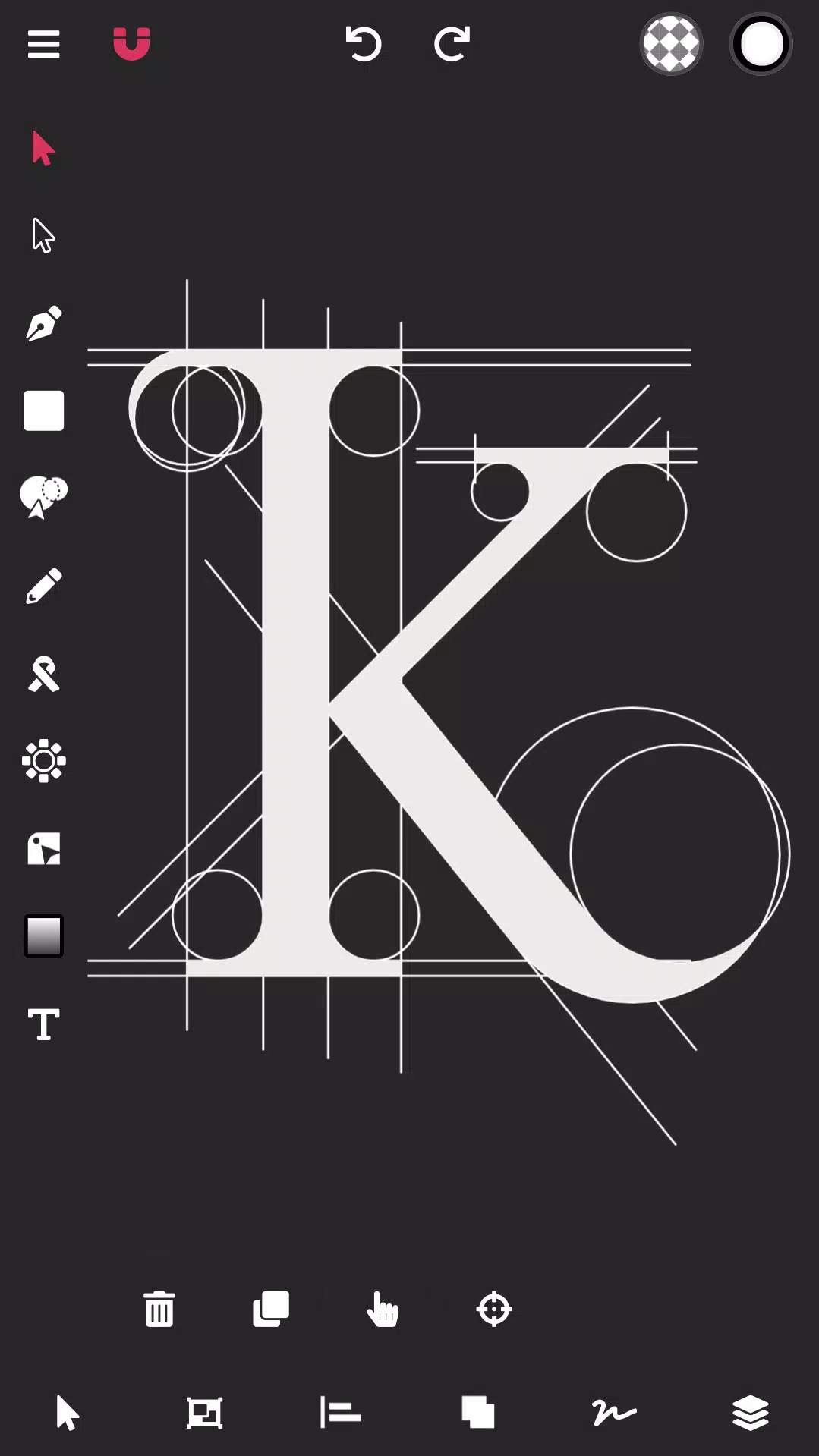
Vector Ink simplifies your entire vector graphic design workflow.
Vector Ink excels at graphic design, logo creation, illustration, character design, vector tracing, and designing business cards, flyers, posters, and much more!
Vector Ink provides smart vector design tools that push creative boundaries, helping anyone bring their creative visions to life.
Draw using stabilizers to smooth your freehand strokes. The Draw Tool automatically connects to the nearest open path, letting you pause and resume drawing on the same line without manual merging.
No stylus? Vector Ink includes built-in virtual stylus technology, so you can draw with your finger and clearly see your work without a physical stylus.
With Vector Ink, logo designers can import paper sketches or artwork, trace them using the Path Builder Tool, and export a professional, geometrically precise vector logo.
Creating art in vector design software should be simple, but often it's not. Many times you struggle for hours with a pen tool to achieve the desired design or use shortcuts to mimic perfect shapes. Those days are over. Vector Ink features an intelligent Path Builder Tool that merges and constructs shapes with perfect accuracy and minimal effort.
Bring your shapes to life with advanced color tools. Vector Ink supports linear and radial gradients, multiple color pickers, and an advanced palette editor so you can create, manage, and save custom color palettes for future projects.
Features:
Built-in Digital Stylus
Draw Tool
Path Builder Tool
Distribute Tool
Pen Tool
Gradient Tool
Corner Tool
Ribbon Tool
Rectangle Tool
Circle Tool
Star Tool
Polygon Tool
Path controls
Boolean controls
Cut and join paths
Stroke sizes and stroke caps
Convert stroke to path
Outline Text (text to path)
Import Custom Fonts
PNG & JPG Import & Export
SVG Import & Export
Export Selection as SVG
Features in-depth:
Path Builder Tool
Merge multiple shapes into one.
Combine a single shape into another.
Trace over imported illustrations or logo grids with geometric accuracy.
Create complex shapes in seconds—tasks that usually take minutes.
Draw Tool
Freehand drawing with smart stabilizers for smooth lines.
Automatically connects strokes so you can lift your pen and continue on the same path.
The first built-in Digital Stylus enhances touch screen design, improving visibility and precision in tight canvas areas.
Distribute Tool
Distribute shape copies horizontally or vertically.
Arrange copies around a point or another shape.
Distribute shape copies in a grid layout, both horizontally and vertically.
Gradient Tool & Color Picker
Multiple color pickers including wheel, RGB, HSB, hex pad, and palette picker.
Linear and radial gradient options.
Add and remove gradient stops.
Color Palettes
A beautiful library of color palettes to ensure professional color combinations in any design.
Color palette generator for endless palette choices.
Add unlimited colors to a palette and get auto-generated complementary colors.
Save your palette for use in other projects.
Layers
Add and delete layers.
Group objects.
Reorder layers, shapes, and groups.
Overall Document
Adjust document width and height.
Change the document background color.
Import/Export
Import PNG, JPG, and SVG files.
Export PNG, JPG, and SVG files.
Export at any size.
Export PNG with a transparent artboard.
Export selected shapes as individual SVG files.
Vector Ink: SVG, Illustrator
- カテゴリー : アートデザイン
- バージョン : 1.0.3
- サイズ : 16.8 MB
- 開発者 : Vector Ink LLC
- アップデート : Jul 12,2026
-
GTAオンライン、新イベントでプレイヤーに贈り物を提供

[[IMG_BASE64_PLACEHOLDER]]Grand Theft Auto Onlineの開発者は、定期的にあなたのバーチャルコレクションを成長させる機会を完全に無料で提供しています。ホリデーの精神はロサンゼルスを照らし続け、プレイヤーに多くのフェスティバルアクティビティと限定報酬をもたらしています。Rockstar Gamesは、そのギフトイベントの終了に近づいています。3月3日まで、GTA Onlineにログインするだけで、カーニバルをテーマにしたギアのセットが手に入ります。これは
by Connor Oct 12,2026
-
『Polytopia』のSolarisスキンが炎のような新しいデザインに!
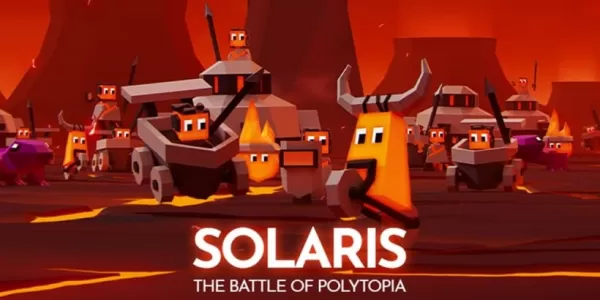
The Battle of Polytopiaのポラリス部族に灼熱の新しい makeoverソーラリスのスキンは氷のメカニクスを火山系のゲーム要素に変える溶岩ベースの能力と強力な新しい火炎ユニットをアンロックMidjiwanの絶賛されている4X戦略ゲーム『The Battle of Polytopia』は、劇的な新しいカスタマイズオプションで期待を裏切るようなものとなっている。ポラリス部族は、新しく導入されたソーラリスクインを通じて、氷のような雰囲気を火山系の外見に変え、ゲームプレイに影響を及ぼ
by Riley Oct 12,2026




-
今プレイするのに最適なカジュアルゲーム

合計 10 03-05
-
Androidのリアルなレーシングシミュレーションゲーム
合計 10 06-14
-
 1
1 -
 Sofascore -ライブスコアとスポーツ結果 スポーツ丨33.22 MB2
 -
 Applications Manager ビジネスオフィス丨13.55M3
 -

-
 ToonStream エンターテインメント丨10 MB5
 -


- シェーダーの最適化をコンパイルするマーベルライバル
- ドラゴンソウルティアリスト:究極のガイド
- Assassin's Creed ShadowsはCanonモードを明らかにします
- Squid Game Unleashed:初心者向けガイド
- モンスターハンター ワイルドは、オープンワールドのゲームプレイでシリーズを再定義します
- ブロックス フルーツ: ドラゴン アップデートが解放されました
- 柔術シェナニガン:究極のキャラクターティアリストとガイド
- Zenless Zone Zero が 1.4「TV モード」アップデートに Astra Yao を追加
- 「New JRPG 'Digimon Story:Time Stranger」発表」