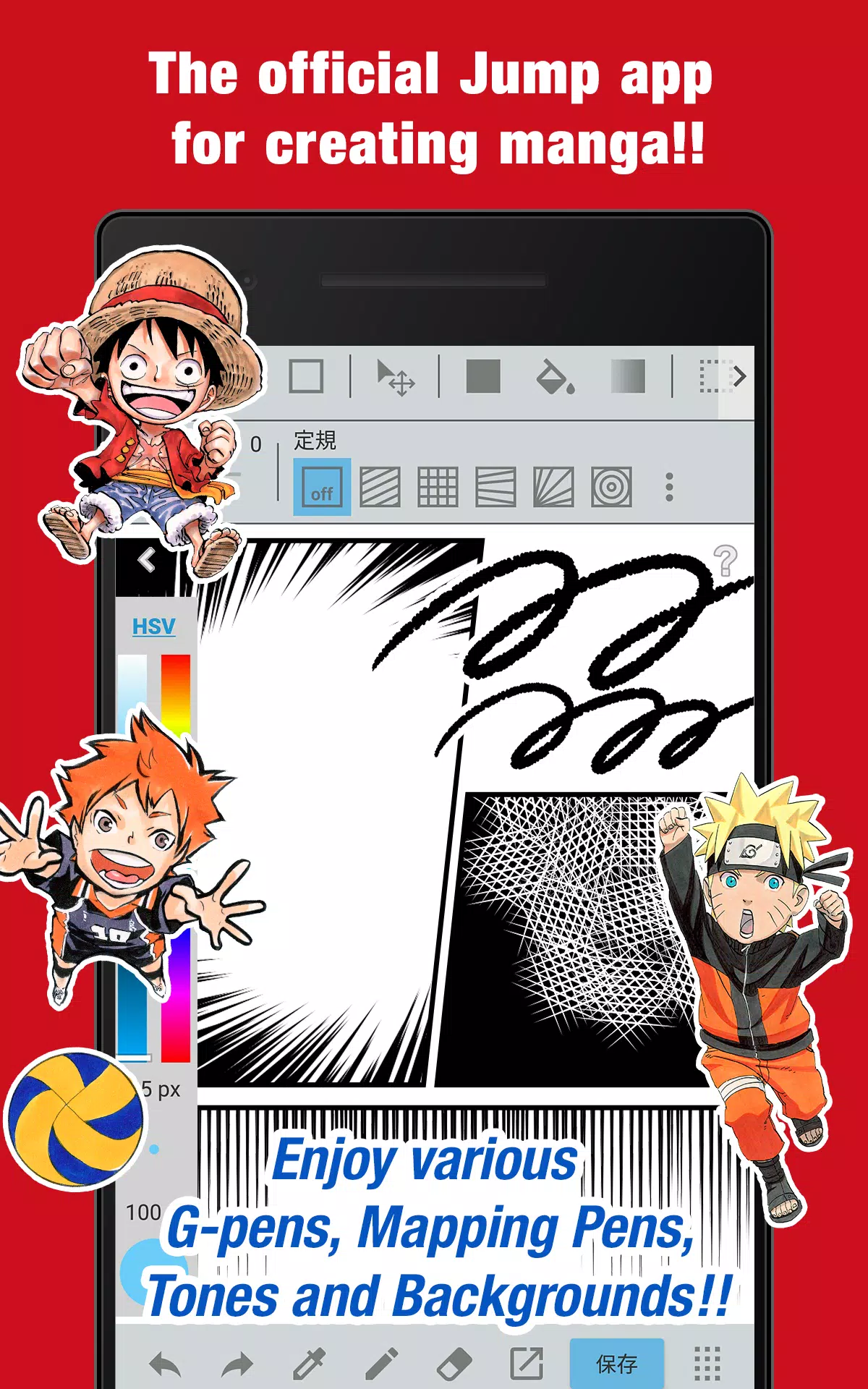
The official JUMP app for manga creation! Packed with exclusive tips from JUMP's top artists!
■A 100% free app designed for crafting authentic Weekly Shonen Jump-style manga and artwork!
Enjoy unlimited access to G-pens, Mapping Pens, screentones, and premium backgrounds!
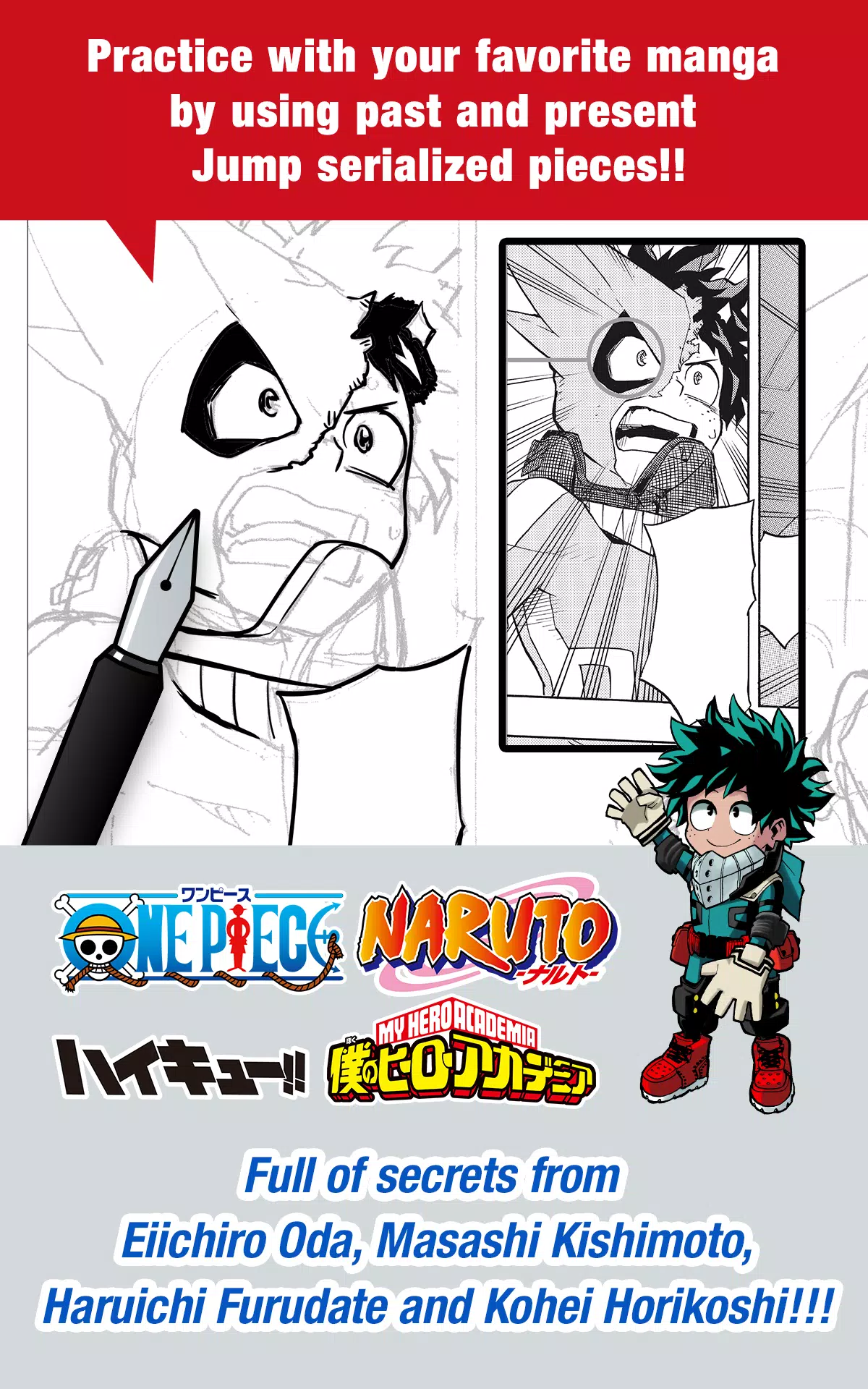
■Hone your skills using actual JUMP manga – both classic series and current hits!
Master techniques from legends like Eiichiro Oda (One Piece) and Kohei Horikoshi (My Hero Academia)!
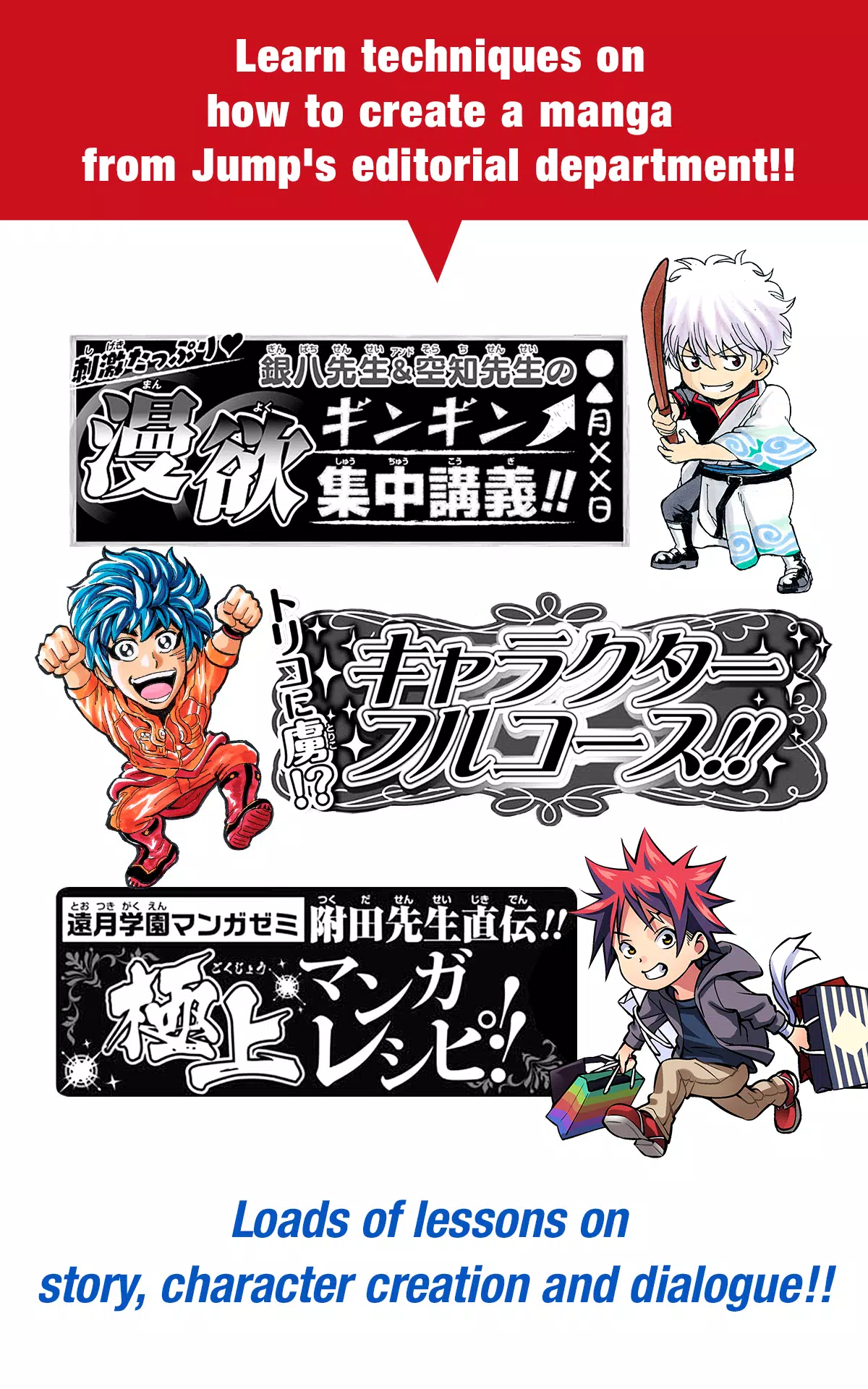
■Get professional guidance from JUMP's editorial team on manga creation!
Comprehensive tutorials covering storytelling, character design, and dialogue writing!
■Submit your work directly to JUMP competitions!
Stay updated on all contest details through the app – never miss an opportunity!
What is JUMP PAINT?
The ultimate manga/illustration tool – developed jointly by MediBang Paint (12M+ downloads) and Weekly Shonen Jump.
JUMP PAINT delivers MediBang's powerful features optimized for creators to draw anytime, anywhere.
This professional-grade software includes everything for manga/illustration work – diverse brushes, assets, and authentic comic fonts.
■ Draw Anywhere!
・Carry desktop-level painting capabilities in your pocket.
・Feature-rich yet streamlined iPhone-optimized interface.
・Toggle UI elements with single-tap convenience.
・Intuitive controls for seamless brush/color adjustments.
■ Painting Tools
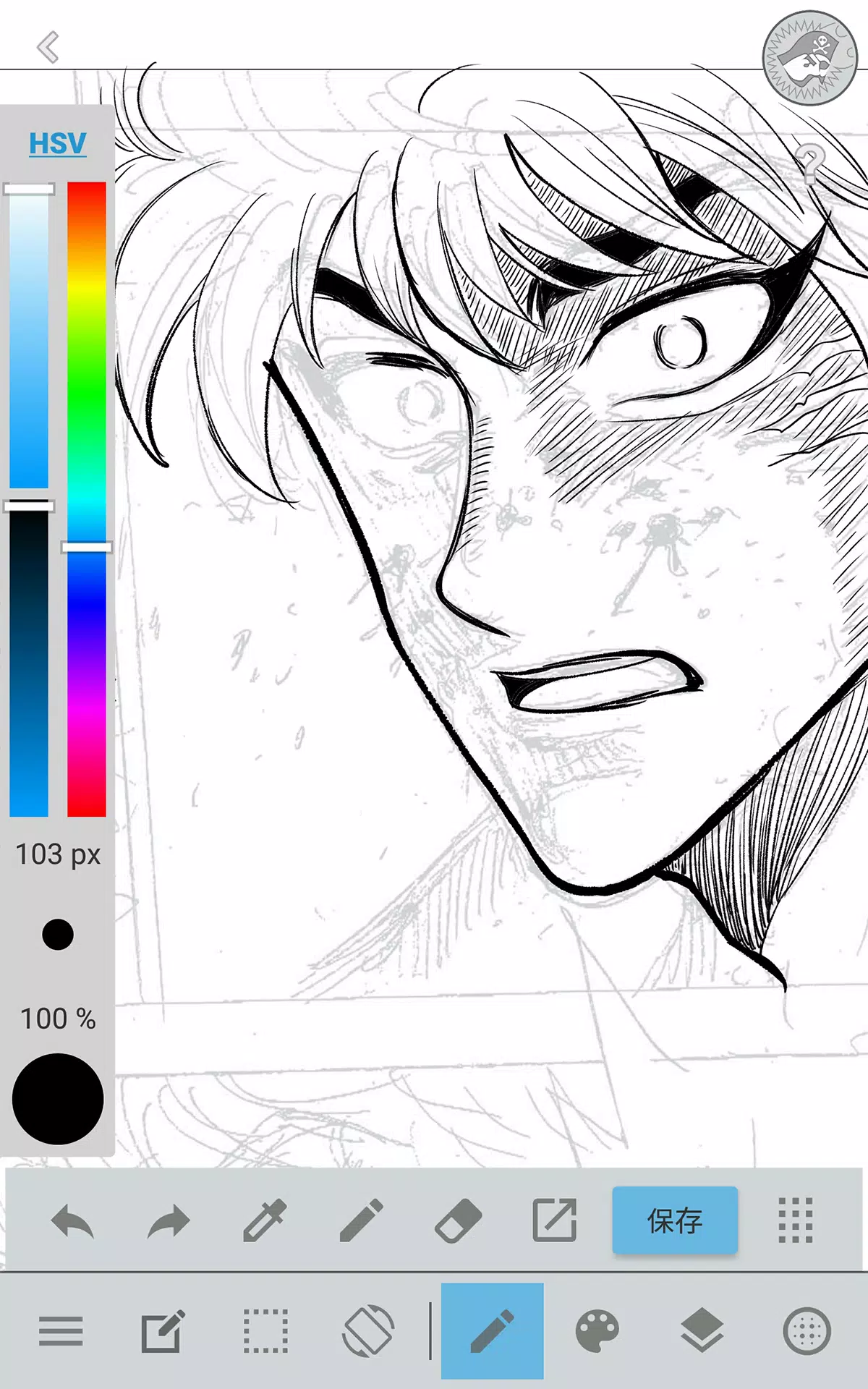
・90+ premium brushes included!
・Beyond standard pens/pencils, choose from 50+ specialized brushes: watercolor, acrylic, pastel variants, and professional manga tools.
・Smart stabilization ensures clean lines even with finger drawing.
・Customize and save your own brush presets.
■ Free Resources
・800+ screentones and background textures.
・Pre-built assets including environments and vehicles.
・One-tap tone application.
■ Layers
・Professional layer system with blend modes.
・Organize artwork elements efficiently.
■ Comic Fonts
・Dynamically alter comic storytelling.
・Express character emotions through typography.
・50+ industry-standard fonts included.
■ Comic Creation
・Intuitive panel creation via swipe gestures.
・Fully customizable panel shapes.
■ User Friendly
・Programmable shortcuts.
・Beginner-friendly onboarding.
・Maximized drawing workspace.
・Instant full-screen mode activation.
■ Other Tools
・Perspective guides and shape tools.
・Stroke stabilization technology.
■ Photo Reference
・Capture/import photos to reference layers.
・Study or trace subjects effortlessly.
■ Cloud Storage
・Secure project backup and management.
・Seamless file transfers between devices.
■ Manage Project
・Organize multi-page documents efficiently.
■ Syncability
・Sync custom settings with JUMP PAINT desktop.
■ Team Creation
・Real-time collaboration across locations.
■ Auto Recovery
・Automatic crash protection saves your work.
IMPORTANT
Cloud features require a free MediBang account(https://medibang.com/).