Mobile Printer: Print & Scan: Your All-in-One Printing Solution
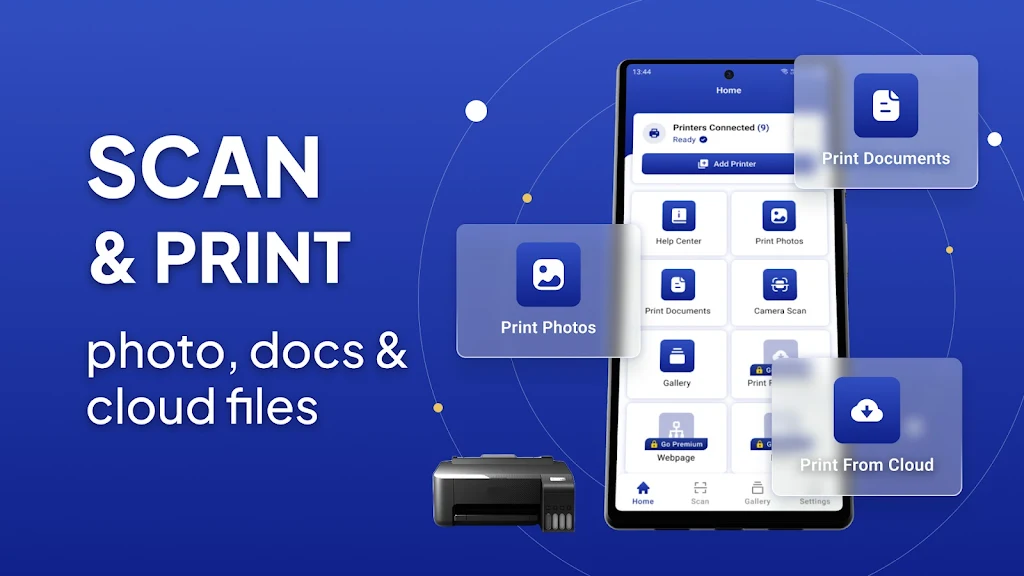
This comprehensive app simplifies printing from your Android device, regardless of location. Print documents, PDFs, photos, web pages, and more with ease, directly from your smartphone or tablet. Compatible with a wide array of printers – WiFi, Bluetooth, and USB – no extra software is needed.
Key Features:
-
Extensive Device Compatibility: Print to virtually any inkjet, laser, or thermal printer, including major brands like HP, Canon, Brother, Samsung, and Xerox.
-
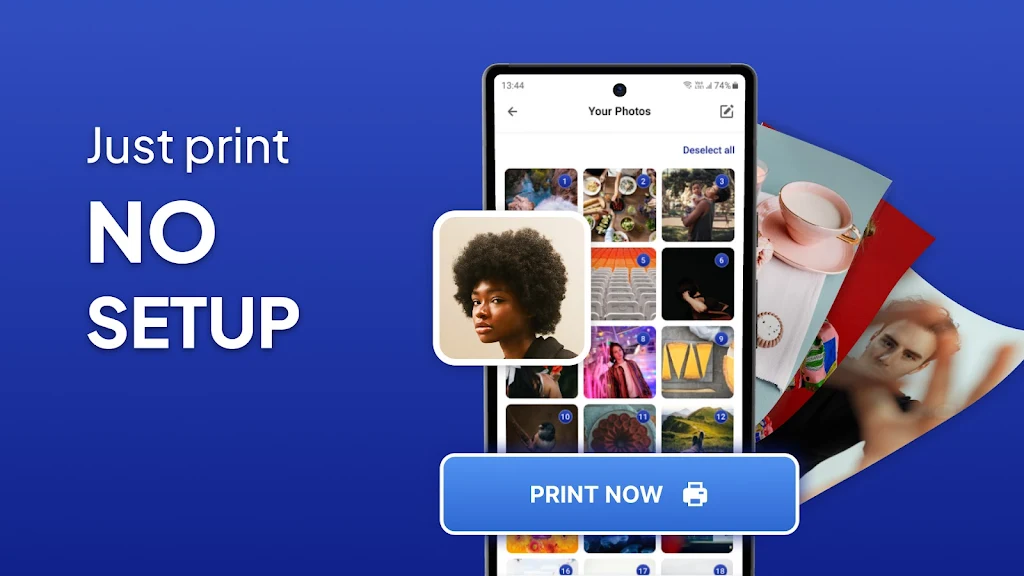
Versatile Printing Options: Handle various file types including images (JPG, PNG, GIF, WEBP), Microsoft Office documents (Word, Excel, PowerPoint), and PDFs. Print multiple photos per page for convenient collages or albums.
-
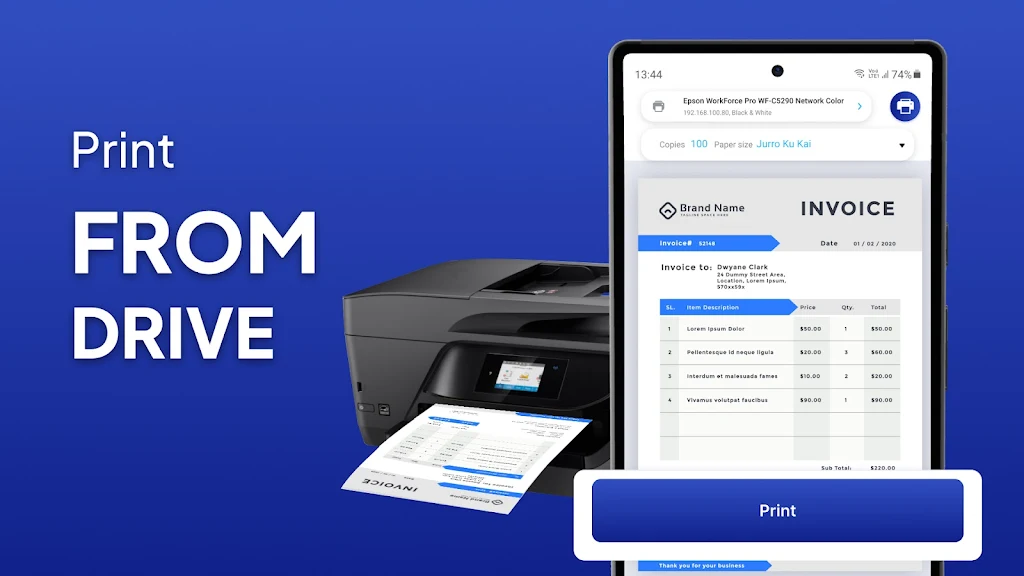
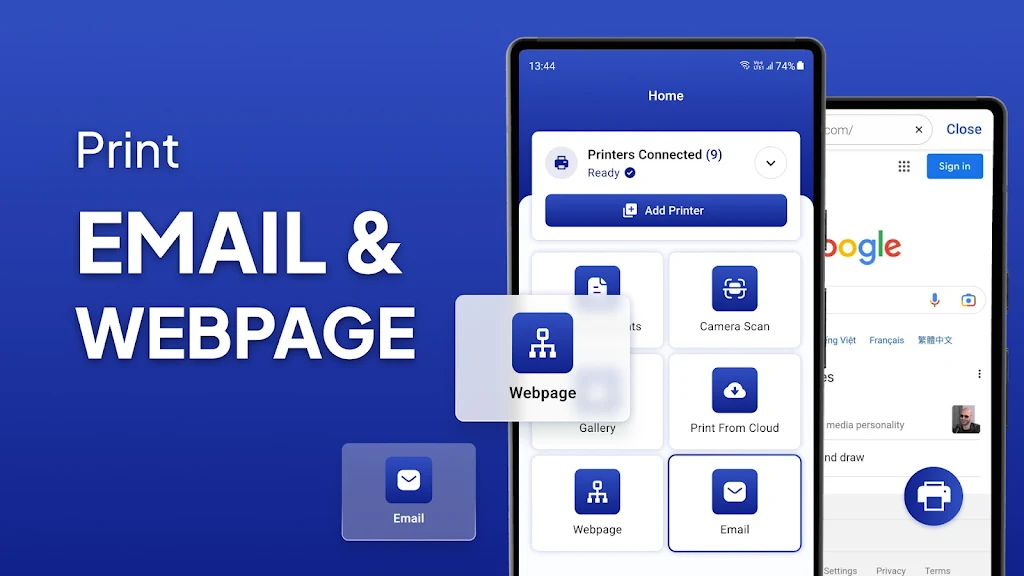
Seamless File Access: Print files from local storage, email attachments (PDF, DOC, XLS, PPT, TXT), Google Drive, and other cloud services. A built-in browser enables direct HTML page printing.
-
Flexible Connectivity: Connect via WiFi, Bluetooth, or USB-OTG for convenient printing, near or far.
-
Advanced Printing Controls: Customize your prints with options for copy count, collation, page range selection, paper size and type, and output quality. Access over 100 free, regularly updated templates for personalized creations like cards and calendars.
-
Enhanced Functionality: Enjoy borderless photo printing (matte or glossy), color and monochrome options, and compatibility with AirPrint, Mopria, and various network printer protocols (SMB/CIFS, Bonjour/IPP/LPD). Mobile thermal printing is also supported.
Summary:
Mobile Printer: Print & Scan delivers a streamlined and efficient printing experience. From personal photos to crucial documents, this app handles it all. Download today for convenient, anytime, anywhere printing.