XShare: Effortless File Transfer and Sharing
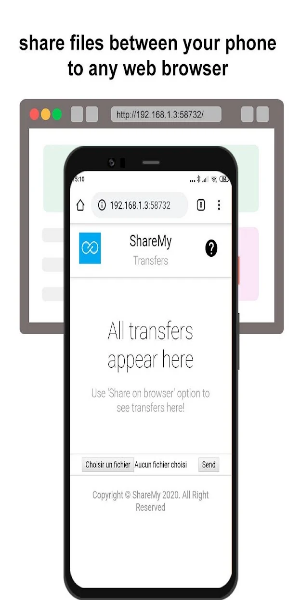
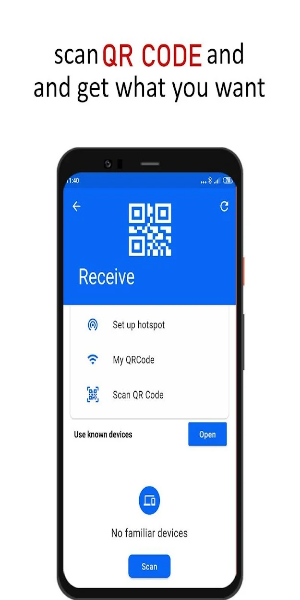
XShare is a powerful, free, and fast tool for transferring files between devices without needing an internet connection. Leveraging Wi-Fi Direct technology, it offers secure and quick file transfers with minimal effort. Forget cumbersome QR code scanning – connection is instant and intuitive.
Key Advantages:
- Blazing-Fast Transfers: Experience significantly faster transfer speeds compared to traditional methods like Bluetooth or relying on network connections.
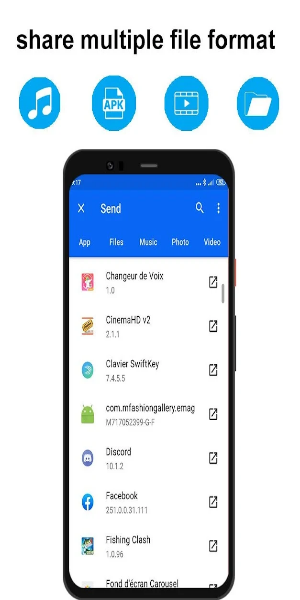
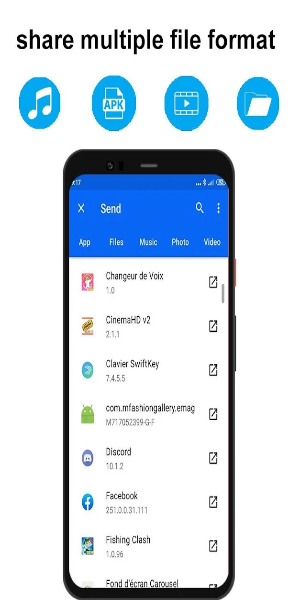
- Wide File Compatibility: Share a broad range of files, including documents (Word, Excel, PDFs), images, videos, music, zipped folders, and more.
- Simplified Interface: The sleek, user-friendly design ensures effortless navigation and sharing. Managing and deleting files is also streamlined within the app.
- Offline Capability: Transfer files anytime, anywhere, without consuming mobile data.
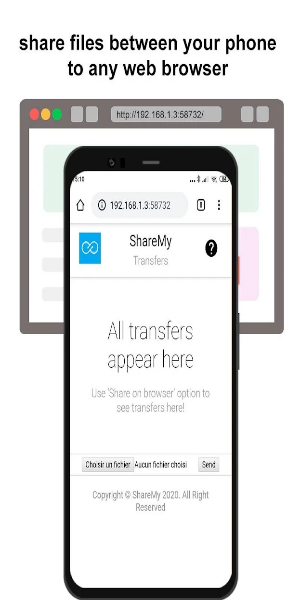
How XShare Works:
XShare utilizes Wi-Fi Direct for direct device-to-device connections, bypassing the need for a router. Simply install the app on both sending and receiving devices. Select your files, tap "send," and XShare handles the rest. Its integrated file manager allows for easy browsing and selection before transferring.
While incredibly efficient, XShare's reliance on Wi-Fi Direct means compatibility may be limited to devices supporting this technology.
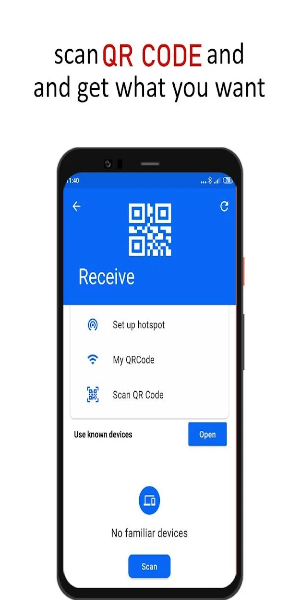
User Guide:
- Install XShare on both devices.
- Select the file(s) you wish to transfer.
- Tap "Send/Receive."
- Establish a connection (note: XShare may use location services briefly to facilitate connection via Bluetooth and Wi-Fi Hotspot, but does not store or upload this data).
- Transfer complete!
Summary:
XShare provides a rapid and user-friendly solution for local file sharing. While its Wi-Fi Direct dependency might limit compatibility with some older devices, its speed, ease of use, and offline capabilities make it a compelling choice for many users.