Minecraft Teleportation: A Comprehensive Guide
Teleportation in Minecraft allows for instant movement between locations, a valuable tool for efficient exploration, avoiding danger, and traveling between bases or game areas. This guide details various teleportation methods depending on your game version and setup.
General Information on Minecraft Teleportation
The primary command is "/tp," offering numerous variations and parameters for precise control. You can teleport to players, specific coordinates, or even set your viewing direction. Furthermore, you can move creatures!
Here's a breakdown of key commands:
| Command Name | Action |
|---|---|
/tp |
Teleports you to another player. |
/tp |
Allows server admins/operators to move a player. |
/tp |
Teleports you to specific world coordinates. |
/tp |
Teleports you to specific coordinates and sets viewing direction (yaw = horizontal, pitch = vertical). |
/tp @e[type= |
Teleports all creatures of a specified type to given coordinates. |
/tp @e[type=creeper,limit=1] |
Teleports the nearest single creature of a specified type. |
/tp @e |
Teleports all entities (players, creatures, items, boats). Use cautiously; can lag servers. |
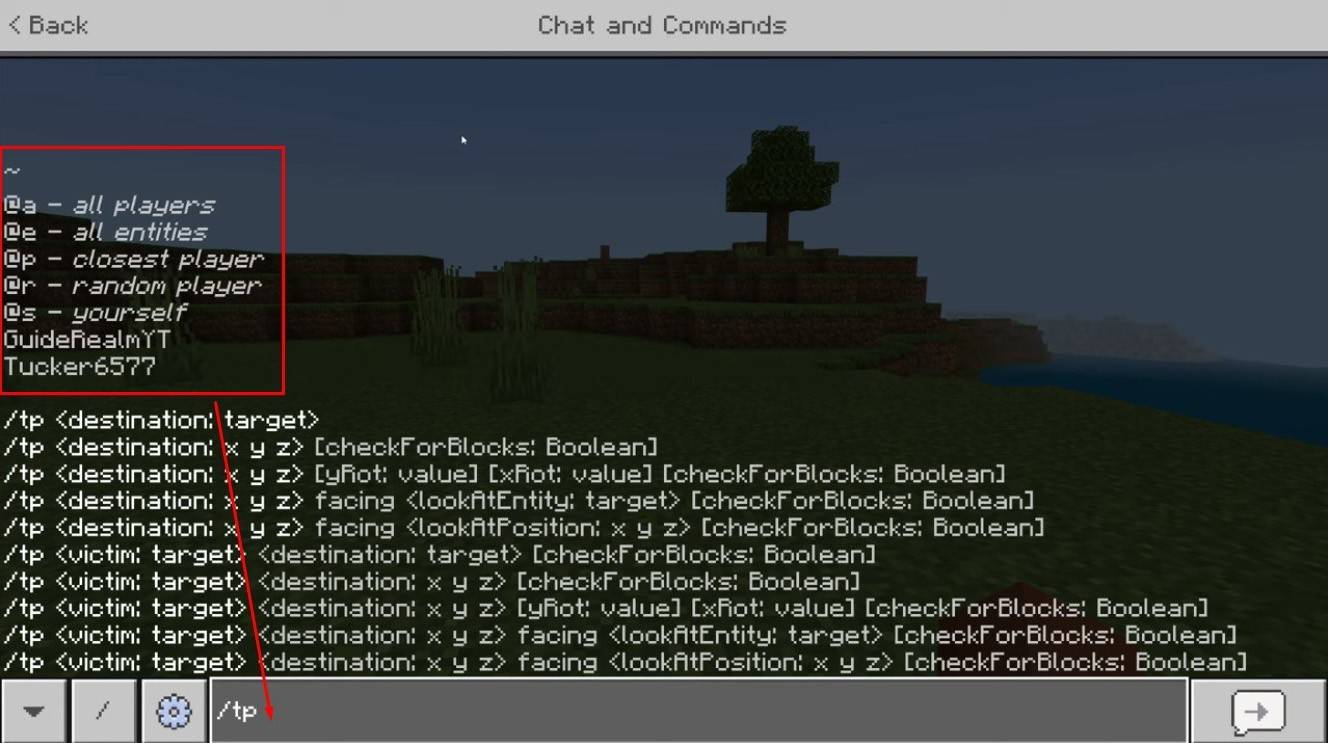 Image: youtube.com
On servers, command availability depends on player permissions. Operators and admins have full access; regular players require authorization.
The "/locate" command is helpful for finding structures (villages, strongholds). Combined with "/tp," it quickly provides coordinates for teleportation.
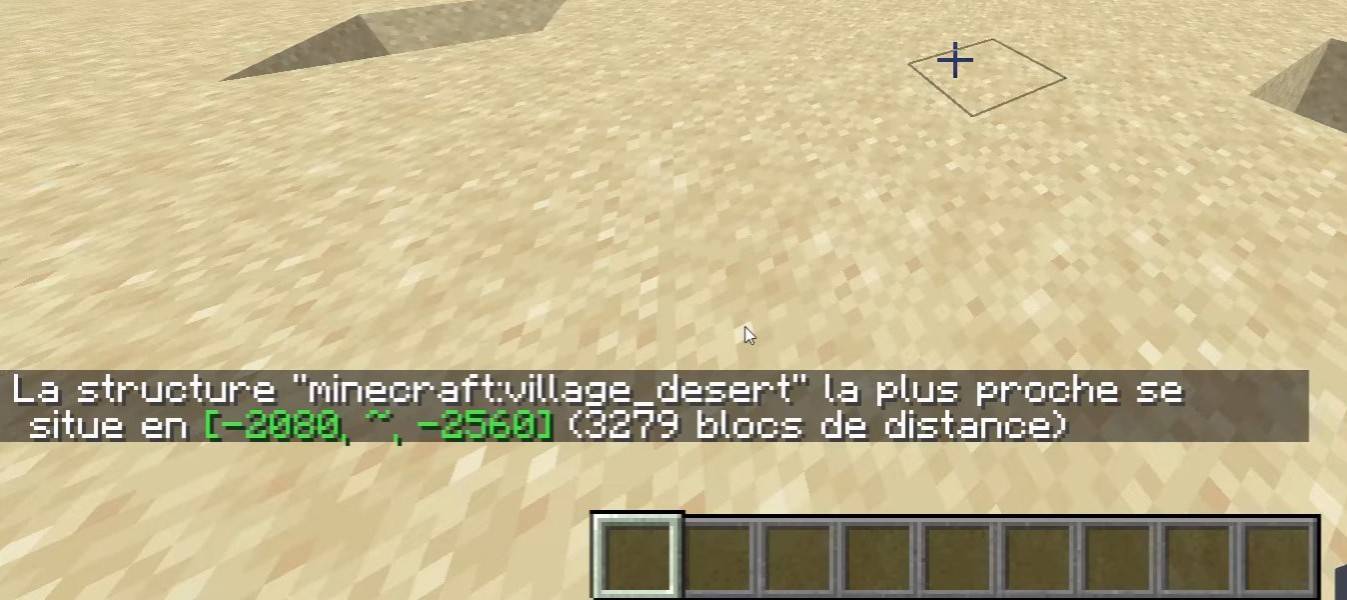 Image: youtube.com
Survival Mode Teleportation
The "/tp" command is typically disabled in survival mode. Enabling cheats during world creation, using command blocks, having server admin rights, or installing plugins like EssentialsX are ways to activate it.
Command Block Teleportation
Command blocks automate teleportation. Enable them in multiplayer server settings, obtain a command block using "/give @p command_block," place it, enter your desired command, and connect a lever or button to activate.
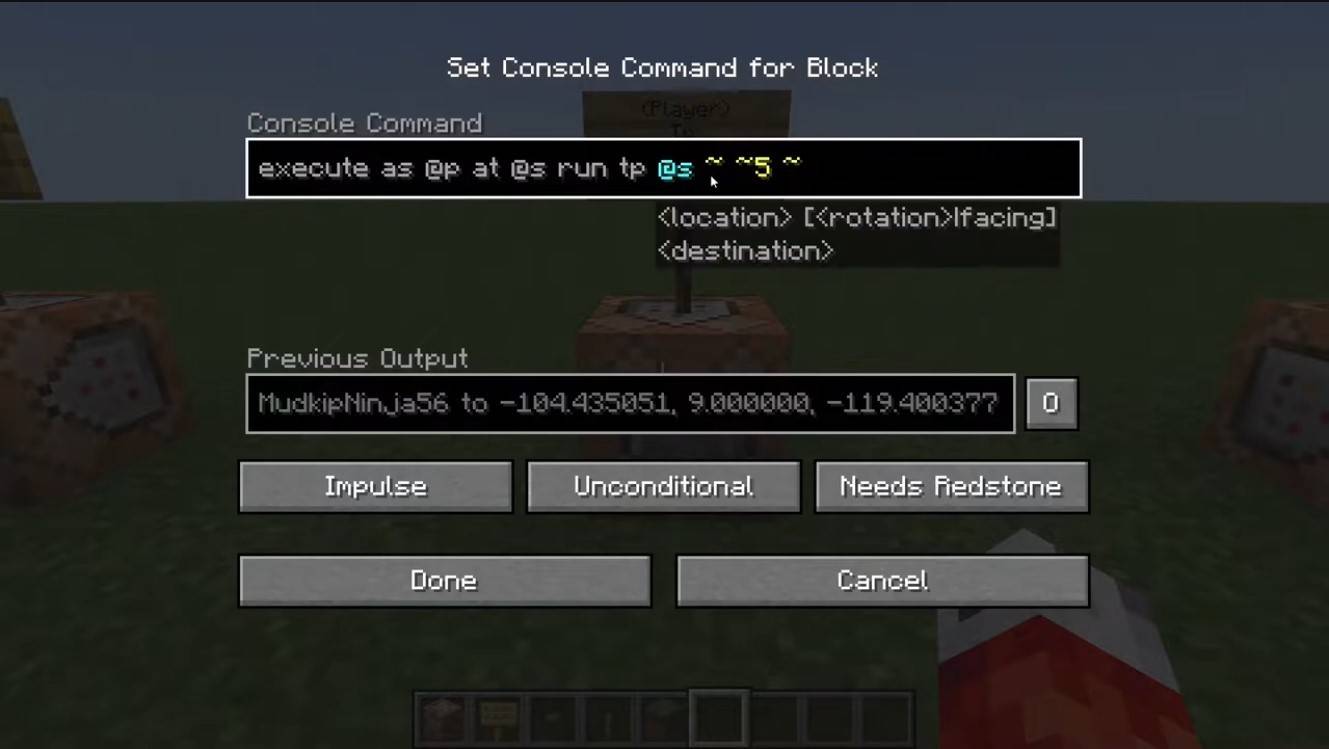 Image: youtube.com
Server Teleportation
Servers often have specialized teleportation commands. Availability depends on your role; admins, moderators, and donors typically have more options than regular players. Common server commands include:
- "/spawn" – Returns you to the server's spawn point.
- "/home" – Teleports you to your saved home location.
- "/sethome" – Sets your home location.
- "/warp" – Teleports you to a predefined warp point.
- "/tpa" – Sends a teleportation request to another player.
- "/tpaccept" – Accepts a teleportation request.
- "/tpdeny" – Rejects a teleportation request.
Check server rules before teleporting; some servers restrict, delay, or penalize teleportation during combat. If a command fails, check your permissions or explore alternatives.
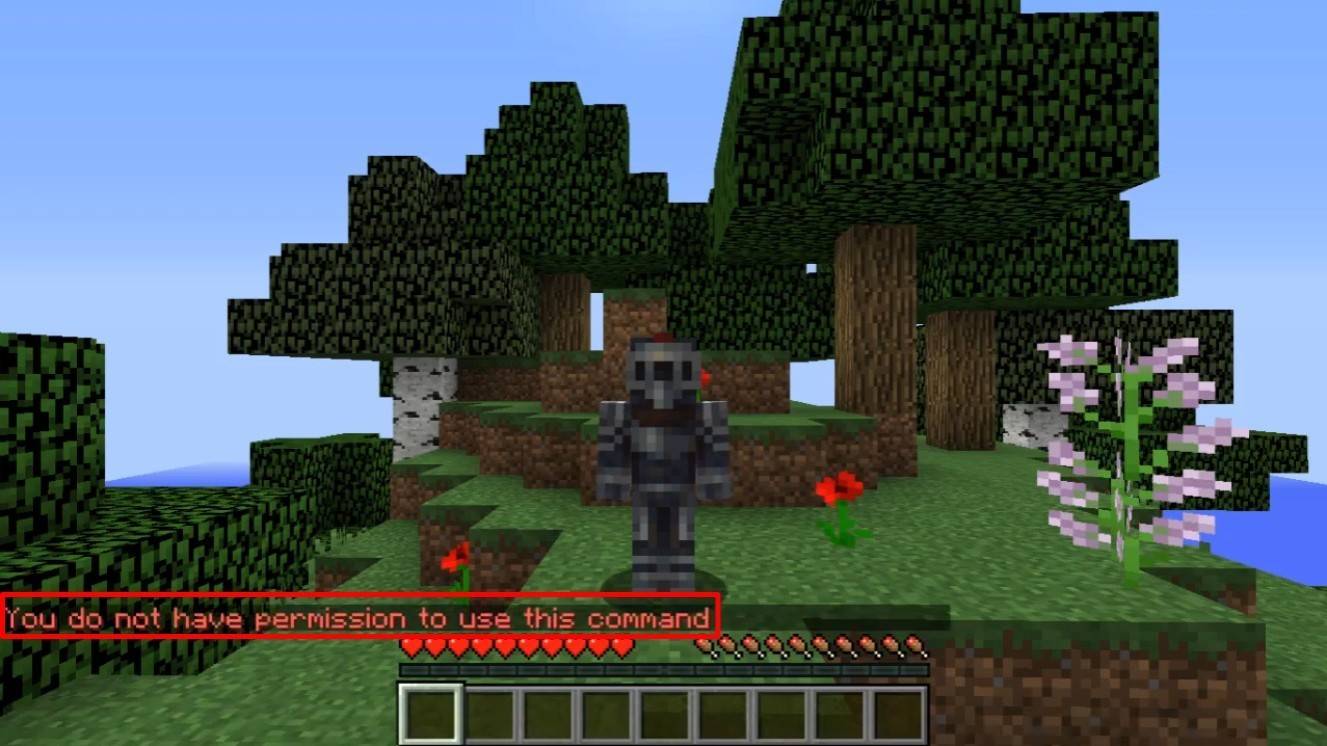 Image: youtube.com
Common Errors and Solutions
- "You do not have permission": Lack of necessary permissions. Request admin authorization or enable cheats in single-player mode.
- "Incorrect argument": Incorrect command syntax. Double-check your input.
- Teleporting underground: Your Y-coordinate is too low (64 or higher is recommended).
- Delays: Server settings may intentionally delay teleportation to prevent cheating.
Safe Teleportation Tips
Ensure your destination is safe. On servers, use "/tpa" to avoid accidental movements. Set a return point using "/sethome" before exploring new areas. Carry potions or a totem of undying when teleporting to unknown locations.
Minecraft teleportation is a powerful tool for efficient gameplay. Command blocks, plugins, and commands enable effective travel, but remember to use it responsibly to maintain a balanced game experience.
Main Image: youtube.com