NetEase's Marvel Rivals has captured the gaming world's attention, but like many popular multiplayer games, it's not without its technical hiccups. A significant issue impacting many players is a noticeable drop in frames per second (FPS), making the game frustrating to play. This guide offers solutions to resolve this Marvel Rivals FPS problem.
How to Fix Marvel Rivals Low FPS
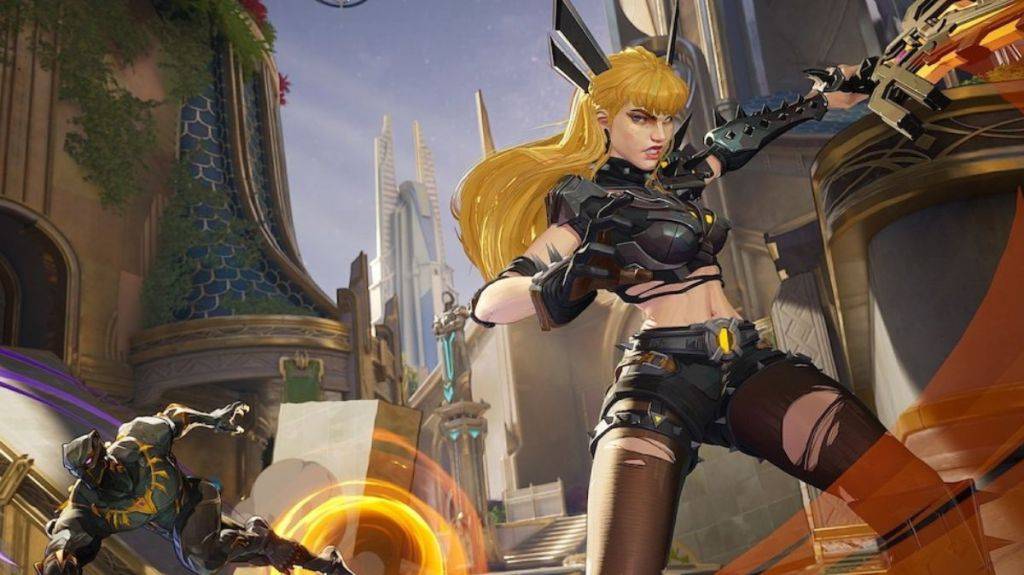
Low FPS directly impacts gameplay smoothness and enjoyment. Since the Season 1 update, this issue has become increasingly prevalent, prompting players to seek solutions.
Here are several troubleshooting steps to try:
-
Reinstall GPU Drivers and Enable GPU Acceleration: Access your Windows graphics settings and ensure GPU acceleration is enabled. Many players have found that disabling this setting for other games inadvertently affects Marvel Rivals' performance.
-
Redownload onto an SSD: Moving the game to a Solid State Drive (SSD) can significantly improve loading times and overall game performance. SSDs offer much faster read/write speeds compared to traditional hard drives.
-
Await a Developer Patch: If the above solutions don't resolve the issue, patiently await a patch from NetEase. The developers have a history of addressing performance problems, and a fix is likely on the way. Consider using this downtime to explore other games or activities.
This concludes our guide on fixing Marvel Rivals FPS drops.
Marvel Rivals is currently available on PS5, PC, and Xbox Series X|S.