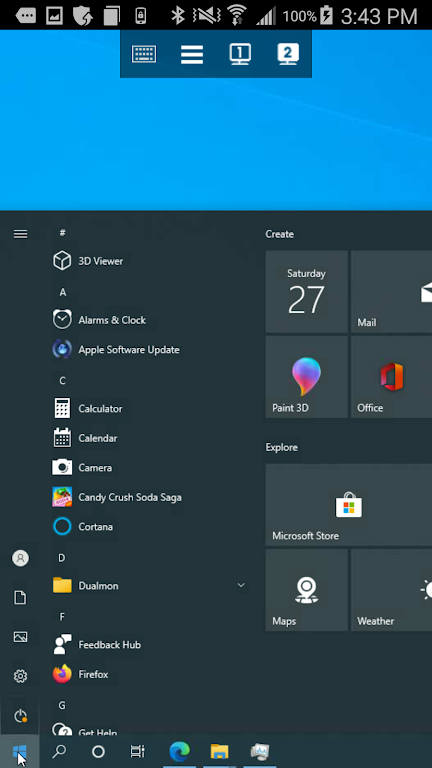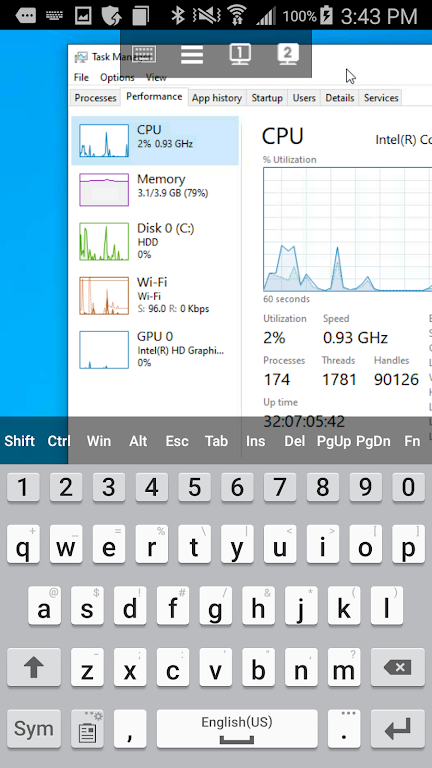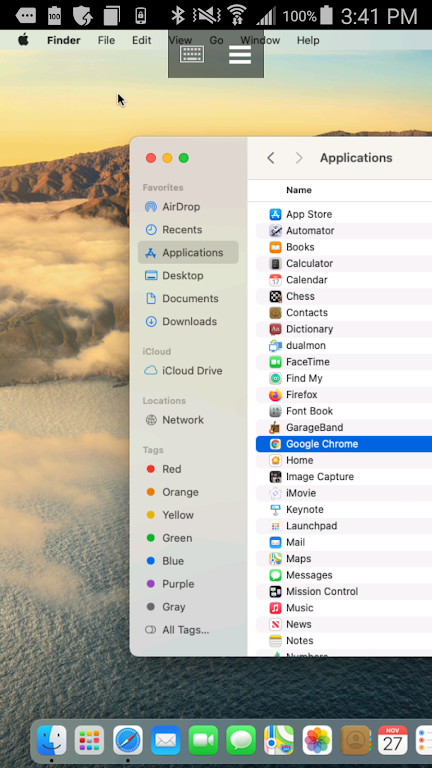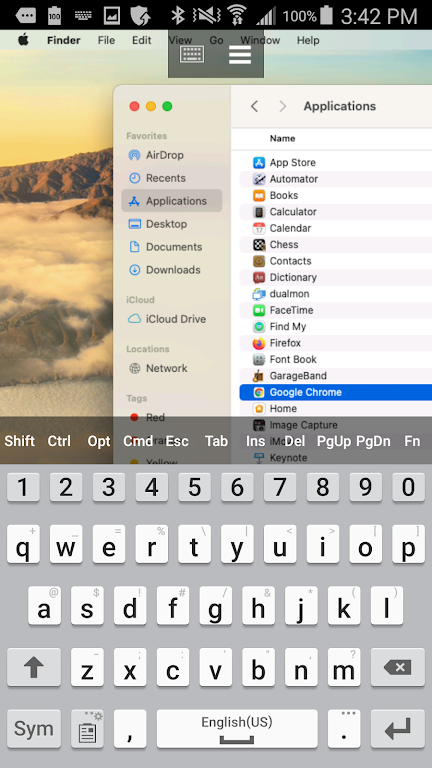
Experience seamless remote access to your PCs and Macs with DualMon Remote Access, the ultimate Android solution. Leave your laptop behind and work from anywhere. Effortlessly view and control your computer screens as if you were sitting right in front of them. Intuitive pinch-to-zoom gestures provide smooth desktop navigation, while a full keyboard, including Ctrl and Alt keys, ensures complete control. Benefit from robust security features including AES encryption, dual passwords, multi-factor authentication, and device whitelisting. Connect via WiFi or cellular data without restrictions, enjoying simultaneous connections for maximum flexibility. Whether accessing files, running applications, or providing remote support, DualMon is the ideal solution.
Key Features of DualMon Remote Access:
- Effortless Remote Access: View and interact with your PC or Mac screens from any location, providing unrestricted access to files and applications.
- Intuitive Navigation: Utilize pinch and zoom gestures for easy and efficient desktop navigation.
- Complete Keyboard Control: Enjoy full keyboard functionality, including essential keys like Ctrl and Alt, for precise command execution.
- Multi-Monitor Support: Seamlessly switch between multiple monitors connected to your computer.
- Secure Connection: Benefit from end-to-end AES encryption, dual passwords, multi-factor authentication, and whitelisting for a secure and reliable connection.
User Tips:
- Master the Gestures: Familiarize yourself with pinch and zoom gestures for optimal navigation efficiency.
- Utilize Special Keys: Leverage the full keyboard functionality, including Ctrl, Alt, and Function keys, for enhanced productivity.
- Manage Multiple Monitors: Utilize the in-app monitor buttons to easily switch between connected displays.
In Conclusion:
DualMon Remote Access provides a user-friendly and secure method for remotely accessing and controlling your PCs and Macs from your Android device. Its combination of seamless screen viewing, intuitive navigation, full keyboard support, and multi-monitor compatibility delivers a comprehensive remote access experience prioritizing both convenience and security.