Home Apps Communication Status Saver for Whatsapp
Status Saver for Whatsapp

Status Saver for Whatsapp

4.5
Application Description

Status Saver for WhatsApp: A Simple Guide to Saving WhatsApp Statuses

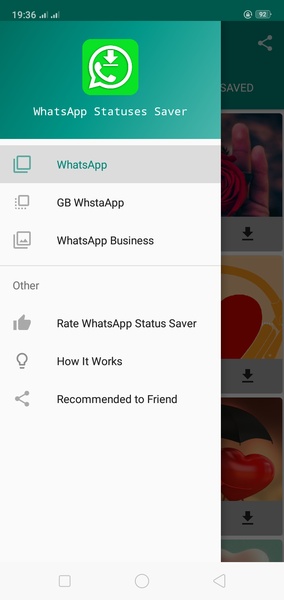
This app simplifies saving WhatsApp statuses to your Android device. Follow these steps:

  1. Access the Status: Open WhatsApp, go to the "Statuses" tab, and open the status you wish to save. This is crucial; unopened statuses cannot be saved.

Advertisement
2. Use the Saver App: Open the Status Saver for WhatsApp app. All recently viewed statuses will be displayed. Simply select the status you want to save to your device.

Status Saver for WhatsApp provides a convenient way to permanently store WhatsApp statuses on your Android device.

System Requirements (Latest Version):

  • Android 5.0 or higher is required.
Screenshot
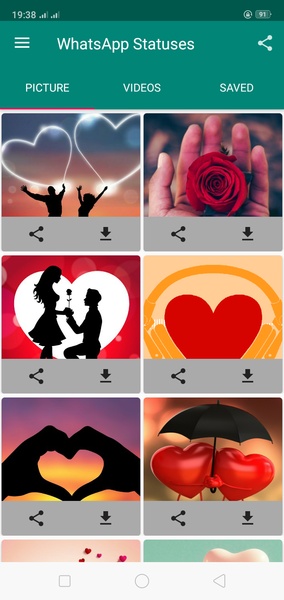
  • Status Saver for Whatsapp Screenshot 0
  • Status Saver for Whatsapp Screenshot 1
  • Status Saver for Whatsapp Screenshot 2
  • Status Saver for Whatsapp Screenshot 3
Reviews Post Comments
Latest Articles
  • Monster Hunter Wilds Patch 1 Date Set, Patch 2 in 2025

    ​Capcom revealed that Monster Hunter Wilds' Title Update 1 will launch on April 3 (Pacific Time) and April 4 (UK time).The showcase video below details the release timeline and highlights key features coming with the game's first major post-launch con

    by Lily Dec 25,2025

  • StoneAge: Pet World Launches, Pre-Registration Open

    ​Register now to secure launch rewards and exclusive bonusesLog in daily to collect every petNow available in Thailand, Hong Kong, Macau, and CanadaNetmarble's charming pet-battling RPG, StoneAge: Pet World, is now officially live in several fortunate

    by Blake Dec 24,2025