PP Park! – Your go-to app for finding metered parking spots
+++++++++++++++++++++++++++++++++++
Troubleshooting guide for Android 11 startup issues
June 15, 2021
+++++++++++++++++++++++++++++++++++
Some Android 11 devices experience crashes upon launching the app.
Clearing storage may resolve this issue—give it a try if affected.
Note: This action will delete your saved parking lot posting history permanently.
【Steps】
1. Open Settings
2. Navigate to Apps & Notifications
3. Select "PP Park!" from your app list
4. Tap Storage & Cache
5. Choose Clear Storage
This bug stems from Android 11, with Google acknowledging the issue.
While awaiting fixes from Google and manufacturers, similar problems persist globally.
We apologize for the inconvenience—please use Clear Storage as a temporary solution.
+++++++++++++++++++++++++++++++
PPPark!
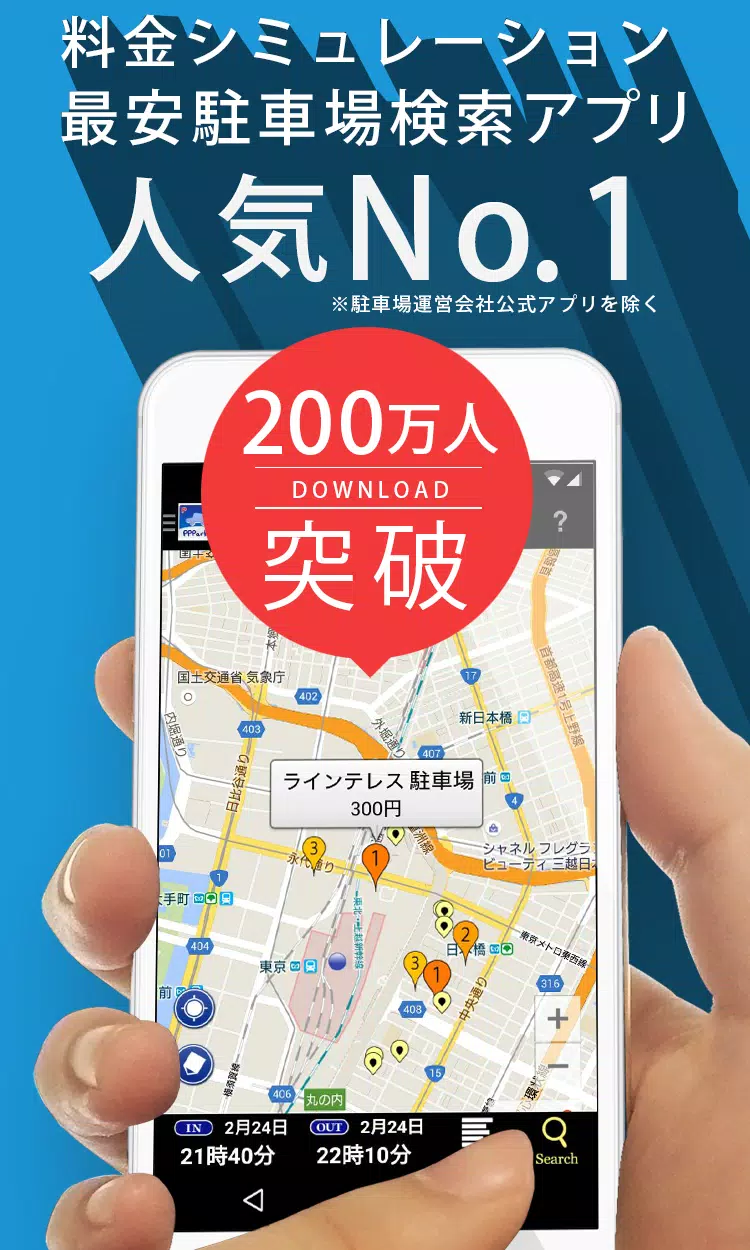
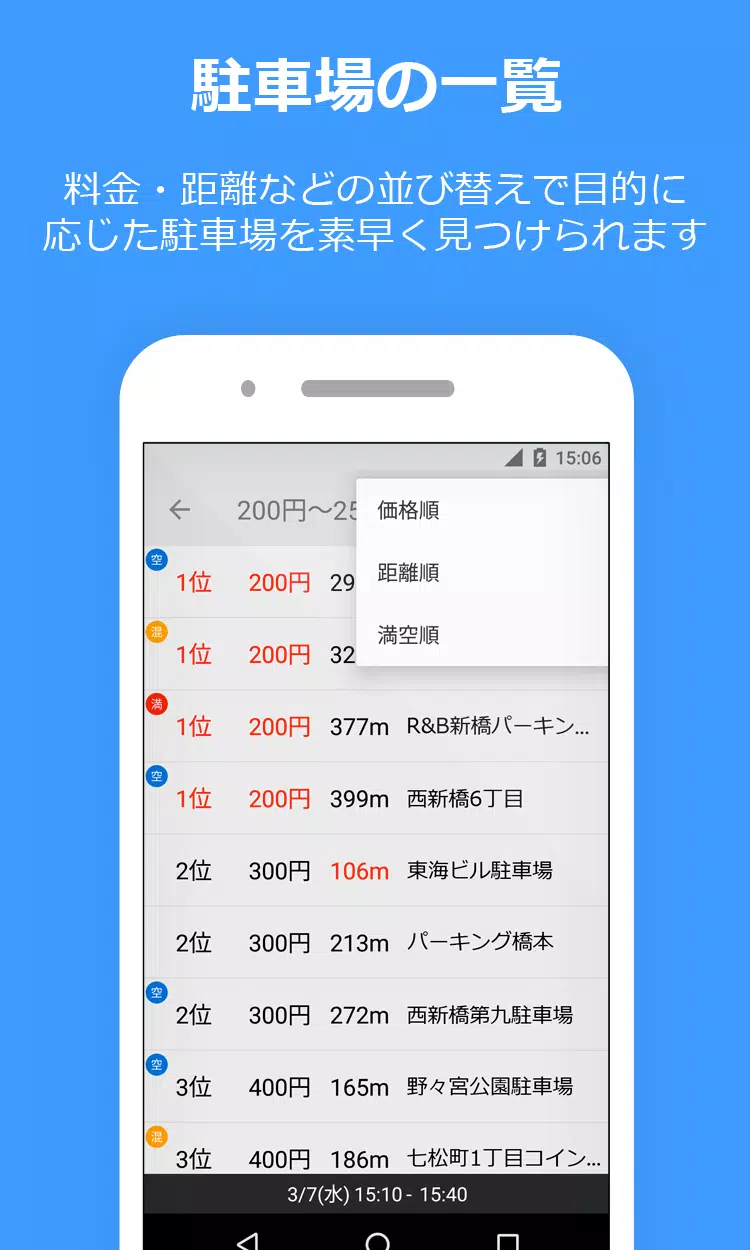
Find nearby coin-operated parking spots sorted by price and distance.
Never overpay for parking again!
--------------------------------
PPPark! Features
--------------------------------
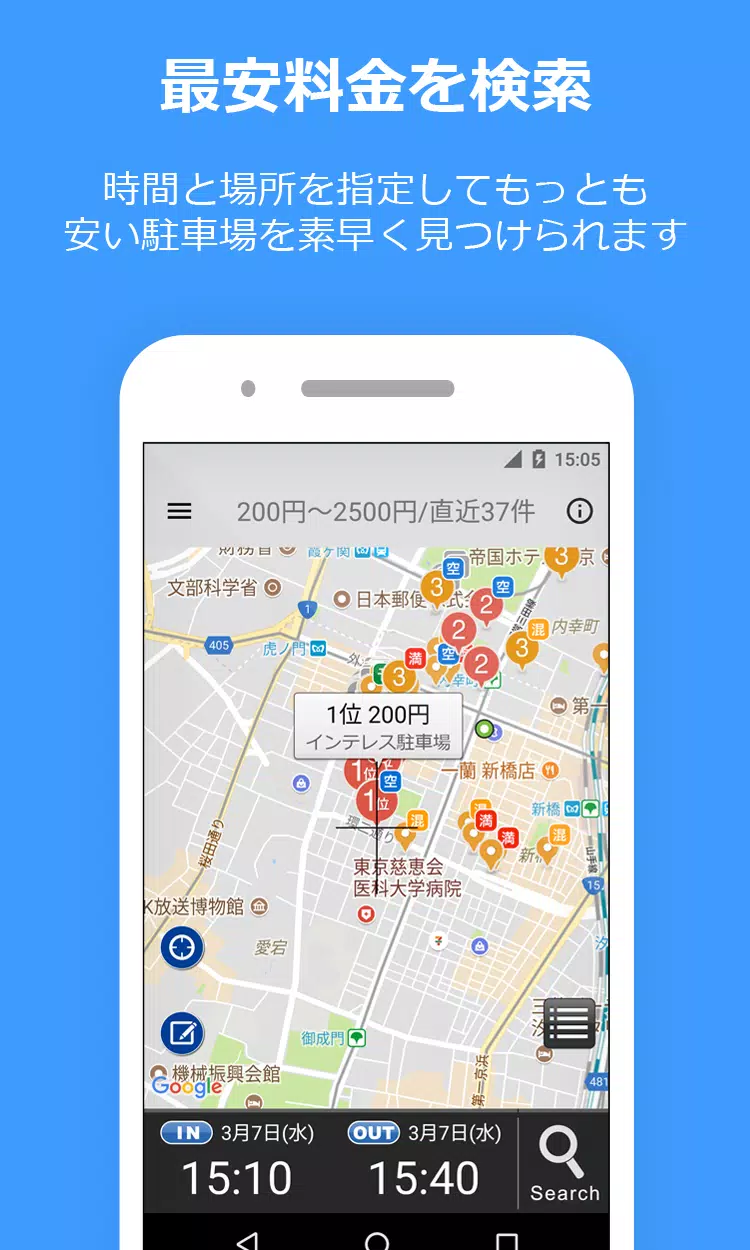
■ Smart price calculation finds the most affordable options
Enter your parking timeframe (e.g., "Today 2:20 PM - 7:00 PM") for automatic cost sorting.
■ Includes maximum rate discounts!
Daily caps and special rates are factored into your search results.
■ Seamless navigation integration!
Direct links to Google Maps, Yahoo! Maps, and NaviCon provide turn-by-turn directions.
■ Includes reservation-based and shared parking options!
・ Akippa
・ TokuP
・ TOHOGAS parking (Okazaki city only)
■ Street parking support!
Shows time-limited street parking near your location.
Perfect for quick stops during shopping or errands.
Marked with light green icons on your map.
·Tokyo
・ Kanagawa
・ Osaka
* Time-restricted roadside parking zones shown.
Remember: Overstaying constitutes illegal parking.
Park responsibly.
* Parking rates, hours, and locations may vary.
Always verify details with on-site signage.
■ Contribute to our parking database
Report unlisted, updated, or closed parking locations!
* Data retention notice
Android 10+ users: Posted information doesn't transfer between devices.
Please note this limitation.
--------------------------------
Simple 4-step usage
--------------------------------
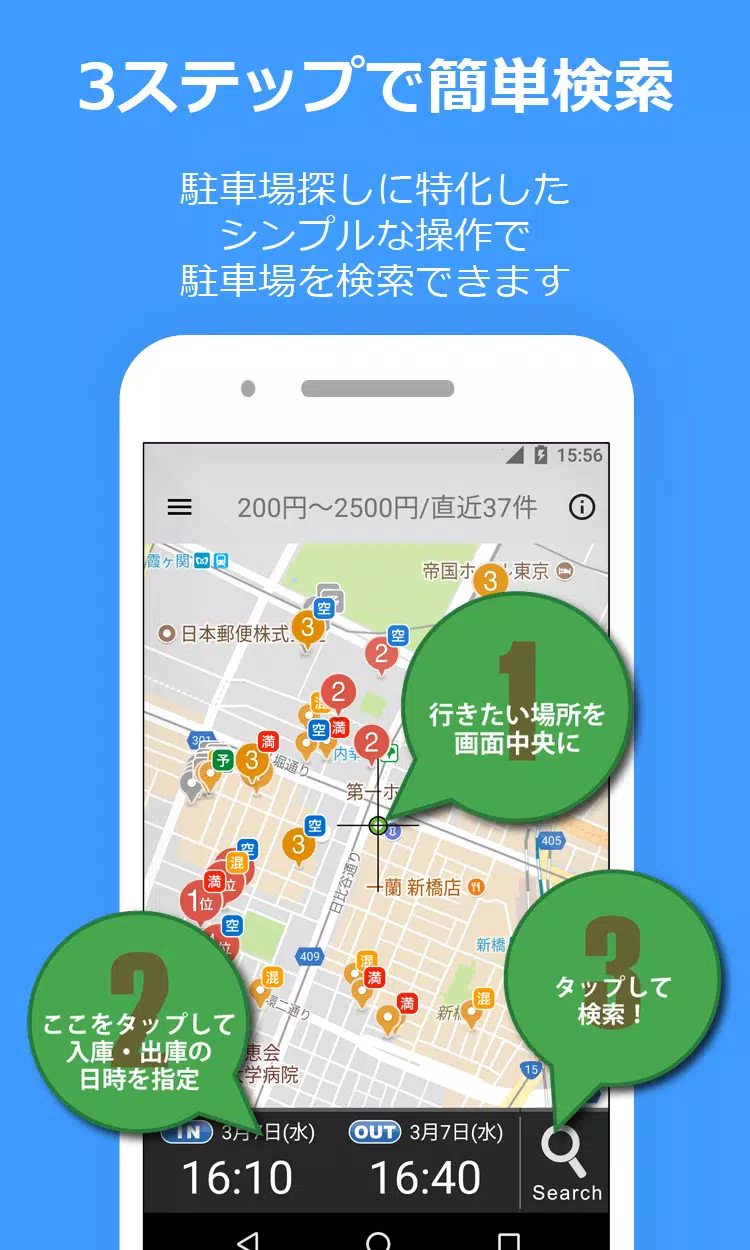
1) Locate your destination on the map.
This becomes your search center point.
2) Enter your parking start and end times.
3) Tap the search icon (bottom right) to begin!
4) Results appear numbered by price and proximity.
Easy identification of the closest, most affordable options.
※Important notice※
Requires Google Play Services on Android 4.0+ devices.
Location permissions ensure accurate parking spot detection.
Always confirm pricing at parking locations.
While we prioritize data accuracy, we can't guarantee all listings match reality.
--------------------------------
Parking information disclaimer
--------------------------------
* Always verify rates locally.
* We strive for accuracy but can't guarantee perfect data alignment.
--------------------------------
Report bugs
--------------------------------
1) Submit reports via Twitter or email.
For detailed issues, contact:
Twitter: PPPark1 (ends with the number 1)
Mail: [email protected]
2) Include your device model and OS version for faster resolution.
--------------------------------
■ Website
https://pppark.com
https://twitter.com/PPPark1