ScoreCreator: A Mobile Music Composition Powerhouse
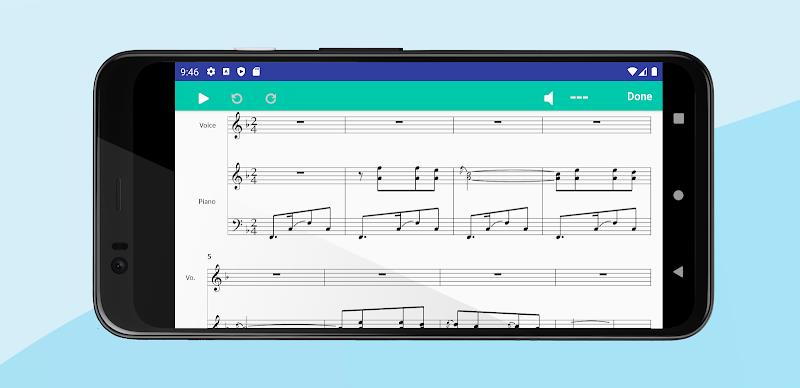
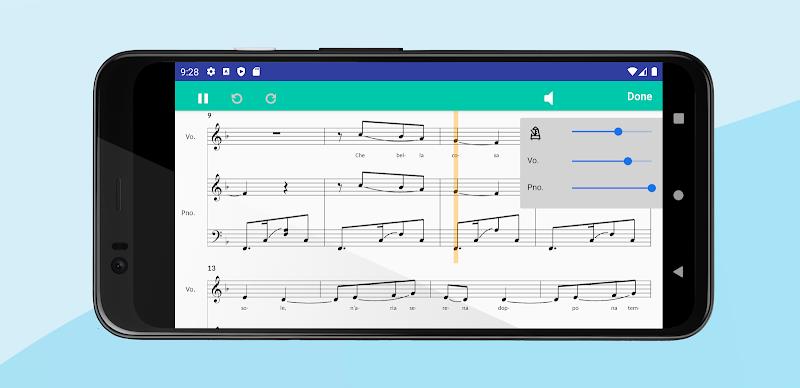
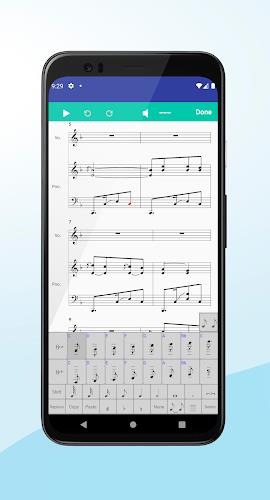
ScoreCreator is a revolutionary mobile app designed to empower music creation for everyone, from seasoned composers to aspiring songwriters and music lovers. This intuitive music editor streamlines the composition process, eliminating the cumbersome tapping, zooming, and dragging often associated with mobile music creation. Its innovative keyboard-style interface makes composing as easy as texting, allowing users to focus on their creativity.
Beyond composition, ScoreCreator excels as a versatile teaching and learning tool. Educators can easily input musical notation for students, while learners can transcribe and practice their favorite pieces. The app's features are extensive, allowing for the creation of full arrangements.
Key Features:
- Mobile-First Design: Built for seamless mobile composition, providing accessibility and convenience on the go.
- Intuitive Composition: A simplified, powerful interface makes music creation effortless, even for users with varying levels of musical notation experience.
- Enhanced User Experience: Say goodbye to tedious screen interactions. Compose quickly and efficiently with the streamlined interface.
- Educational Tool: Serves as a valuable resource for both teachers and students, facilitating music education and practice.
- Comprehensive Sheet Music Support: Create diverse arrangements including lead sheets, solo instrument parts, and ensemble scores (SATB choir, brass & woodwind band).
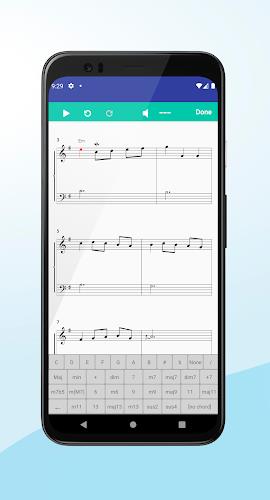
- Advanced Editing & Export: Features include lyric and chord symbol entry, multi-track composition, transposition, key/time signature adjustments, and export capabilities to MIDI, MusicXML, and PDF formats. Robust editing tools like multi-select, copy/paste, and undo/redo are also included.
In Conclusion:
ScoreCreator is a game-changer for mobile music creation. Its user-friendly design, coupled with its powerful features and educational applications, makes it an indispensable tool for musicians, composers, educators, and music enthusiasts of all levels. Start creating your music today!