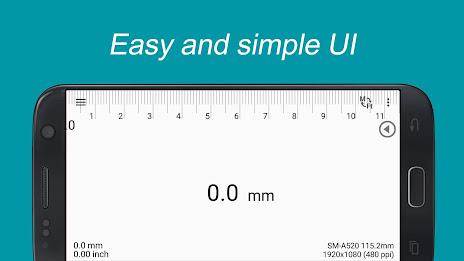
Introducing Smart Ruler: The Essential App for Precise Small Object Measurements. Need to quickly and accurately measure small objects? Smart Ruler from the Smart Tools collection is your solution. Simply place the object on your screen, and with a touch, get precise length measurements. Its intuitive design and multi-touch functionality make it incredibly user-friendly.
Upgrade to Smart Ruler Pro for enhanced capabilities, including ad-free usage, caliper mode, architectural and engineering scales, ruler extension, protractor, level, and thread pitch functionality. Want more tools? Download Smart Ruler Pro and explore the full Smart Tools suite for even greater versatility. Visit our YouTube channel and blog for further details.
Key Features:
- High-Precision Measurement: Accurately measure small objects directly on your screen, ensuring reliable results for diverse applications.
- Intuitive Interface: Enjoy a simple and easy-to-use design. Position the object, adjust the red line, and instantly see the measurement.
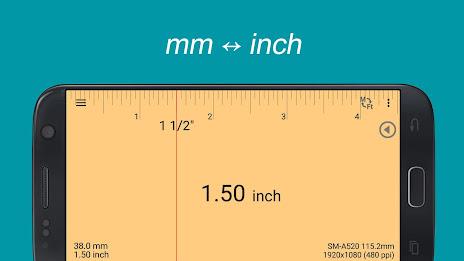
- Flexible Units: Conveniently switch between metric (meters) and imperial (inches) units to suit your needs.
- Personalized Background: Customize your measurement experience by selecting your preferred background color.
- Pro Version Enhancements: Unlock advanced features like caliper mode, specialized scales, ruler extension, protractor, level, and thread pitch measurement in the Pro version.
- Calibration for Accuracy: Easily calibrate the app for optimal precision by inputting the actual width of a known object.
In Conclusion:
Smart Ruler provides a streamlined and accurate measurement solution for small objects. Its user-friendly interface, customizable options, and versatile unit support create a seamless experience. The Pro version's advanced tools further enhance its functionality, making it an indispensable tool for various measurement tasks. Download Smart Ruler today and experience precise, effortless measuring.