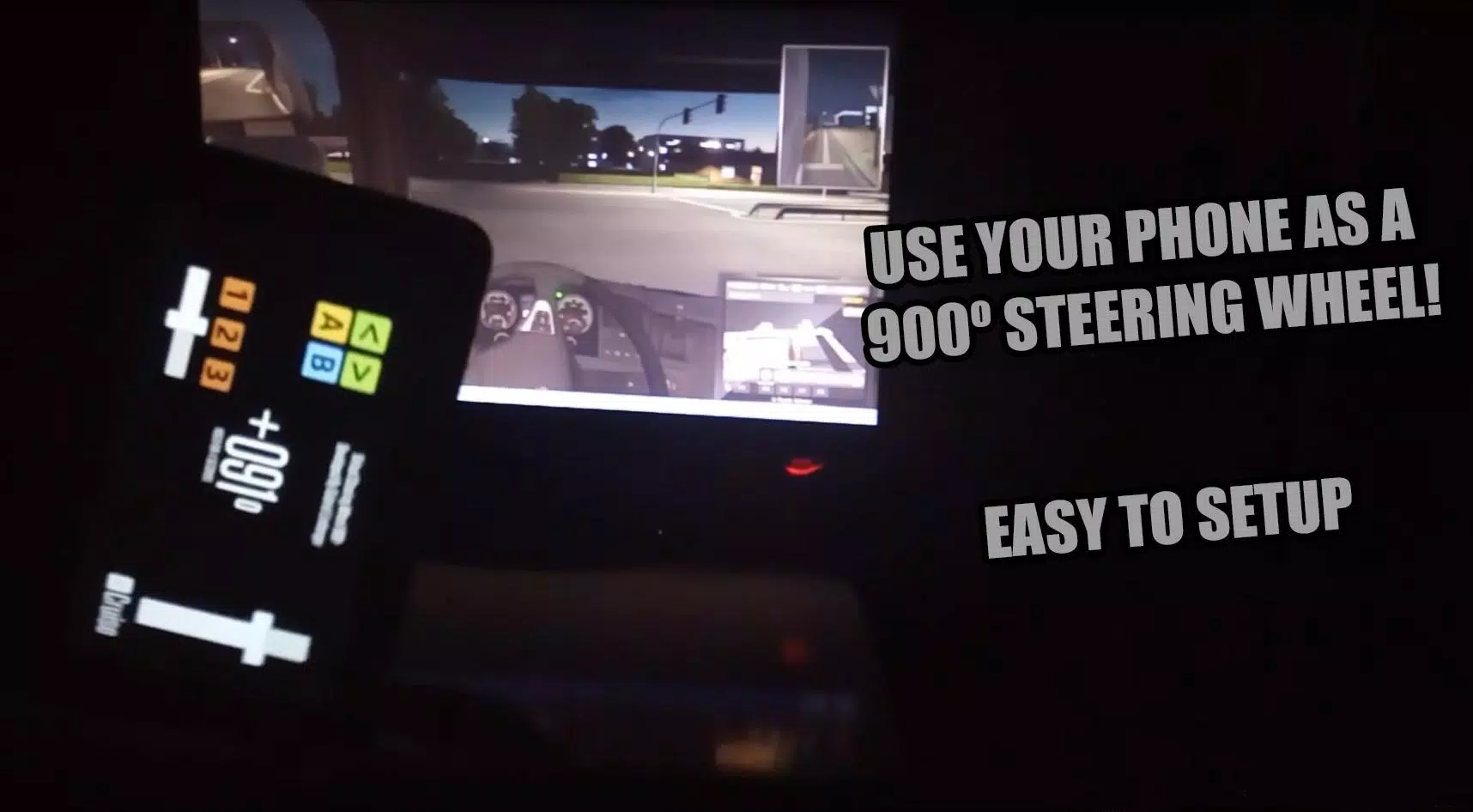

Transform your Android device into a 900-degree virtual steering wheel for PC gaming.
################ DOWNLOAD THE RECEIVER ################
https://mega.nz/file/AqxjmIpa#ZYfWUtMC-91M1zXHdJDk6LKfxtd8P0iCadhSo7W5hhY
900SteeringWheel is an application that turns your mobile device into a virtual steering wheel.
Control your PC games using your Android device.
************** CONNECTION TUTORIAL! **************
Updated Tutorial (2022):
https://youtu.be/9gnzWMF2o4U
Older Tutorials:
English:
https://www.youtube.com/watch?v=hMkvosQYG7I
Português:
https://www.youtube.com/watch?v=LetQLdenCMs
***************************************************************
NEW UPDATE 12/07/2016
- H-Shifter Added!!!
- Adjustment to the Z-axis orientation
H-Shifter tutorial: [deprecated] https://900steeringwheel.wordpress.com/2016/07/13/how-to-configure-vjoy-to-use-900steeringwheel-hshifter
NEW UPDATE 29/05/2016
- Advertising removed!!!
- Performance improvements
HOW TO USE 900SteeringWheel:
[deprecated] https://900steeringwheel.wordpress.com/2016/05/23/how-to-get-900steeringwheel-ready-to-use/
Example: Configuring 900SteeringWheel for Euro Truck Simulator 2: https://900steeringwheel.wordpress.com/2016/05/26/how-to-configure-900steeringwheel-to-eurotruck-simulator-2/
Official blog/website: https://900steeringwheel.wordpress.com/
Features:
- 900° adjustable steering wheel. Play games from Euro Truck Simulator to Project CARS with one app.
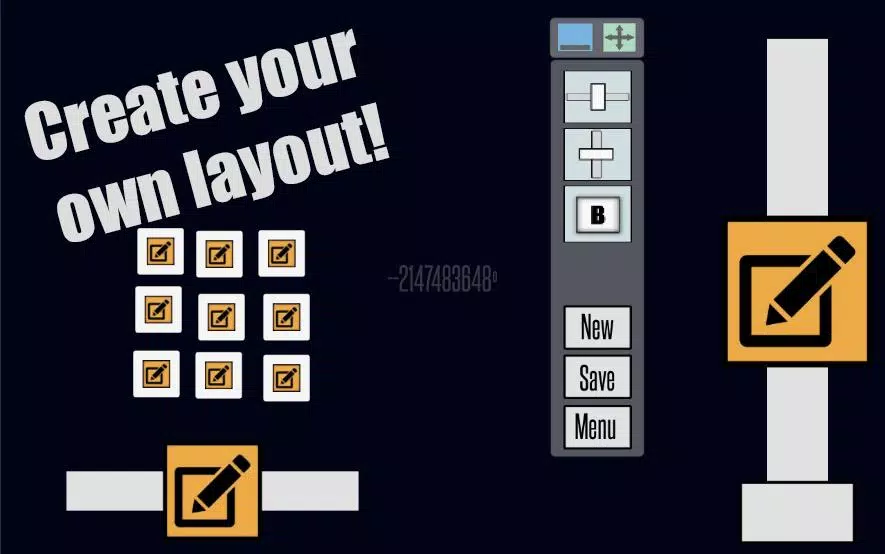
- 3 axes and 7 customizable buttons
- Cruise control
- H-Shifter
Roadmap:
- Improve connection stability
- Reduce input trembling
IMPORTANT NOTES:
- Available for Windows only.
- 900SteeringWheel uses your local Wi-Fi network. Both your mobile device and computer must be connected to the same Wi-Fi.
- This application demands good performance from your mobile device and a stable Wi-Fi connection (internet is not required).
Tested Devices:
Galaxy Y - https://youtu.be/y8LLRVV5Yt0
Galaxy Tab 2 7' - https://www.youtube.com/watch?v=-Cy75fAkK4s
LG K10
Xperia L