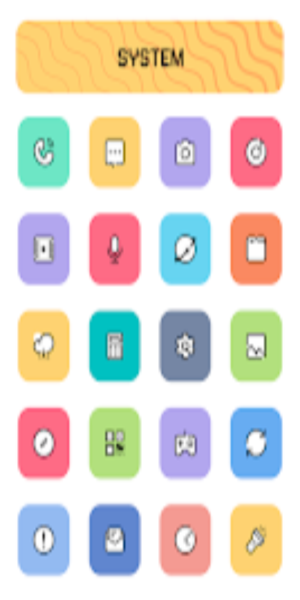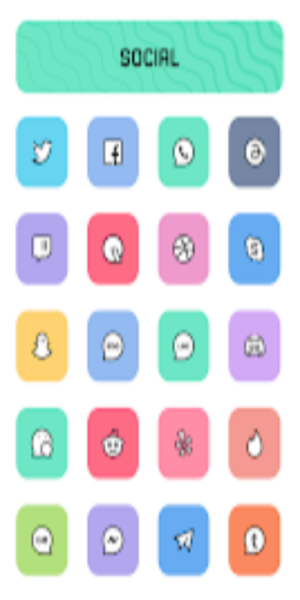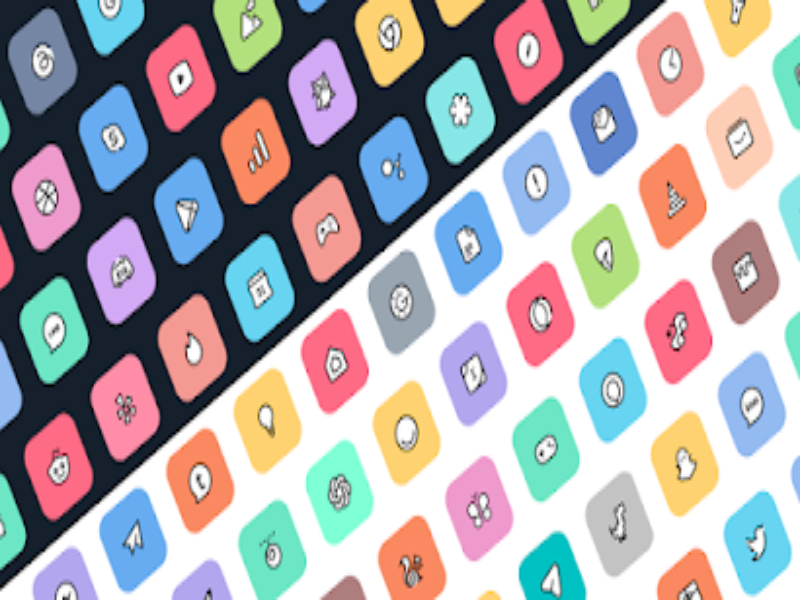
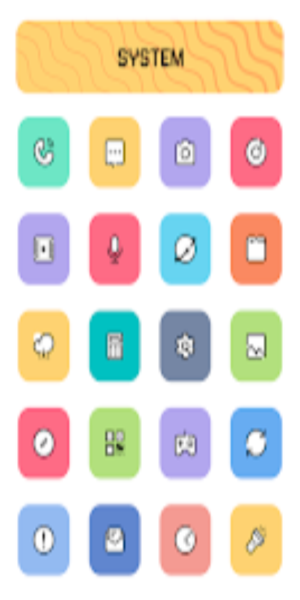
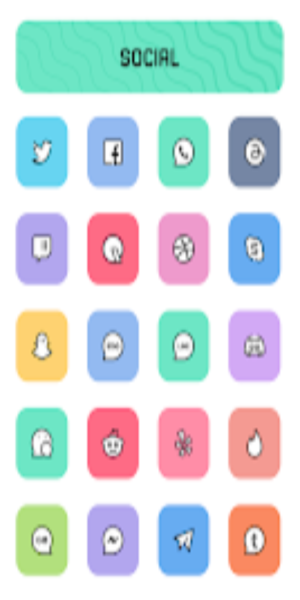
Crayon Adaptive IconPack: Transform your device's aesthetic with over 6800 meticulously designed icons and 100+ stunning wallpapers. This icon pack features a captivating blend of soft hues and a charming cartoon style, adding a touch of vibrancy and personality to your home screen. Enjoy the freedom to customize icon shapes for a truly personalized experience.
Crayon Adaptive IconPack: Key Features
Extensive Icon Library: Access a vast collection of over 6800 high-quality icons, regularly updated to keep your look fresh.
Adaptive Icon Shaping: Enjoy the flexibility to customize icon shapes to match your preferred launcher style. Compatible with popular launchers like Nova and Niagara.
Seamless Masking: A sophisticated masking system ensures your icons blend perfectly with your chosen wallpaper, creating a harmonious visual experience.
Diverse Icon Options: Explore numerous alternative icons to further personalize your home screen.
Exclusive Wallpaper Selection: Complement your new icons with over 100 exclusive wallpapers designed to match the pastel and cartoon theme.
Personalization & Recommended Settings:
For optimal performance, we recommend using Nova Launcher.
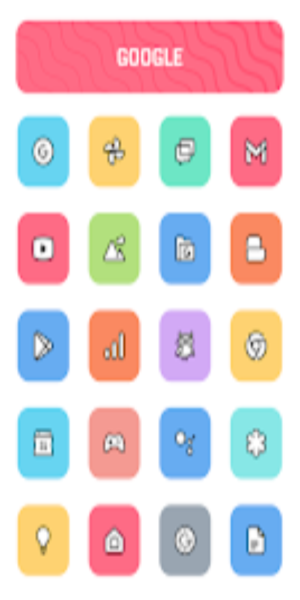
Crayon Adaptive IconPack: Highlights
- Intuitive Icon Preview & Search: Quickly find and preview icons for effortless customization.
- Dynamic Calendar: A dynamic calendar icon that automatically updates.
- User-Friendly Material Dashboard: Easily navigate the extensive icon library.
- Custom Folder Icons: Personalize your app folders with custom icons.
- Categorized Icons: Browse icons organized by category for efficient selection.
- Custom App Drawer Icons: Extend the theme to your app drawer.
Installation Instructions
- Install a Compatible Launcher: Select a launcher compatible with Crayon Icon Pack (e.g., Nova Launcher).
- Apply the Icon Pack: Open the Crayon Icon Pack app, navigate to the "Apply" section, and choose your launcher.
Supported Launchers: Action, ADW, Apex, Atom, Aviate, CM Theme Engine, GO, Holo, Holo HD, LG Home, Lucid, M, Mini, Next, Nougat, Nova (recommended), Smart, Solo, V, ZenUI, Zero, ABC, Evie, L, Lawnchair.
Unsupported Launchers: Nothing, ASAP, Cobo, Line, Mesh, Peek, Z, Launch by Quixey, iTop, KK, MN, New, S, Open, Flick, Poco.
Conclusion
Experience a delightful and personalized mobile interface with Crayon Adaptive IconPack's charming cartoon aesthetic and pastel color scheme. Each icon is carefully crafted to provide a unique and immersive visual experience.