Experience a personalized Android interface with Microsoft Launcher! This customizable launcher enhances productivity by integrating apps, calendar, and to-do lists into a personalized feed. Easily import your current layout or start fresh, with the option to revert back anytime.
Key Features of Microsoft Launcher:
Introduction:
Microsoft Launcher transforms your Android experience with its highly customizable home screen and productivity-boosting features. Let's explore its highlights and tips for optimal use.
Standout Features:
❤ Customizable Icons: Personalize your home screen with custom icon packs and adaptive icons for a unique look.
❤ Stunning Wallpapers: Enjoy daily Bing images or use your own photos for a captivating background.
❤ Dark Mode: Reduce eye strain with a dark theme that complements Android's dark mode settings.
❤ Effortless Backup & Restore: Seamlessly transfer your settings and customizations between devices or when experimenting with different layouts. Backups can be stored locally or in the cloud.
User Tips & Tricks:
❤ Master Gestures: Utilize intuitive swipe, pinch, and double-tap gestures for quick access to apps and features.
❤ Accessibility Service Enhancements: Enable the optional Accessibility Service permission for convenient screen lock and recent apps access.
❤ Boost Productivity: Integrate with Microsoft services like Bing Search, Bing Chat, To Do, and Sticky Notes (requires microphone permission). View calendar events and easily call contacts (requires phone permission).
Design & User Experience:
Fully Customizable Home Screen: Arrange apps and widgets to perfectly suit your workflow.
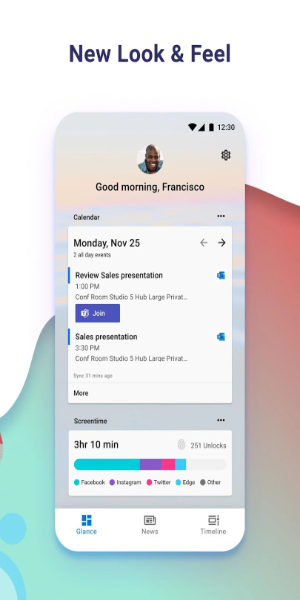
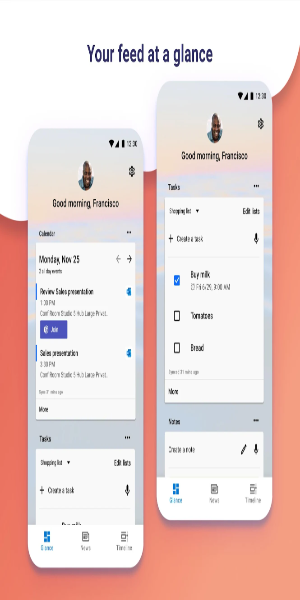
Personalized Information Feed: Access your calendar, to-do lists, and other important information directly on your home screen.
Integrated Sticky Notes: Quickly capture notes and reminders without leaving your home screen.
Smooth Setup & Transition: Choose to start fresh or import your existing layout.
Easy Reversion: Effortlessly switch back to your previous home screen setup if needed.