Quick Links
In Dynasty Warriors: Origins, you'll primarily take on the role of the Wanderer as he embarks on a mission to restore peace to the land. Throughout your journey, you'll encounter a myriad of choices that shape the main storyline, and regardless of the paths you choose, you'll often find yourself accompanied by powerful allies on the battlefield.
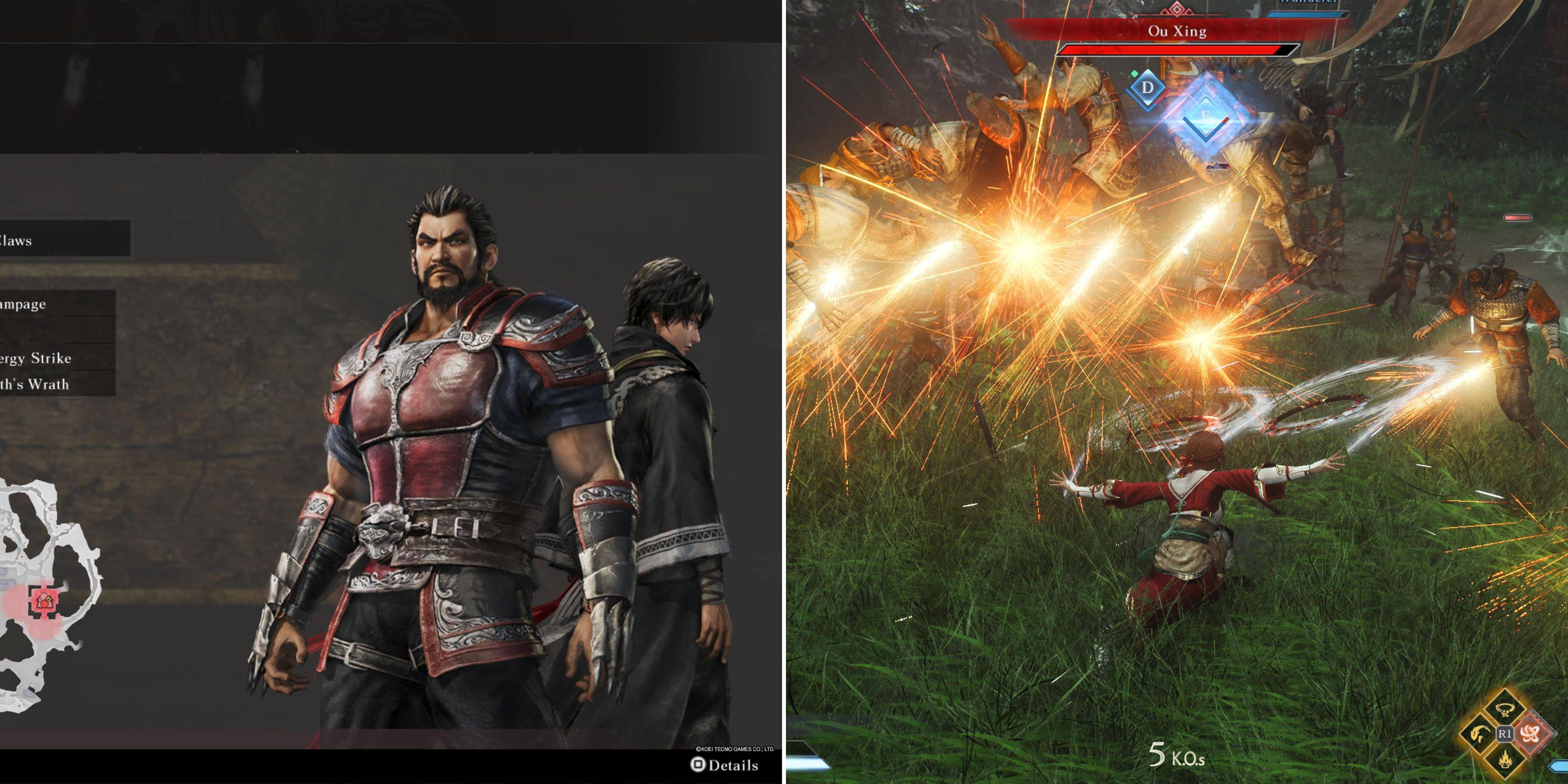
These companions will steadfastly remain by your side, following you into the heat of combat. However, the game offers you the thrilling opportunity to take control of these formidable allies during certain battles. Switching to your companions can be a game-changer, as they are often more potent in battle than the Wanderer, even with his upgrades. Here's how you can switch characters and maximize your combat effectiveness.
How To Switch Characters In Dynasty Warriors: Origins
Switching to play as your companion is only possible during battles where a companion is present by your side. Before the battle begins, during the war council, you'll notice an option to select your companion. While you have the choice to go into battle alone, selecting a companion is crucial if you want the option to switch during combat. Once the battle starts, you'll see your companion's health bar in the bottom right corner of the screen, positioned just above your own.
Directly below their health bar, you'll find a blue bar that functions similarly to your Musou bar. This bar fills up as you engage in combat, with actions like:
- Parrying attacks
- Perfect dodging
- Assaulting Officers
- Using Weapon Arts
Virtually any combat action will contribute to filling this bar, though at a slower pace.
Once your companion's blue bar is fully charged, a "Change Character" prompt will appear next to the bar. To switch characters, press and hold the designated button for about a second. On Xbox, use the View Button; on PC, it's the C key; and on PlayStation, press the Touchpad.
Playing As Other Characters In Dynasty Warriors: Origins
It's strategic to switch to your companion during the peak of a major skirmish, as they offer immense power but can only be controlled for approximately a minute. The blue bar that allowed you to switch will gradually deplete, indicating the remaining time you have in control of your companion. When you take over your new character, they will come equipped with full Bravery and a suite of combat arts that are exceptionally effective on the battlefield.
Moreover, switching to a new character triggers a dramatic entrance with a powerful attack, so aim at an enemy to maximize its impact. Your companion will also have their own Musou bar and health bar, both fully charged upon switching, allowing you to unleash their unique special attack and wreak havoc among your foes.