Home Apps Tools SmartCut - Ai Video Editor
SmartCut - Ai Video Editor

SmartCut - Ai Video Editor

4
Application Description
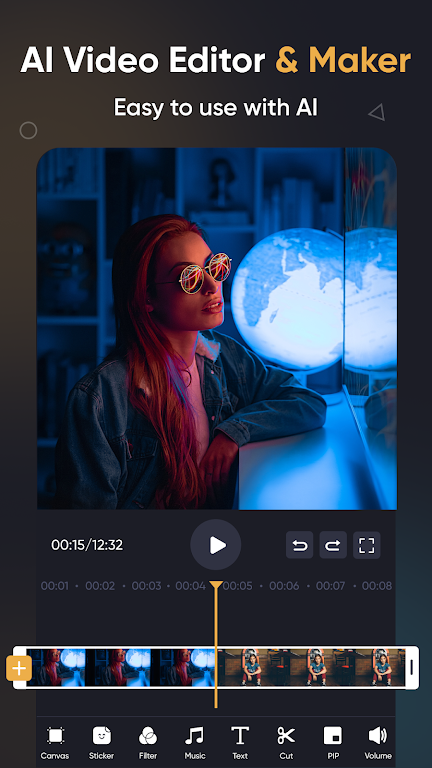
SmartCut - AI Video Editor is your go-to solution for crafting visually stunning videos that are perfect for sharing on social media platforms such as Instagram, TikTok, WhatsApp, and Facebook. Its intuitive interface combined with professional-grade features enables you to effortlessly add music, text, and transition effects to your videos. You can also produce seamless slow-motion videos and dynamic video collages. The app even allows you to blur the background of your videos, giving them a polished and professional finish. Additionally, SmartCut doubles as a powerful slideshow and collage maker, where you can edit photos, remove backgrounds, apply filters, and fine-tune various settings. Leveraging AI-powered tools like auto captions and background removal, SmartCut helps you create videos that truly stand out. Whether you're a seasoned content creator or just someone who loves making engaging videos, SmartCut - AI Video Editor is the ideal choice for your editing needs.

Features of SmartCut - AI Video Editor:

  • Professional Video Editing: SmartCut provides comprehensive video editing capabilities, allowing you to add music, text, and transition effects with ease. This feature set helps you create high-quality videos effortlessly.

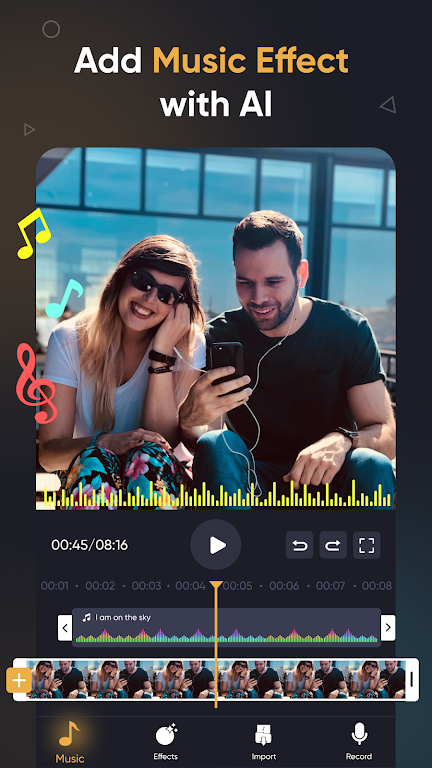
  • AI Video Tool: Harness the power of AI to elevate your videos. SmartCut's AI technology offers instant presets that transform your images and videos with a single tap. It also includes auto captions and background removal functionalities to enhance your content.

  • Smart Tracking and Slow Motion: With SmartCut, you can make stickers and text follow the motion of tracked objects, adding a dynamic touch to your videos. Additionally, you can create smooth slow-motion effects to captivate your audience.

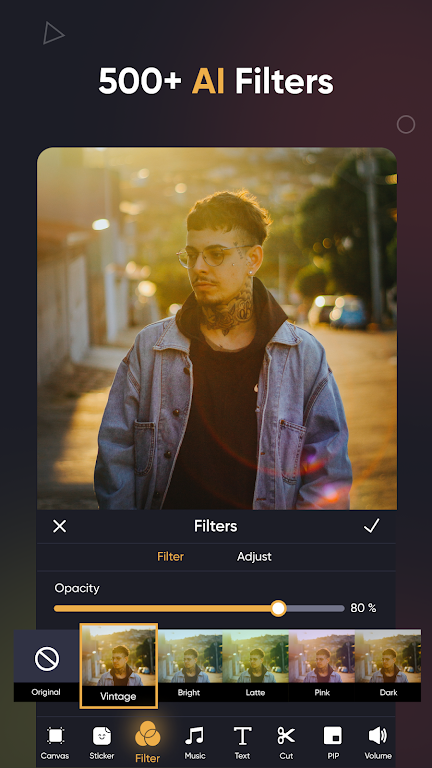
  • Creative Effects, Filters, and Transitions: Choose from a vast array of effects, filters, and transitions to give your videos a unique flair. Adjust video brightness, contrast, and saturation, and explore special effects like Glitch, Fade, Noise, and more.

  • User-Friendly Collage Maker: SmartCut isn't just a video editor; it's also a versatile collage maker. Create stunning photo collages with stylish layouts and enhance your videos and photos with background patterns.

  • Easy Video Sharing: Customize your video export resolution, with support for HD and 4K 60fps. Share your creations seamlessly on social media platforms like TikTok, Instagram, and WhatsApp.

Conclusion:

SmartCut - AI Video Editor is a robust and versatile app designed to cater to both novice and professional video editors. Its user-friendly interface, advanced AI tools, and creative features make it easy to produce impressive videos and collages. Whether you're an influencer aiming to boost your social media presence or someone who enjoys creating memorable videos, SmartCut is the perfect tool to enhance your editing skills. Download it now to unlock the full potential of your video content.

Screenshot
  • SmartCut - Ai Video Editor Screenshot 0
  • SmartCut - Ai Video Editor Screenshot 1
  • SmartCut - Ai Video Editor Screenshot 2
  • SmartCut - Ai Video Editor Screenshot 3
Reviews Post Comments
Latest Articles
  • Foretales deckbuilder coming to iOS, Android

    ​Foretales is a fresh narrative-driven deck-building adventureDeveloped by the team behind the Turnip Boy series, this game challenges you to either save the worldOr potentially doom it, as your decisions shape the unfolding story"Will you save the wo

    by Isaac Dec 13,2025

  • Bleach: Brave Souls Marks Decade with Cö shu Nie Anthem

    ​Cö shu Nie brings Brave Soul’s 10th anniversary theme song to lifeJoin the Character Guess Who contest for a chance to win anniversary prizesRecent updates ushered in nostalgic and reimagined fightersBleach: Brave Souls celebrates its decade-long leg

    by Aaron Dec 13,2025

Latest Apps
DTrack

Auto & Vehicles  /  1.7.4  /  27.7 MB

Download
StopClub

Auto & Vehicles  /  9.37  /  326.1 MB

Download