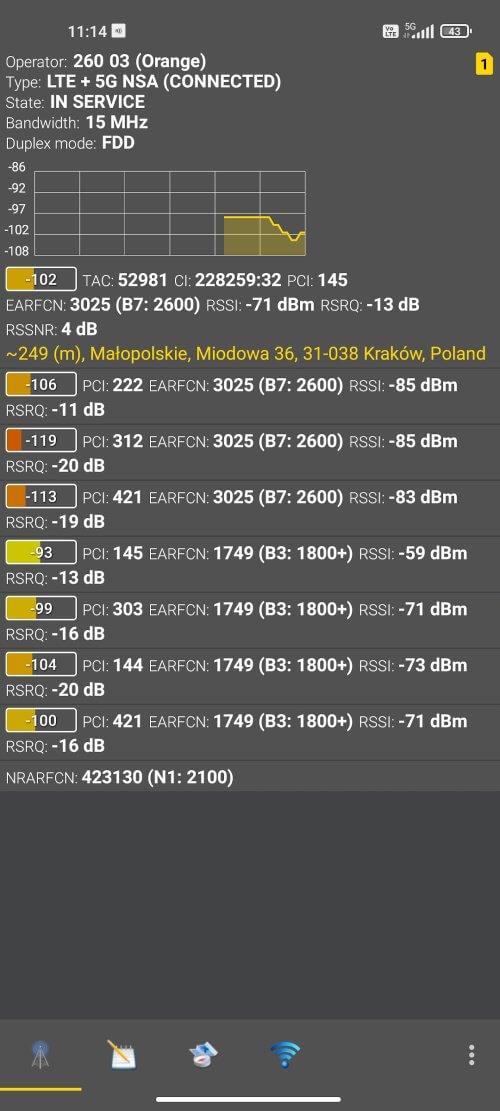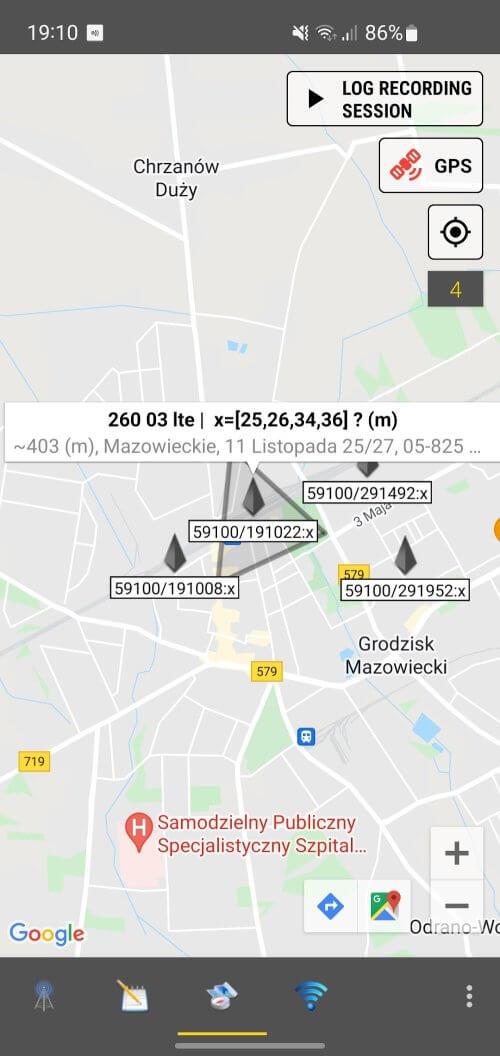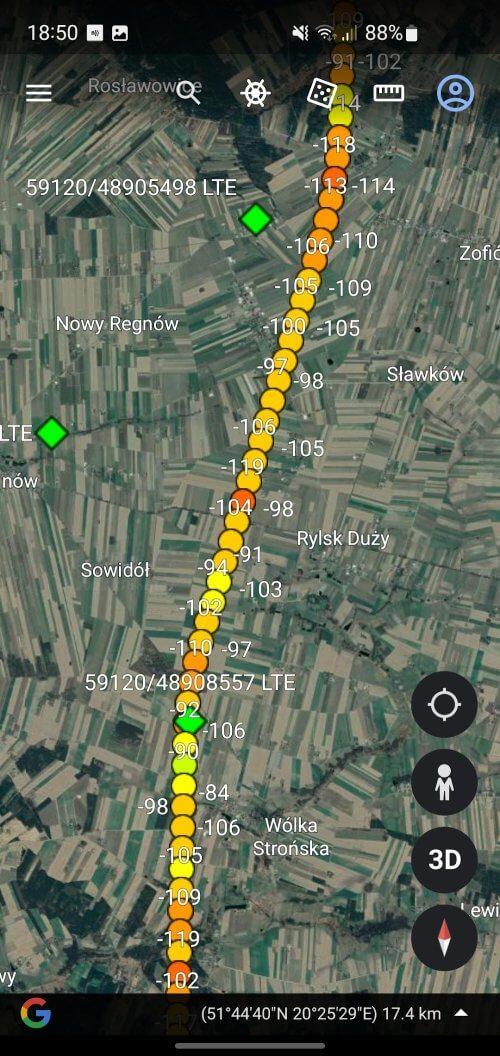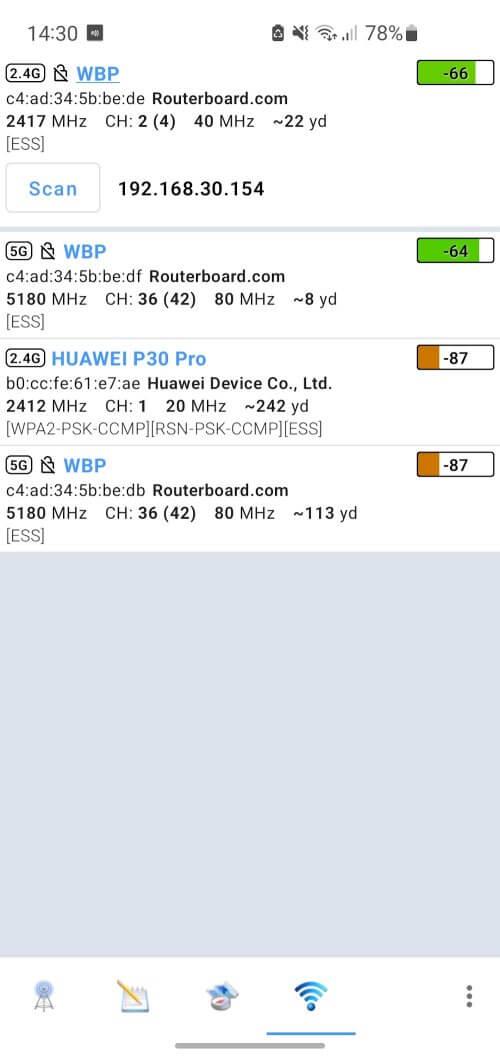
Enhance your cellular and WiFi signal strength effortlessly with Netmonitor: 5G, Cell & WiFi—a powerful and user-friendly app designed to deliver detailed network insights and robust troubleshooting tools. Discover prime reception zones within your home or office, optimize your antenna settings for peak performance, and stay informed about your cellular network status with real-time data on nearby cell towers and carriers. Export sessions to CSV and KML formats, visualize cell tower locations via Google Maps, and even enforce LTE or lock specific LTE bands for enhanced connectivity. Additionally, diagnose WiFi network issues, detect connected devices, and identify the ideal channel for your wireless router—all with ease.
Key Features of Netmonitor: 5G, Cell & WiFi
Real-Time Monitoring: Stay updated on your network status at all times with real-time monitoring of CDMA/GSM/WCDMA/UMTS/LTE/TD-SCDMA/5GNR networks.
Detailed Network Information: Gain comprehensive details about current and neighboring cell towers, including MCC, MNC, LAC/TAC, CID/CI, RNC, PSC/PCI, channels, frequencies, and more.
Signal Strength Visualization: Easily track signal changes through DBM-based visualization, ensuring clear and understandable signal strength monitoring.
WiFi Network Analysis: Diagnose WiFi network problems, analyze coverage, and find the best channel for your router to maximize signal strength and reduce traffic volume.
User Tips
Adjust Antenna Direction: Optimize your cellular signal reception and internet speed by aligning your antenna based on insights from Netmonitor.
Data Collection in Background: Keep Netmonitor running in the background to continuously monitor your network without interruptions.
Force LTE Only: For compatible devices, enable the Force LTE Only (4G/5G) feature to lock your LTE band for a stable and faster connection.
Conclusion
Netmonitor: 5G, Cell & WiFi is an indispensable tool for anyone looking to enhance their cellular and WiFi network performance. Its real-time monitoring, detailed network information, signal strength visualization, and WiFi analysis features make it essential for network engineers, tech enthusiasts, and anyone seeking improved connectivity. Download Netmonitor today and take control of your network experience!