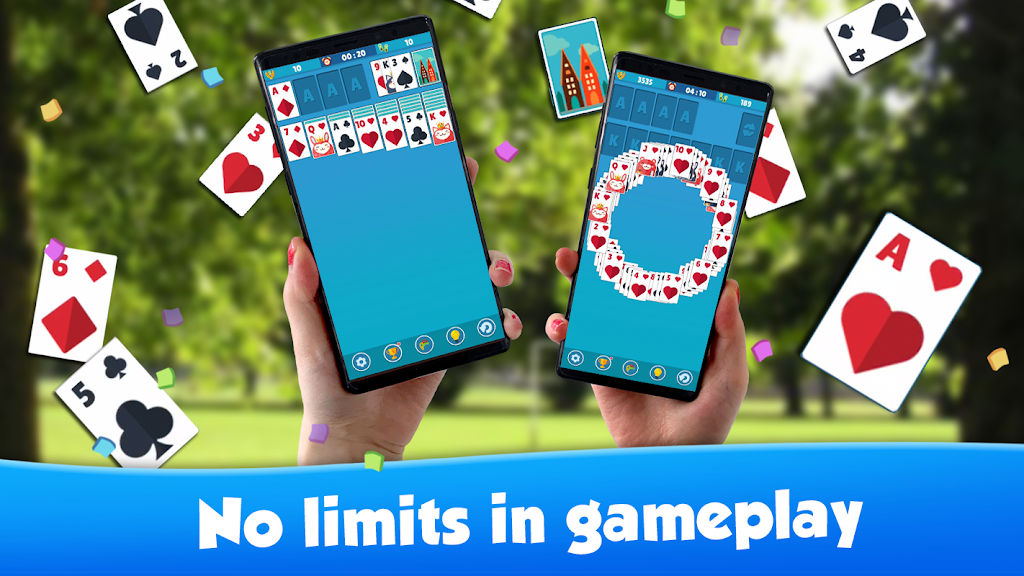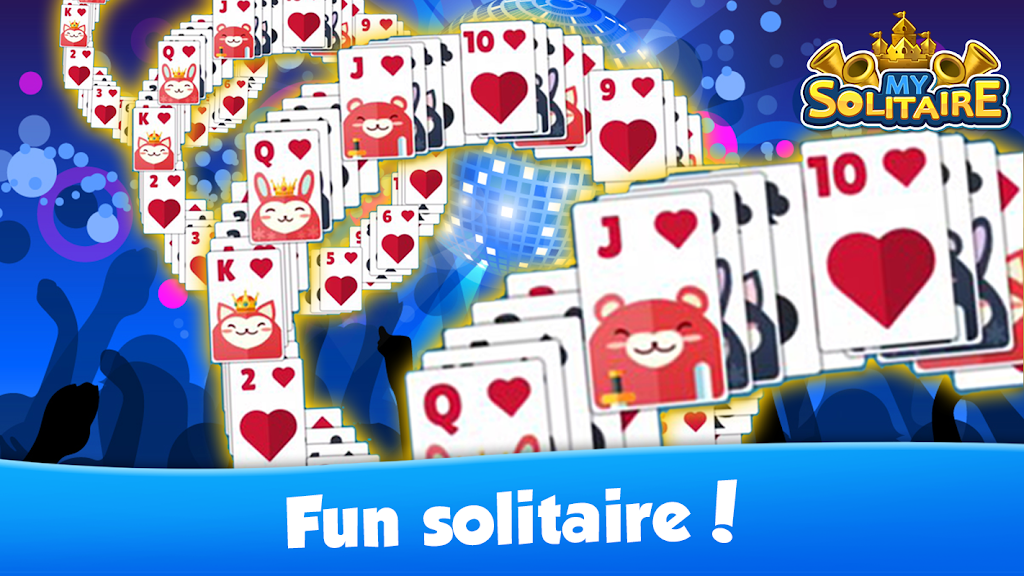
"My Solitaire: Card Game!" is a captivating classic card game featuring Klondike, Spider, and FreeCell game modes. Its user-friendly interface, helpful hint system, and daily challenges offer endless strategic fun for players of all skill levels. Whether you seek casual relaxation or a challenging card game experience, this is a must-have title.
My Solitaire Demo
Gameplay Guide:
-
Mode Selection: Begin by choosing your preferred game mode (Klondike, Spider, or FreeCell), each with unique rules and difficulty.
-
Game Setup: Cards are shuffled and dealt into tableau piles (seven in Klondike, ten in Spider, etc.).
-
Objective: The goal is to move all cards to the foundation piles in ascending order, Ace to King, by suit.
-
Card Movement: Cards are moved within and between tableau piles according to the selected mode's rules. Use the stock pile to draw additional cards.
-
Victory: Successfully move all cards to the foundation piles to win.
Rewards and Benefits:
-
Daily Challenges: Earn bonuses and unlock achievements by completing daily challenges.
-
Hint System: Utilize hints to overcome challenging situations.
-
Undo Function: Retract your last move if needed.
-
Customization: Personalize your game with various card backs, backgrounds, and animations.
Earning Rewards:
-
Level Completion: Earn points, coins, and in-game currency by completing levels and challenges.
-
Achievements: Unlock achievements for reaching milestones and performing impressive feats.
-
Daily Bonuses: Receive daily login bonuses for hints and other helpful tools.
-
Special Events: Participate in limited-time events for exclusive rewards.
Strategic Tips:
-
Planning: Plan several moves ahead to maximize card movement to the foundation piles.
-
Tableau Clearance: Prioritize clearing cards from the tableau to reveal more playable cards.
-
Undo Feature: Experiment with moves, using the undo function as needed.
-
Hidden Cards: Focus on uncovering hidden cards to increase your options.
-
Stock Pile Management: Strategically use the stock pile to avoid running out of moves.
-
Patience: Mastering My Solitaire may require multiple attempts; patience is key.
Getting Started with My Solitaire: Card Game!:
-
Download & Install: Download "My Solitaire Demo" from your preferred app store or gaming platform.
-
Launch: Open the game and allow it to load.
-
Mode Selection: Choose your desired game mode.
-
New Game: Click "Start Game" to begin.
-
Follow Instructions: Follow on-screen instructions for setup and gameplay.