Radio Codes: Unlock Your Car Radio or Navigation System
Need to retrieve the activation code for your car radio or navigation system? This generator supports a wide range of car brands and calculates your code instantly. All you need is the serial number.
Finding Your Serial Number
The serial number is typically located on a label on the side of your radio unit. You'll likely need to partially remove the audio unit to access it. Take a clear picture of the serial number, often found near a barcode.
Serial Number Examples:
- V003261 - Ford V-series radio code
- M066558 - Ford M-series radio code
- VF1CB05CF25198337 - Renault radio code (by VIN)
- UU1BSDPJ558566907 - Dacia radio code (by VIN)
- A128 - Renault radio code
- BP051577068510 - Blaupunkt radio code
- BP011577068310 - Alfa Romeo radio code
- A2C03730700191103 - Fiat Continental radio code
- C7E3F0791A1521656 - Ford Travelpilot navigation
- BP011577068310 - Lancia radio code
- AKK030109 - Ford (Made in Brazil)
- VCOAKZ12110527 - Ford Figo radio code
- 2853805465 - Ford (Australia & India models)
- SKZ1Z2I8261923 - Skoda radio code
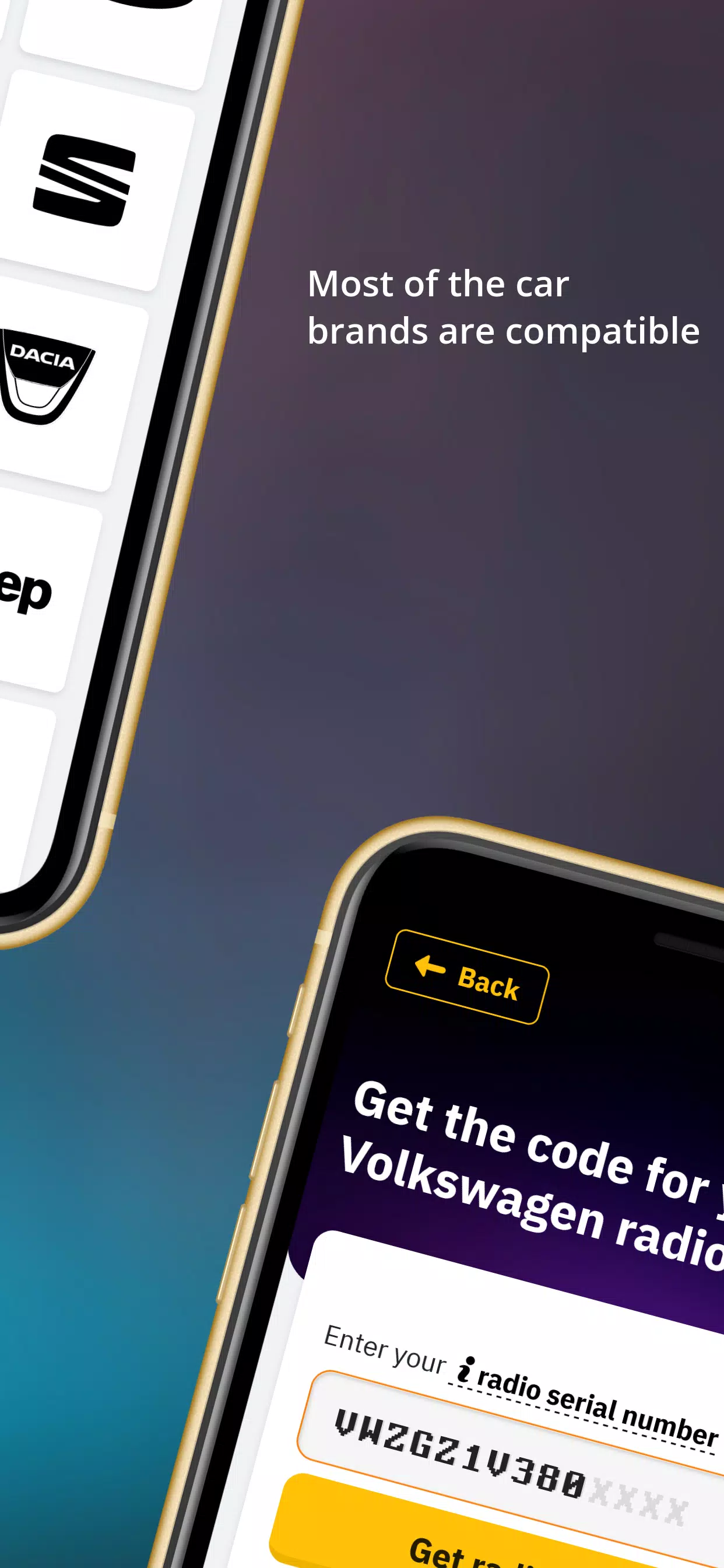
- VWZ7Z2W9393627 - Volkswagen radio code
- AUZ2Z3C1172249 - Audi radio code
- SEZ5Z2A13344023 - Seat radio code
- 38218289 - Nissan radio code
- TQ1AA1501A15382 - Chrysler radio code
- U2201L1290 - Honda radio code (new)
- 32011191 - Acura radio code (new)
- AL2910Y0690315 - Alpine radio code
- 15092056 - Mercedes-Benz radio code
- Y23012031 - Becker radio code
High Compatibility
We support a wide range of car brands, including: Ford, Renault, Dacia, Alfa Romeo, Lancia, Fiat, Volkswagen (VW), Nissan, Audi, Honda, Acura, Seat, Chrysler, Jeep, Mercedes, Volvo, and many popular radio models such as Blaupunkt, Becker, Alpine, 6000CD, 6006CD, SONY, 4500RDSE-O-N, 5000RDS, 3000RDS, Travelpilot, RNS MDF, Concert, Gamma, Symphony, RNS300/RNS310/RNS500/RNS510, and MF2910.
Entering Your Code
- Press the pre-determined button (usually 1) repeatedly until the first digit of your code appears on the screen.
- Repeat this process for buttons 2, 3, and 4, entering each digit sequentially.
- Confirm your entry using the correct button (e.g., 5 for Ford 6000CD, * for Sony, > for most VW, Audi, Skoda, and Seat models).
Dealing with SAFE/LOCKED/WAIT/ERROR Messages
Most radios have a security system to prevent brute-force code entry. After several incorrect attempts, your radio may be blocked.
- Ford: "WAIT" may appear; leave the radio on for 30 minutes. "LOCKED" or "LOCKED10" may require holding button 6 for ten seconds (you may get a few more tries). "LOCKED13" indicates a semi-permanent block requiring dealer assistance.
- VW/Volkswagen: "SAFE" or "SAFE2" indicates a block after three incorrect attempts. Leave the unit on for 60 minutes to retry.
Need Help?
While we strive for a seamless experience, feel free to contact us via chat if you have any questions or encounter problems. Our team provides prompt and helpful support.