This guide explains how to enable and use SSH on your Steam Deck for remote access to its files. The Steam Deck's desktop mode allows for more than just gaming, making remote file access a valuable feature.
Enabling SSH on Your Steam Deck
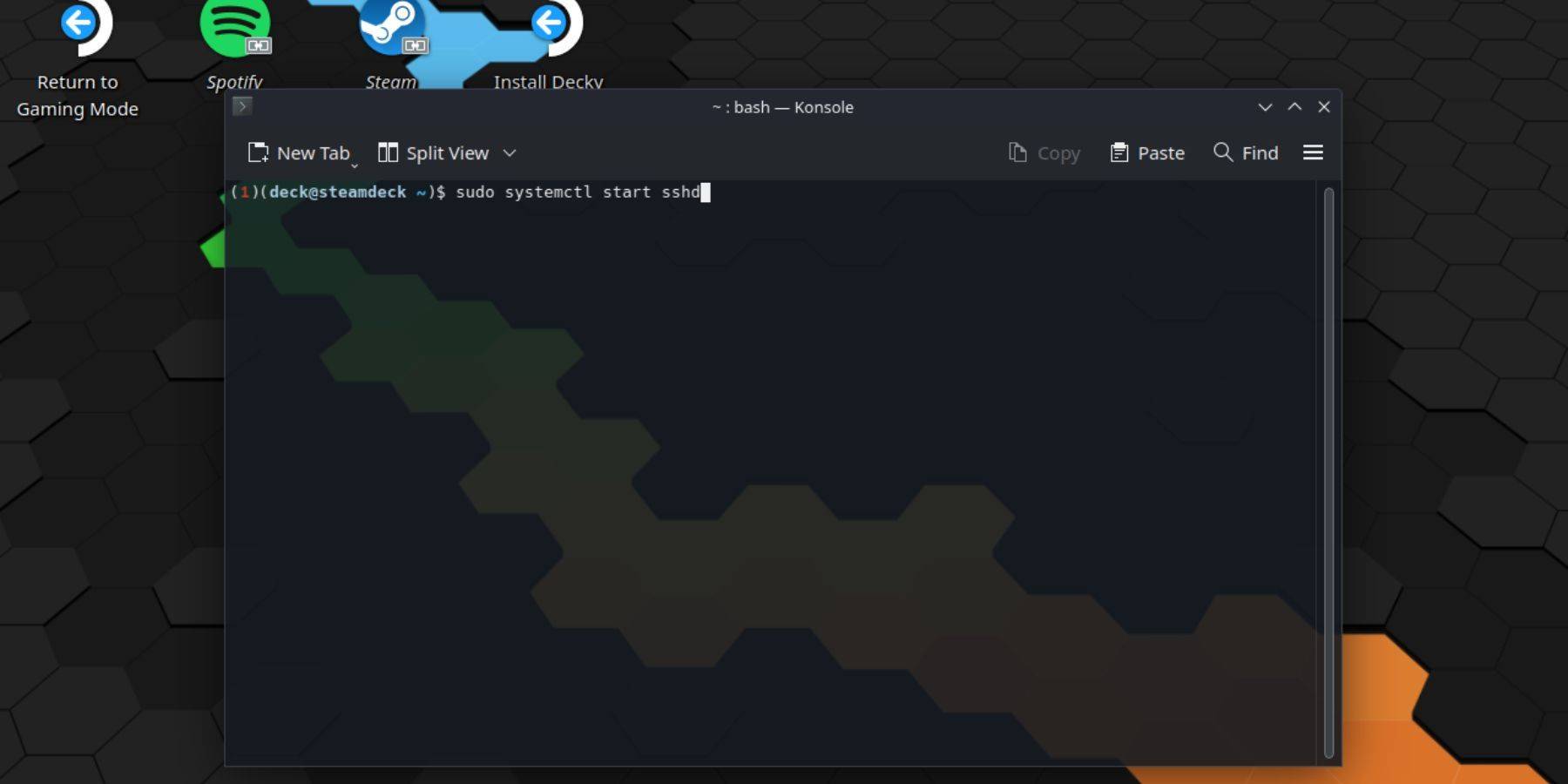 Follow these steps to enable SSH:
- Power on your Steam Deck.
- Access the Steam menu and navigate to
Settings > System > System Settings > Enable Developer Mode. - Return to the Steam menu and select
Power > Switch to Desktop Mode. - Open the Konsole terminal from the Start menu.
- Set a password (if you haven't already) using the command:
passwd. - Enable SSH using the command:
sudo systemctl start sshd. - To ensure SSH starts automatically after a reboot, use the command:
sudo systemctl enable sshd. - You can now access your Steam Deck remotely using a third-party SSH client.
Caution: Avoid modifying or deleting system files to prevent OS corruption.
Disabling SSH on Your Steam Deck
To disable SSH, follow these steps:
- Open the Konsole terminal from the Start menu.
- To disable SSH on boot, use the command:
sudo systemctl disable sshd. - To immediately stop the SSH service, use the command:
sudo systemctl stop sshd.
Connecting to Your Steam Deck via SSH
 Once SSH is enabled, use a third-party application like Warpinator for easy file transfer. Install Warpinator on both your Steam Deck and your PC, then launch it on both devices simultaneously for simple drag-and-drop file transfers.
Alternatively, if you're using a Linux PC, you can connect directly through your file manager. Enter sftp://deck@steamdeck in the address bar and provide the password you set earlier.