Postershop: Your Pro-Level Poster Design App
Create stunning posters, effortlessly edit photos, and design like a pro—all with the simplicity of Postershop! This app offers a wealth of powerful tools and options to make your designs unique and eye-catching. It's incredibly user-friendly, giving you complete control while providing unique features not found elsewhere. Postershop is the ultimate professional poster maker for smartphones.
Need to edit photos, create posters, design quotes, or even logos? Postershop is your go-to solution.
Key Features:
Design Creation:
- Choose from 39 customizable templates.
- Start with a solid color canvas.
- Design directly on a photo from your gallery.
- Begin with a transparent canvas.
Design Elements:
- Add text with extensive formatting options.
- Insert images from your gallery.
- Utilize various shapes (rectangles, circles, polygons, etc.).
- Draw freely with a brush tool.
- Use modifiable icons.
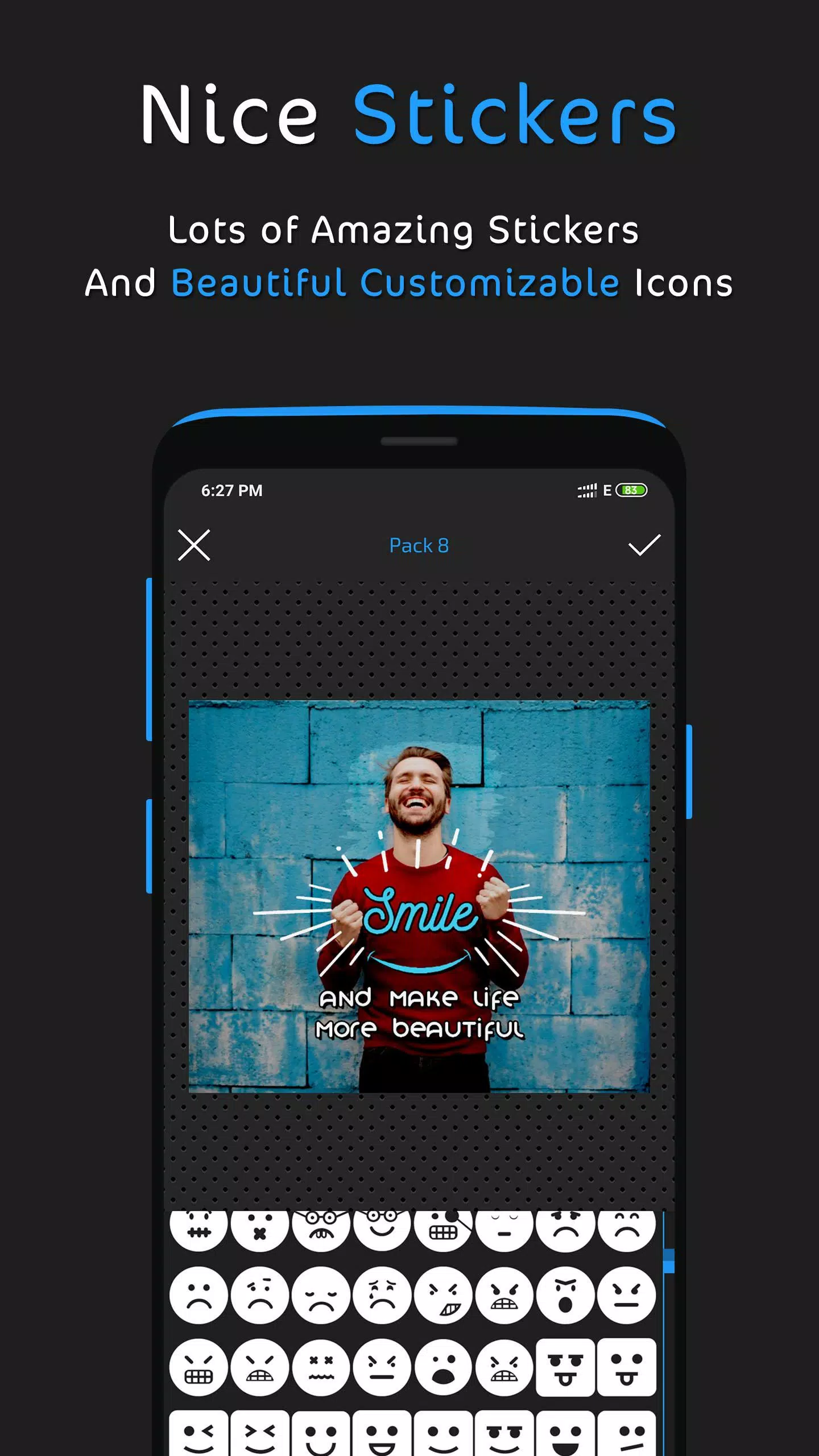
- Add stickers.
Advanced Text Tools:
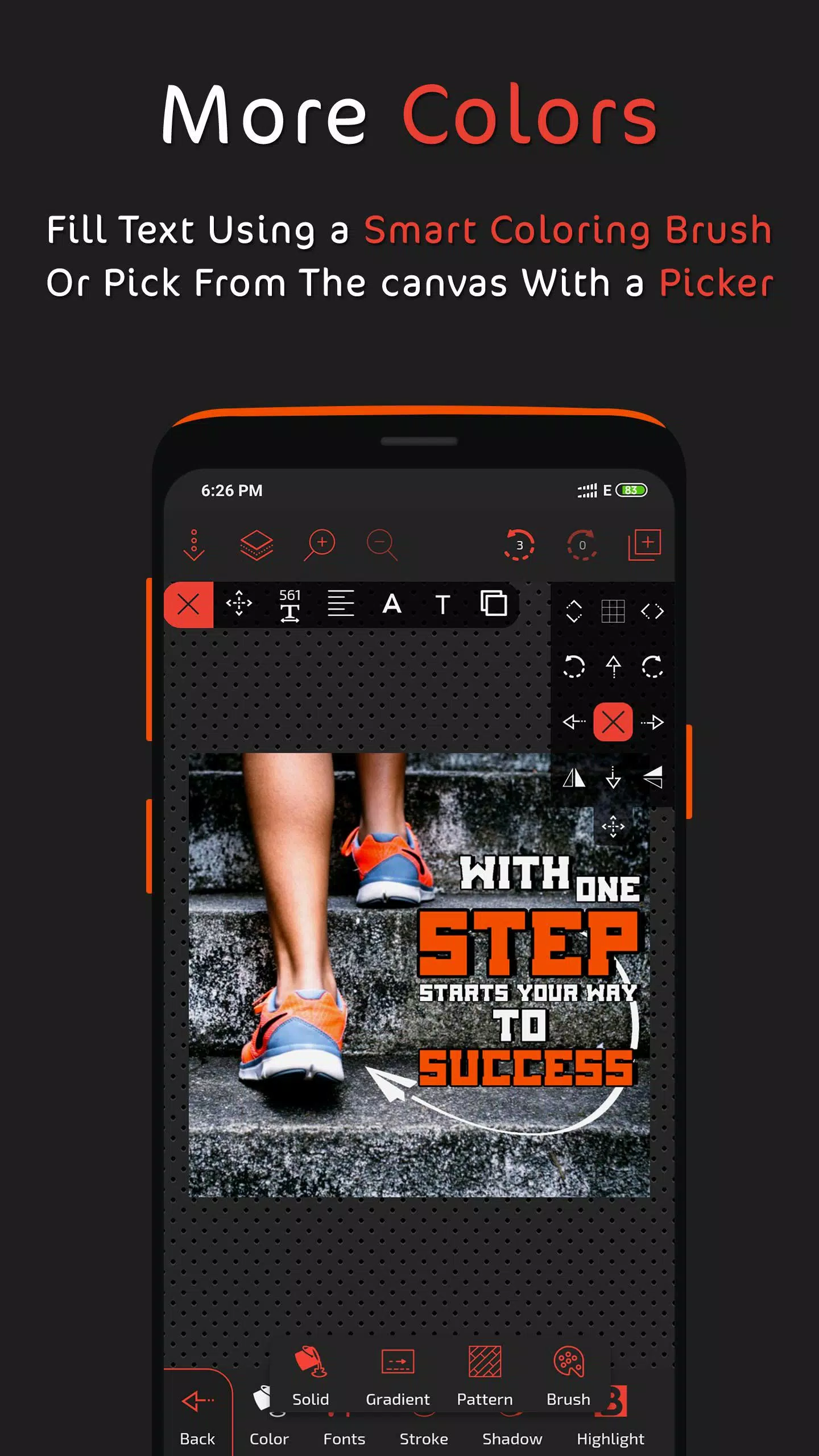
- Multiple fill options.
- Extensive font library with custom font support.
- Opacity control.
- Stroke and shadow effects.
- Highlighting and reflection effects.
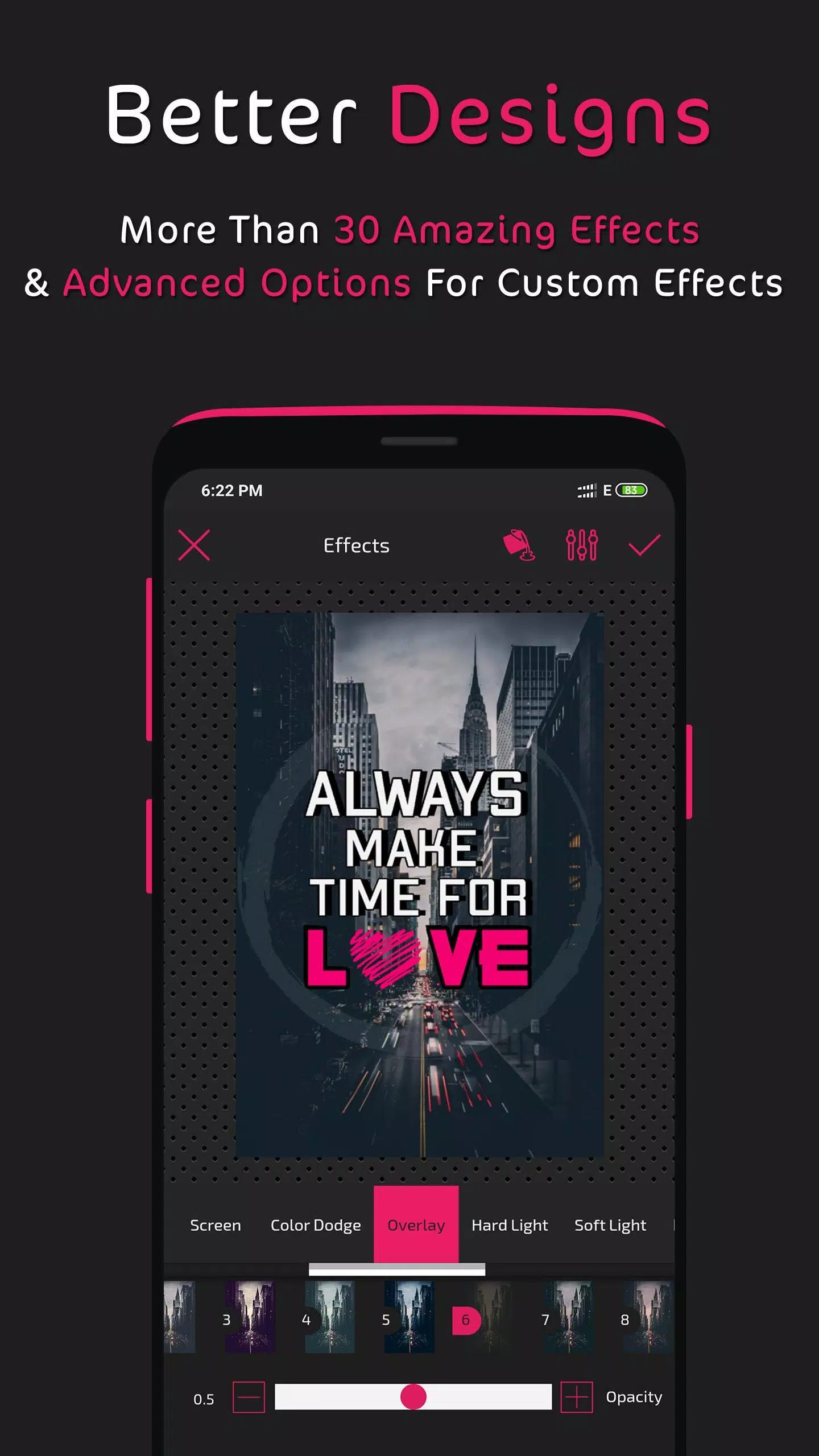
- Layer blending modes.
- Filters.
Layer Management:
- Reorder and arrange layers.
- Clone layers.
- Lock, hide, or delete layers.
- Center and adjust layer width.
- Layer blending modes.
Fill Options:
- Solid color fills.
- Linear and radial gradients.
- Pattern fills.
- Color brush fills.
- Image fills from your gallery.
- Color picker.
- Color wheel.
Photo Editing Capabilities:
- Crop and rotate images.
- AI-powered background removal.
- Eraser brush.
- Effects and filters (with custom effect creation).
- Layer blending modes.
- Add borders.
- Control image radius.
Saving and Exporting:
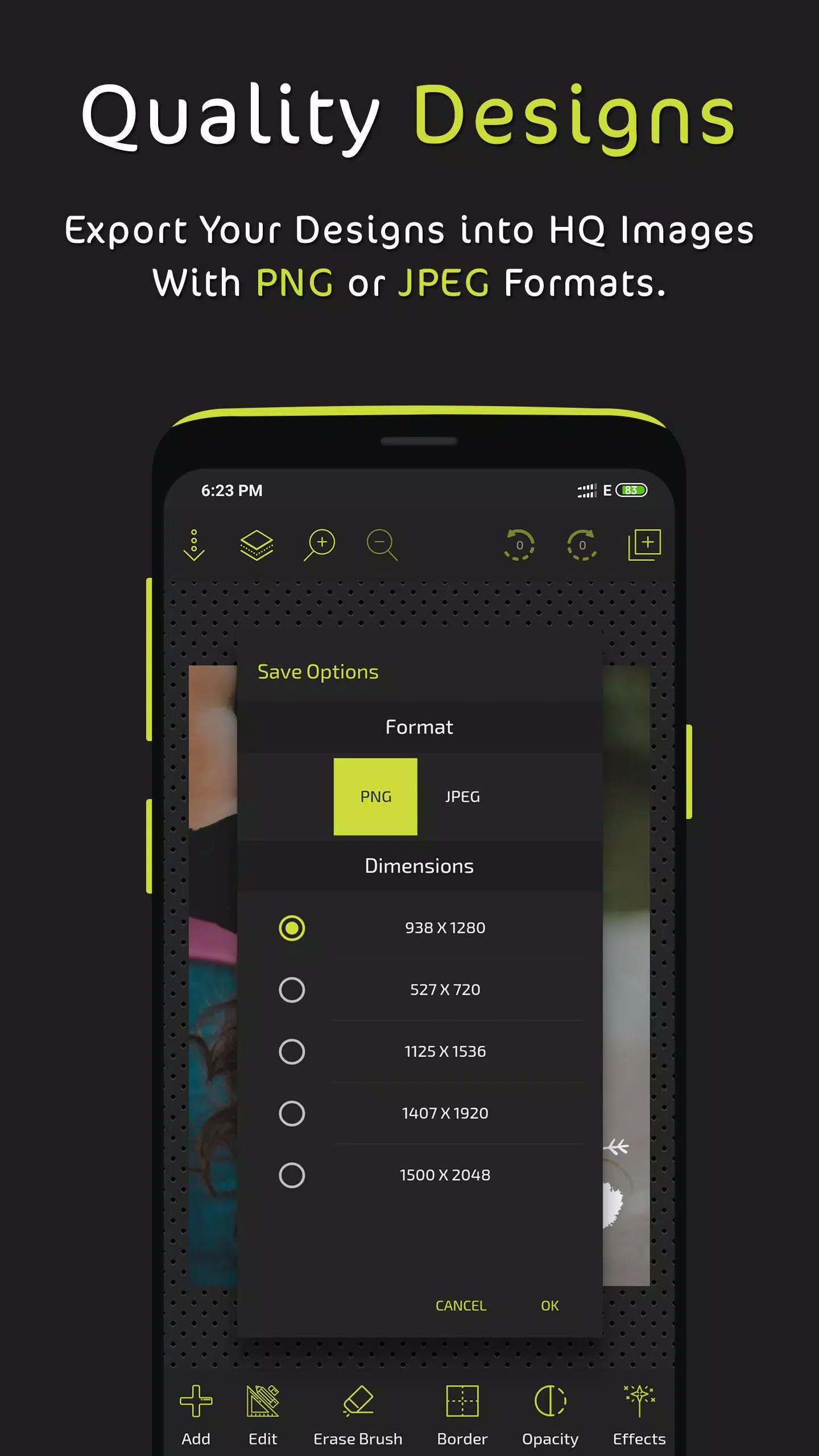
- Save as PNG with multiple resolution options.
- Save as JPEG with adjustable quality and multiple resolution options.
- Save as editable designs with auto-save functionality.
Additional Features:
- Brush tool with adjustable width and color.
- Grouping and ungrouping of elements.
- Dashed strokes and borders.
- Zoom functionality.
- Customizable tool shortcuts.
- Grid and pixel-precise movement.
- Image sharing options.
Explore the app and unleash your creativity! We actively incorporate user feedback for future updates. Share your designs with us on social media: www.facebook.com/postershopeditor
What's New in Version 3.2 (Aug 30, 2024):
- Added AI background remover tool.
- Fixed an issue with imported fonts.