Introducing the Volume Button Assistant App – Your Solution for Volume Button Woes!
Frustrated with a broken or unresponsive volume button? The Volume Button Assistant App offers a convenient and reliable alternative. Say goodbye to the frustration of a faulty button and hello to effortless volume control, whether you're watching videos, listening to music, or on a call. This handy app lets you adjust volume without even opening it, giving your physical button a much-needed rest and extending its lifespan.
Features of Volume Button Assistant:
- Effortless Volume Control: Easily adjust your phone's volume without relying on the physical button. Perfect if your button is broken, unresponsive, or difficult to press.
- Extends Volume Button Lifespan: Minimize wear and tear on your physical volume button by using the app's convenient controls.
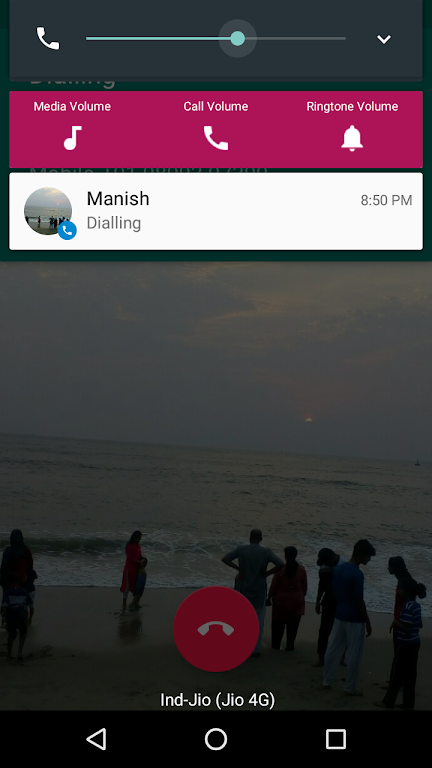
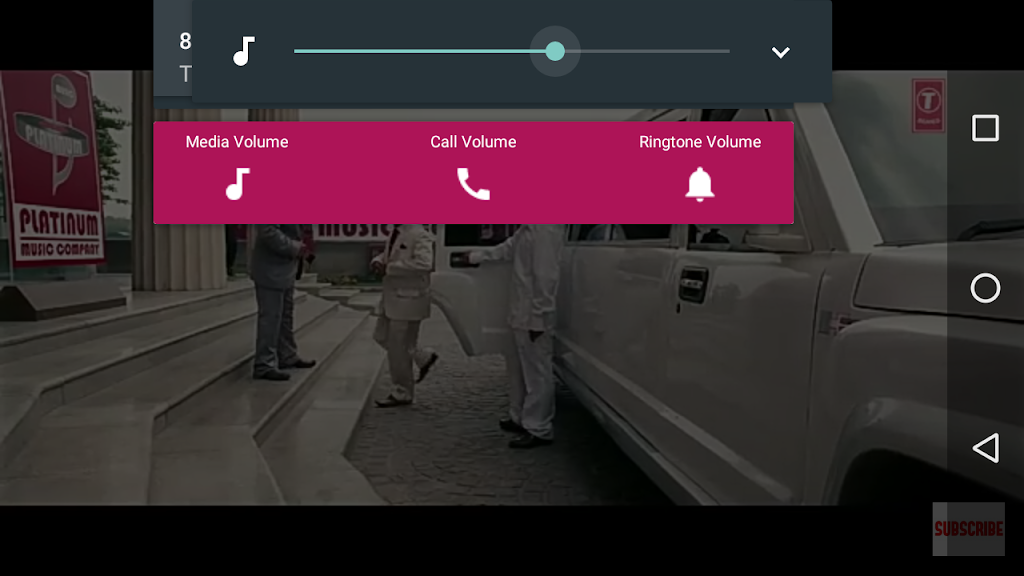
- Notification Bar Access: Quickly change the volume directly from your notification bar. Adjust settings seamlessly while watching videos, listening to music, or during calls.
- Enhanced User Experience: Enjoy a smoother, more efficient phone experience by eliminating the hassle of a malfunctioning volume button.
- Accessibility and Convenience: Designed for ease of use, catering to users with physical limitations or those who simply prefer a more convenient method.
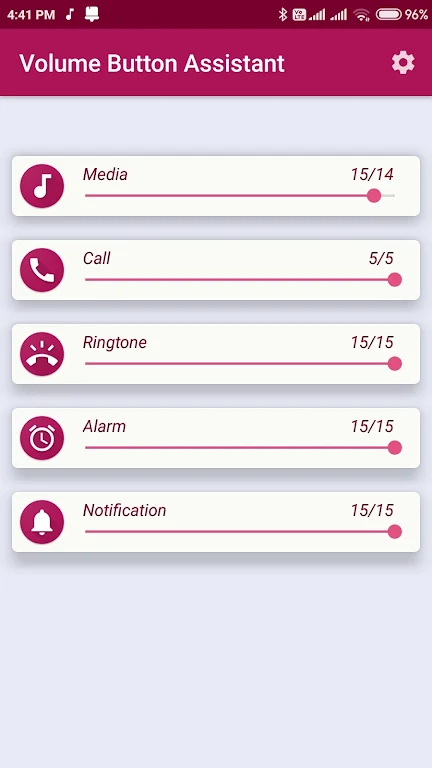
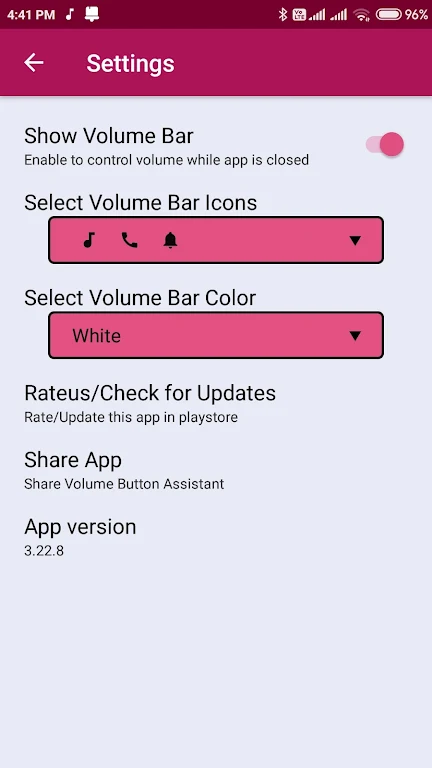
- Customizable In-App Controller: For a more visual and interactive experience, the app provides a fully customizable volume controller.
Conclusion:
With its convenient notification bar access and customizable in-app controller, the Volume Button Assistant App makes volume adjustment effortless and accessible. Don't let a broken volume button disrupt your phone usage. Download the Volume Button Assistant App today for a seamless volume control experience.