Effortlessly remove backgrounds from videos and photos, or swap video backgrounds with ease
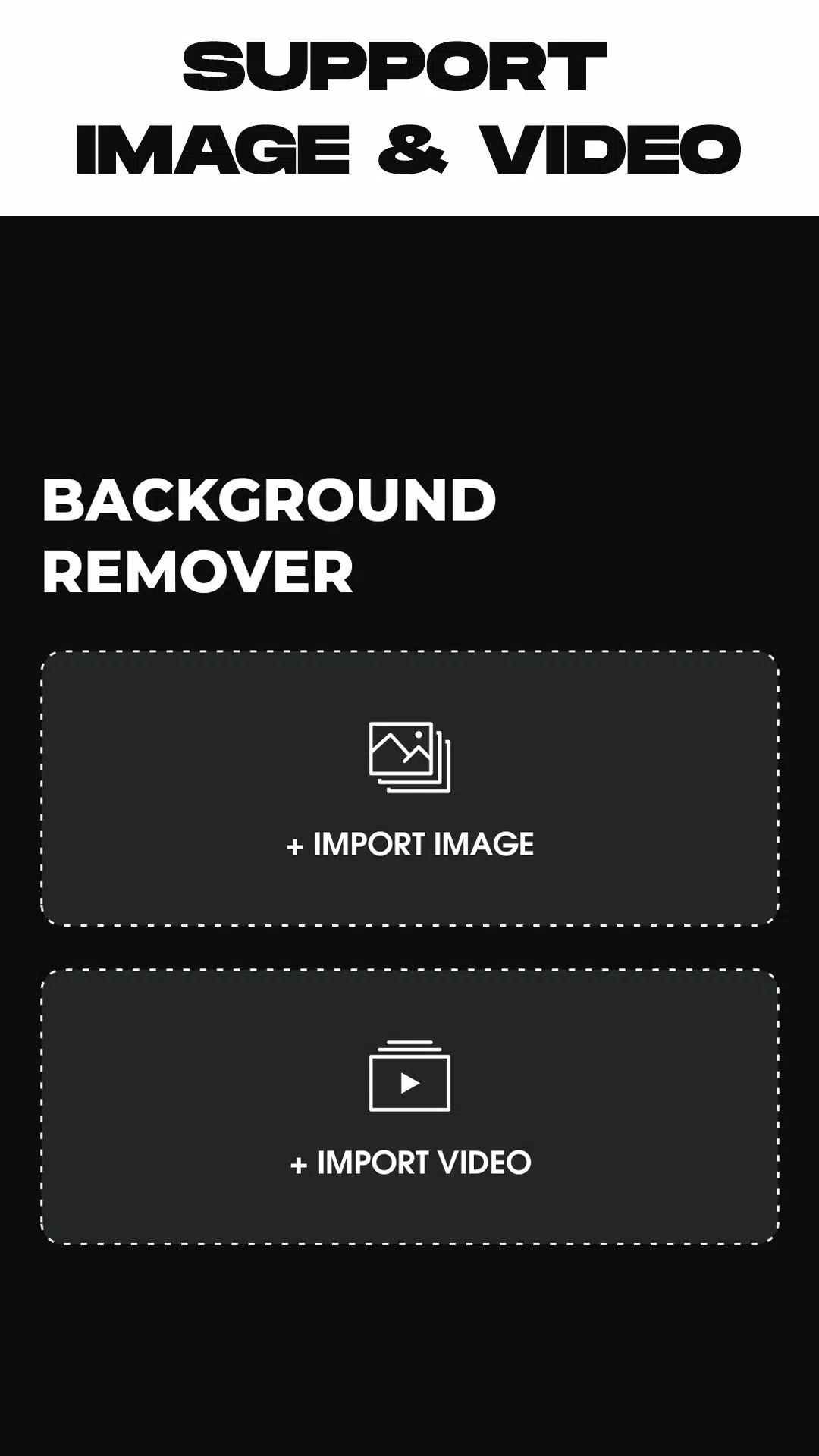
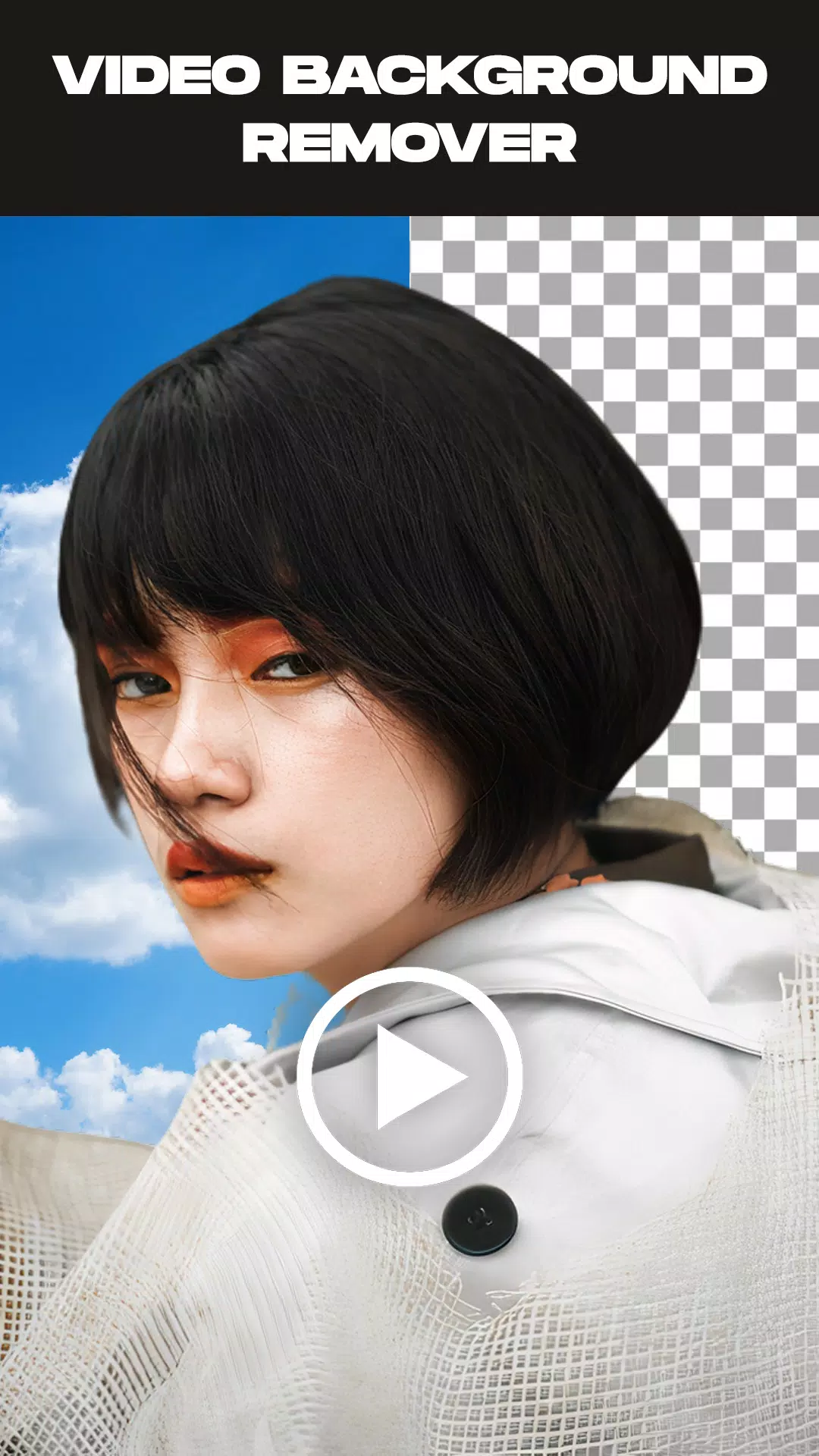
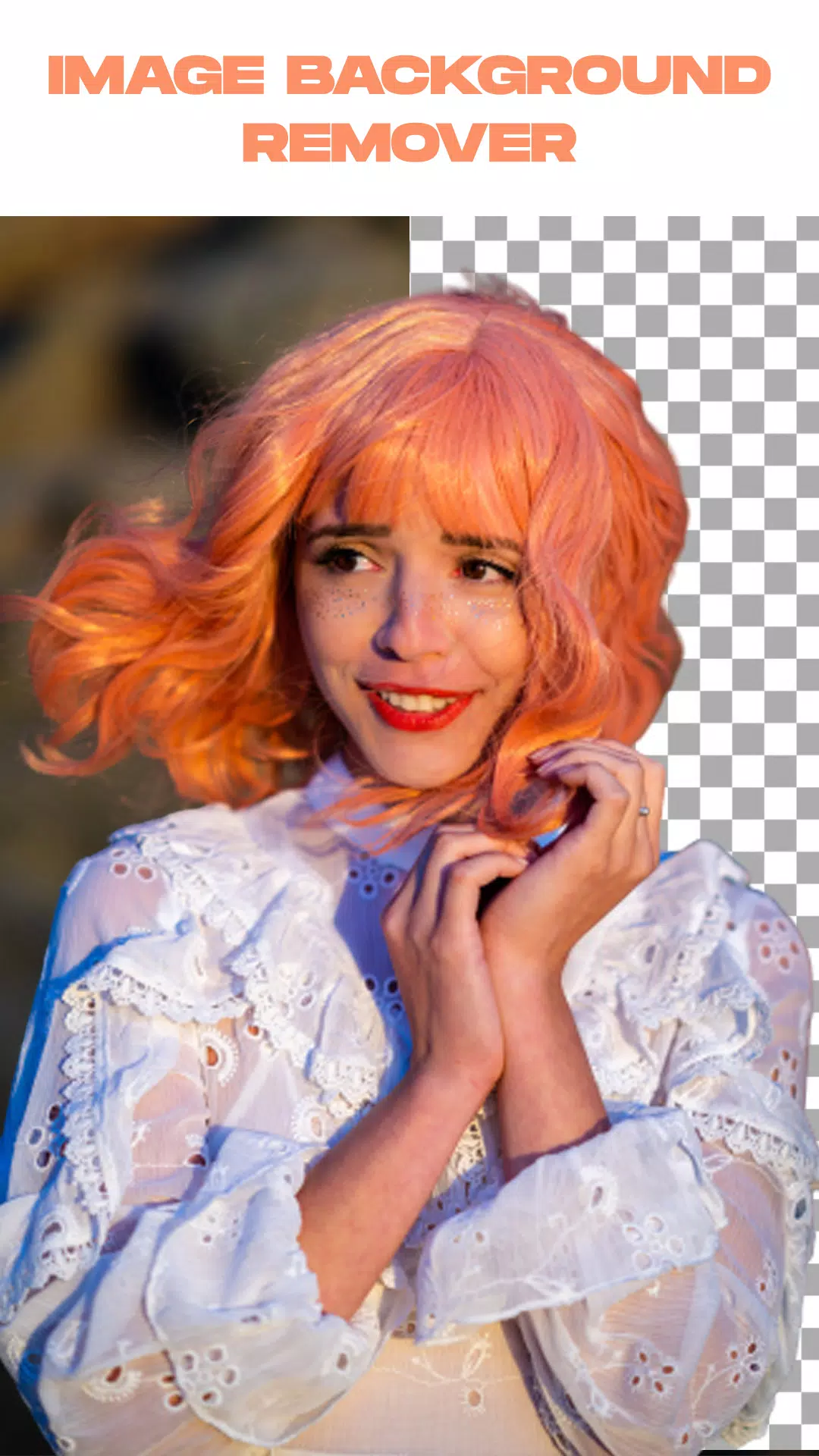
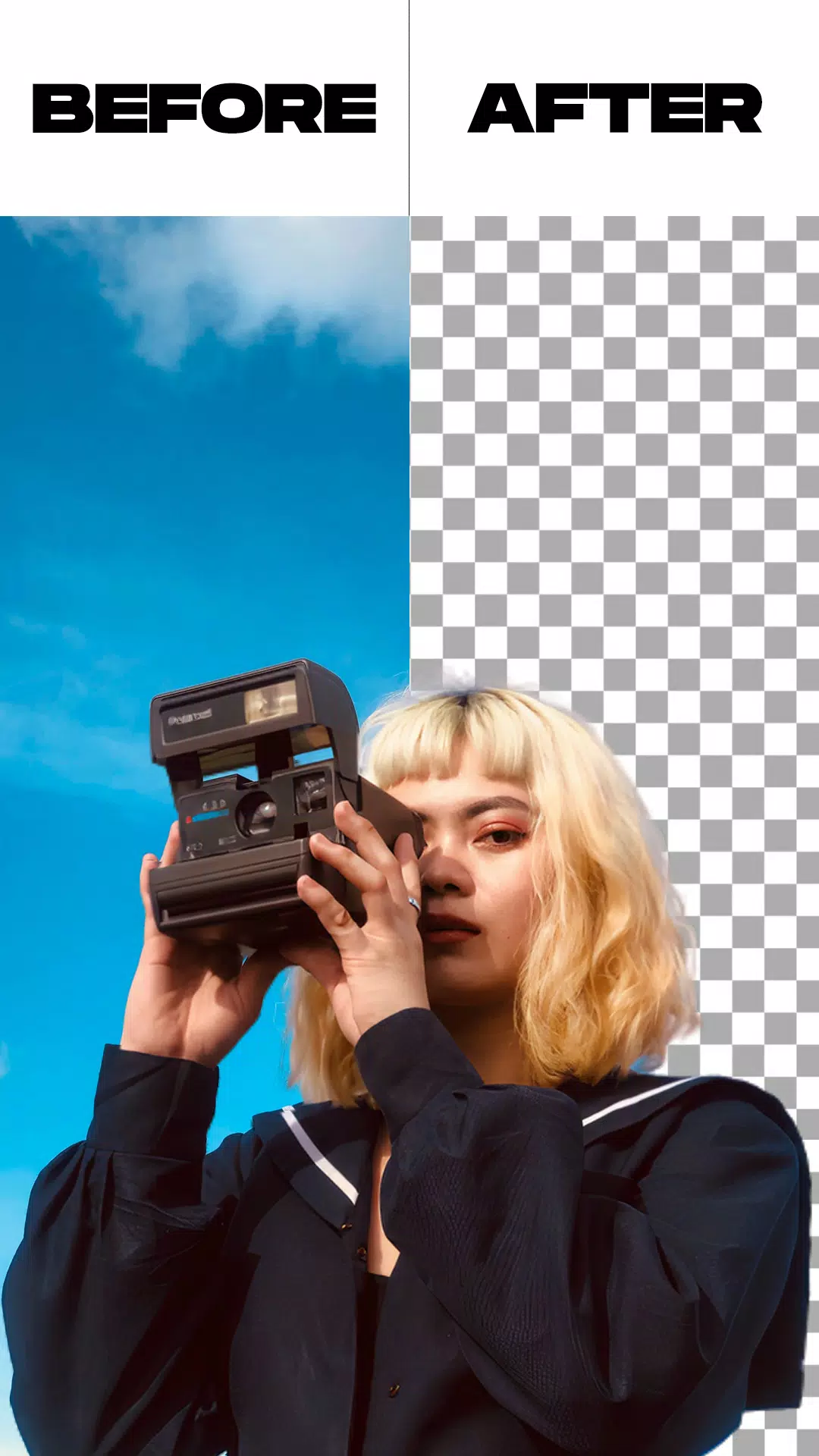
Our background removal app empowers you to erase backgrounds from both videos and photos while offering advanced customization. Seamlessly replace backgrounds from your camera roll or gallery with just a few taps. Enjoy dual processing modes plus bonus tools like image background removal and green screen replacement.
This free video background editor provides extensive customization options. Choose from thousands of solid colors or elegant gradients to transform your video backdrop instantly. Personalize your content with professional-looking backgrounds in seconds.
Beyond color options, our app lets you substitute video backgrounds with custom images or even alternate video clips. Achieve perfect background replacements with single-tap convenience.
Experience versatile green screen functionality with dedicated front and rear camera modes. Switch between camera views effortlessly while maintaining perfect background control for all your video projects.
The green screen effect revolutionizes video creation by enabling cinematic-style productions. Originally inspired by Hollywood effects technology, this popular feature brings professional-grade editing capabilities to your mobile device.
Modern green screen technology mirrors professional film techniques, allowing creators to transport subjects to any virtual setting. Have you explored its creative potential yet?
Key Features:
- Intelligent background removal with automatic and manual processing options
- Built-in video trimming before background removal
- Background removal for both live camera recordings and gallery videos
- Complete green screen customization with preferred background replacements
Simple Steps:
- Launch the background removal application
- Select either photo or video background editing mode
- The app processes your media automatically - just wait briefly
- Customize your new background from built-in options or personal gallery selections
- Export finished creations directly to your device's gallery
What's New in the Latest Version 1.5.4
Last updated on May 26, 2024
* Minor bug fixes and performance improvements