A 2D Game Map Editor for Tiled Worlds
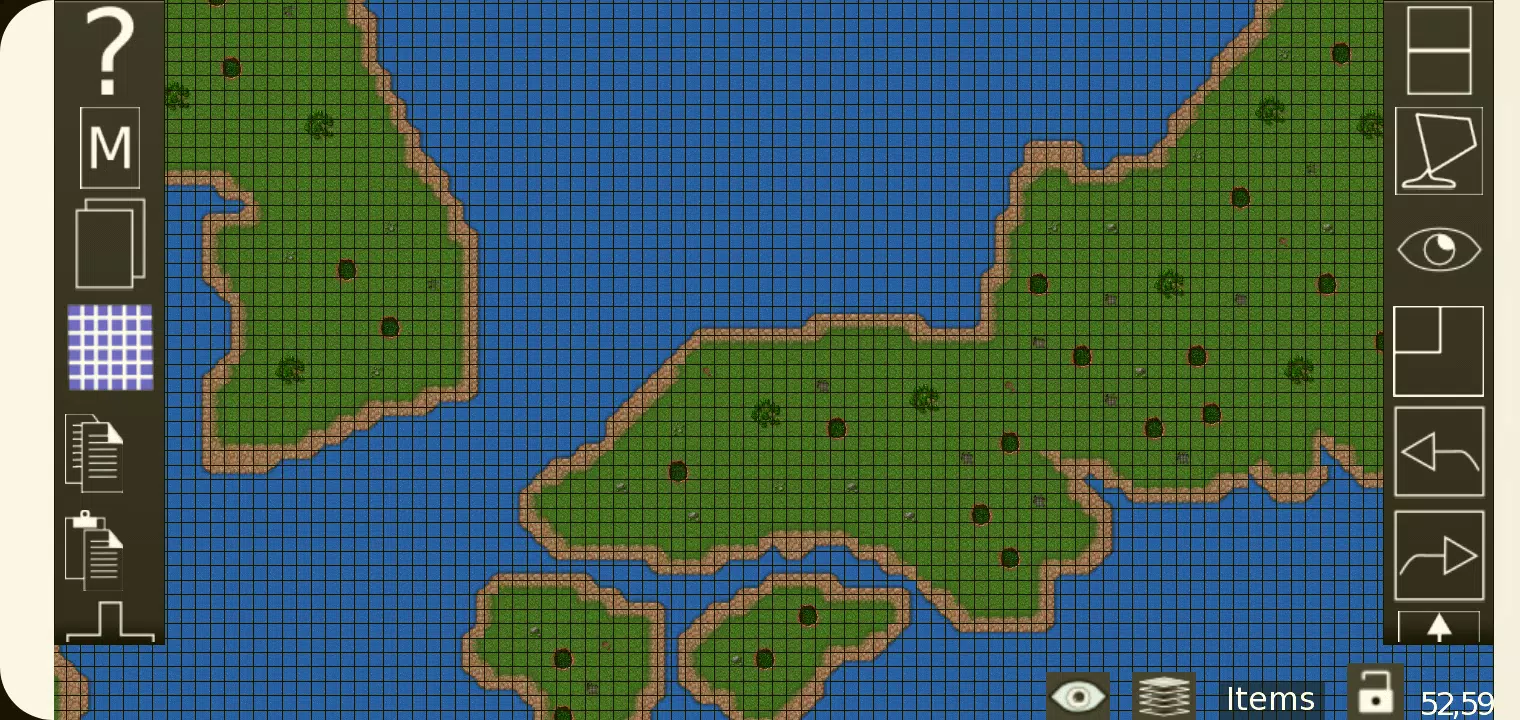
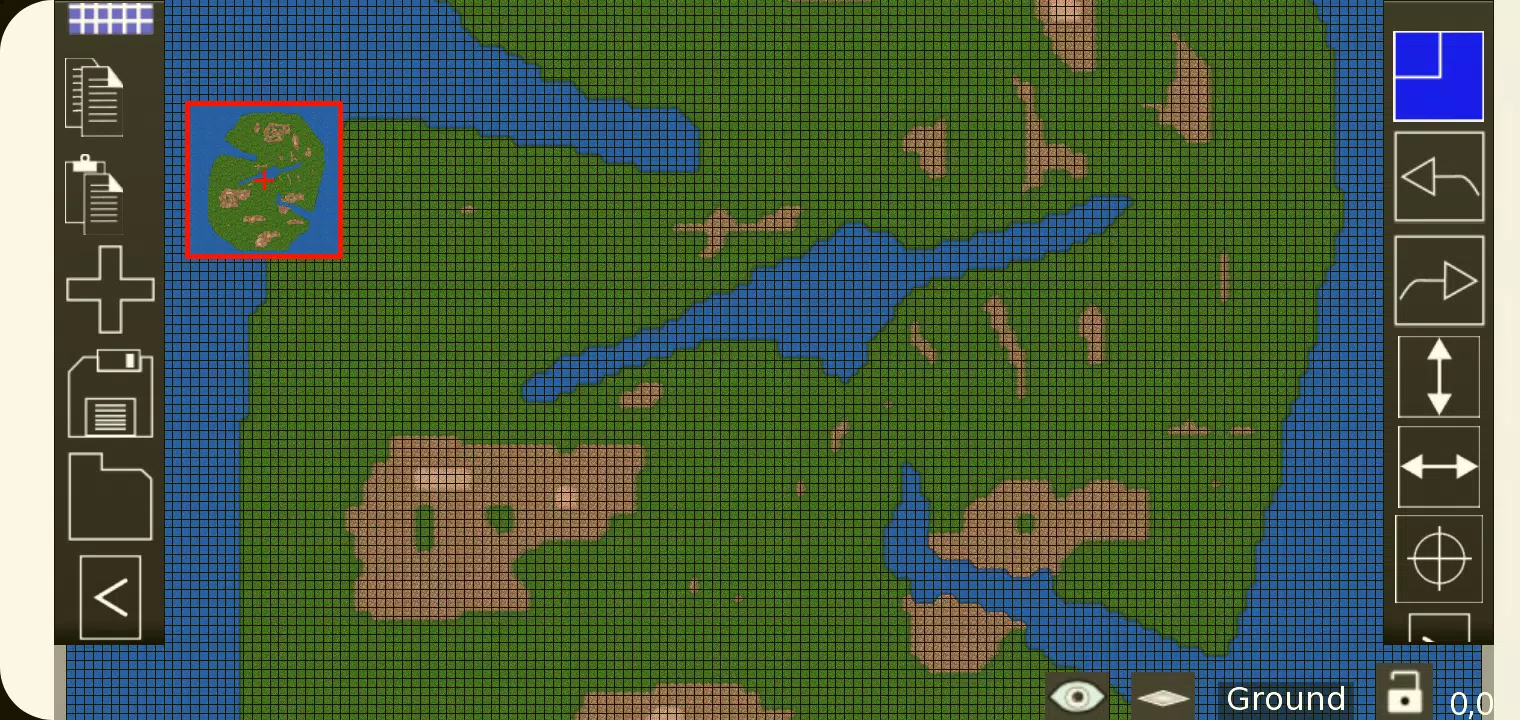
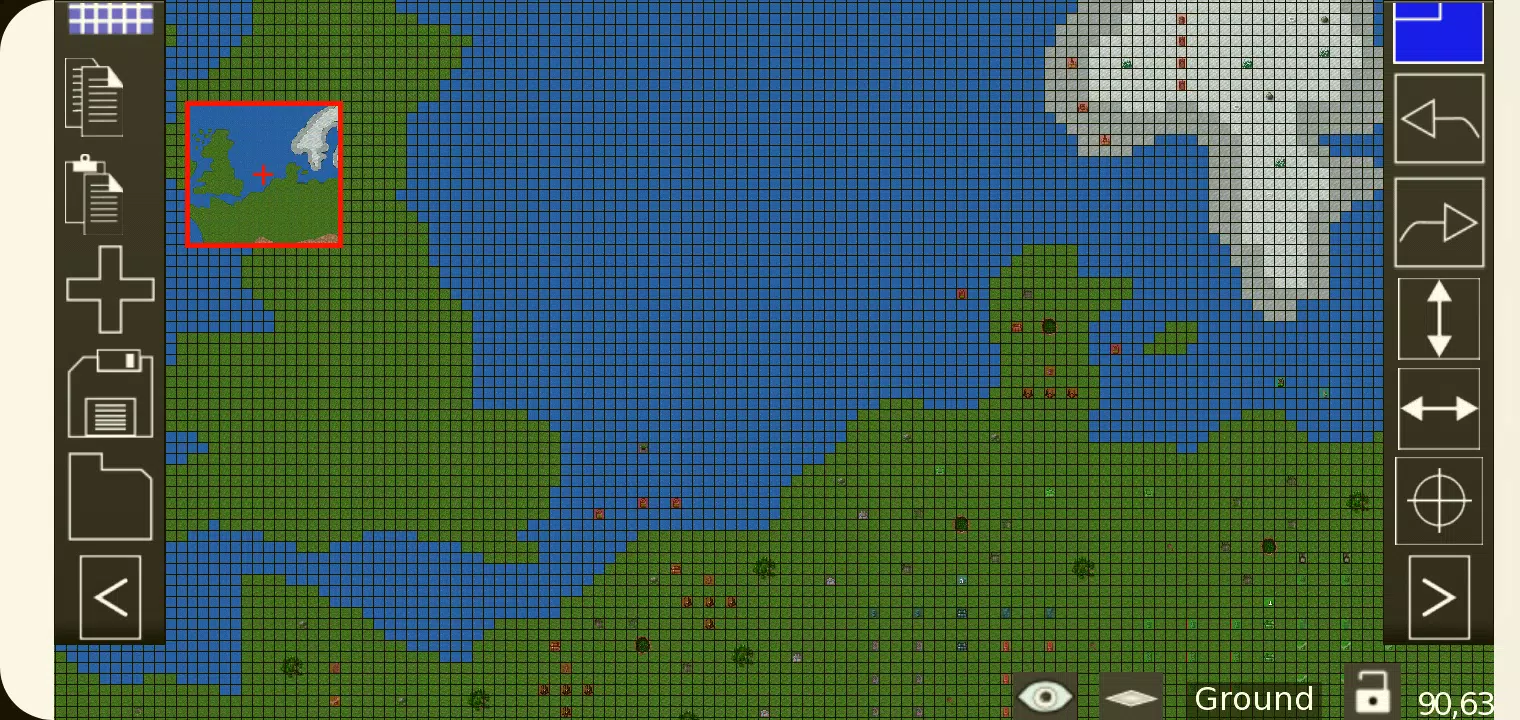
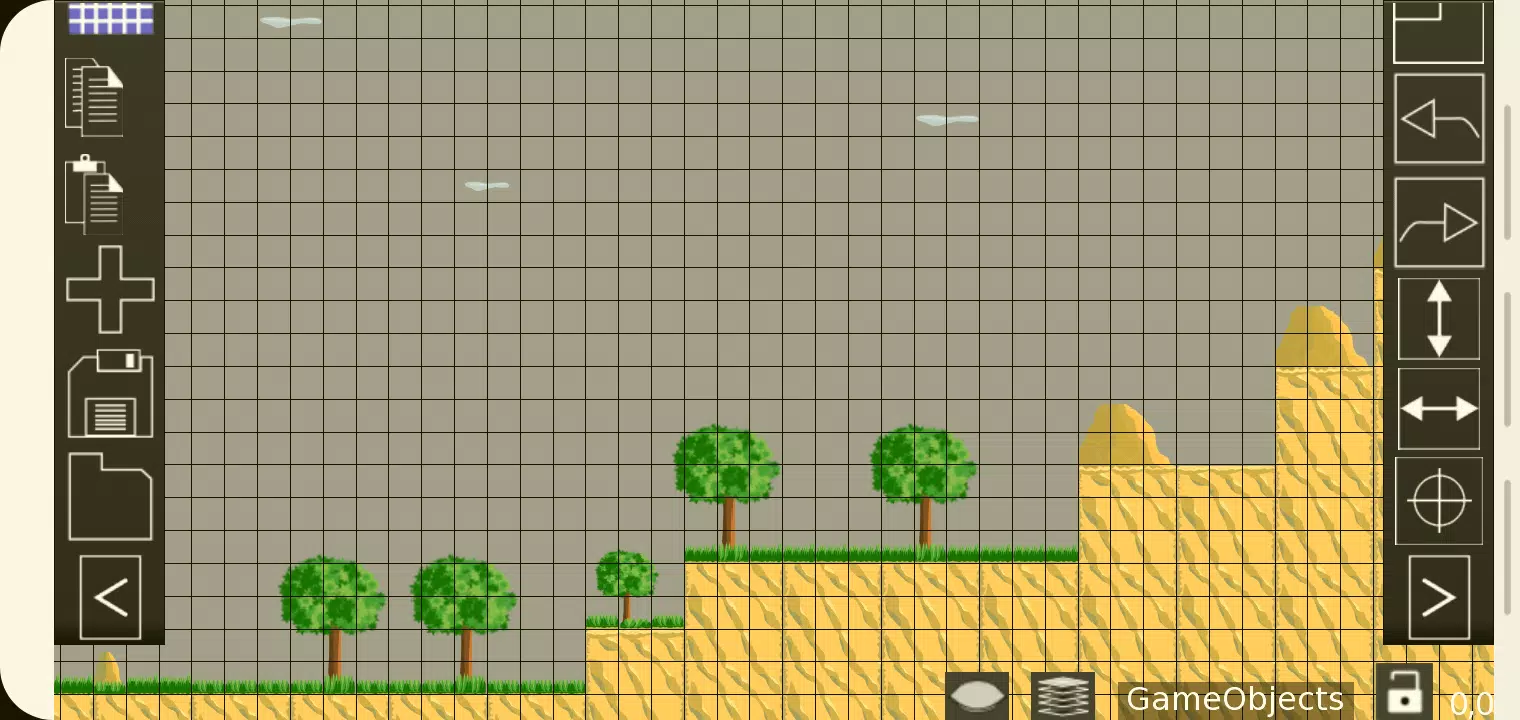
TMEditor is a free tool designed to help you efficiently create custom map layouts. It's flexible enough to define abstract elements like collision zones, enemy spawn points, and power-up locations. All this information is stored in the widely supported .tmx file format.
How Does TMEditor Work?
The core workflow for building maps with TMEditor involves these key steps:
1. Set your map dimensions and base tile size.
2. Import tilesets from image files.
3. Arrange tiles on your map canvas.
4. Insert custom objects to represent non-tile elements.
4. Export your map as a .tmx file.
5. Load the .tmx file into your game engine and process it accordingly.
Features
- Orthogonal and isometric map views
- Support for multiple tilesets
- Multiple object layers
- Multi-layer editing: Use up to eight layers to add rich detail to your maps.
- Custom properties for maps, layers, and objects
- Built-in editing tools: Stamp, Rectangle, Copy and Paste
- Tile flipping capabilities
- Undo and redo functions (currently for tile and object placement)
- Supported object types: Rectangle, ellipse, point, polygon, polyline, text, and image
- Object placement on isometric maps
- Background image support
- Export formats: XML, CSV, Base64, Base64-Gzip, Base64-Zlib, PNG, Replica Island (level.bin)
What's New in Version 1.0.27
Last updated on Oct 4, 2024
Bug fixes.